주요 콘텐츠로 건너뛰기

Ninja Foodi SP101 Control Panel Replacement

필요한 것

  1. Ninja Foodi SP101 Control Panel Replacement, Feet: 1 단계, 이미지 2개 중 1개 Ninja Foodi SP101 Control Panel Replacement, Feet: 1 단계, 이미지 2개 중 2개
    • Use a TR10 screwdriver to remove the four 11mm screws holding the black lever bar in place.

  2. Ninja Foodi SP101 Control Panel Replacement: 2 단계, 이미지 1개 중 1개
    • Remove the black lever bar.

  3. Ninja Foodi SP101 Control Panel Replacement, Side Panels: 3 단계, 이미지 1개 중 1개
    • Use a Phillips #1 screwdriver to remove the three 8mm screws on each side of the back panel.

  4. Ninja Foodi SP101 Control Panel Replacement: 4 단계, 이미지 2개 중 1개 Ninja Foodi SP101 Control Panel Replacement: 4 단계, 이미지 2개 중 2개
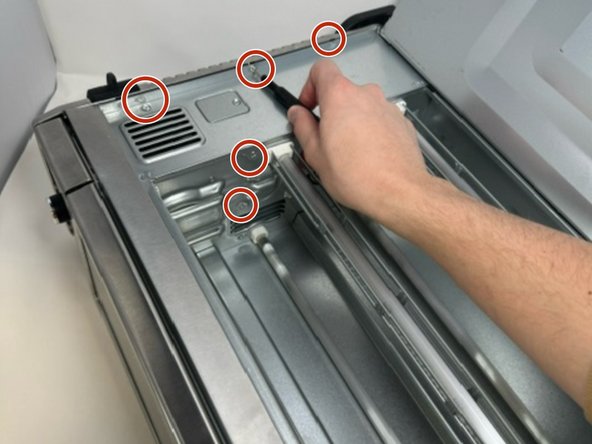
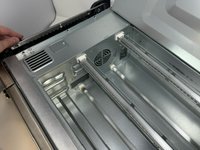
    • Flip the device upside down and open the bottom panel.

    • Remove the 3 x philips #1 screws along the top edge of the interior using a screwdriver. The Bottom 2 do not have to be removed.

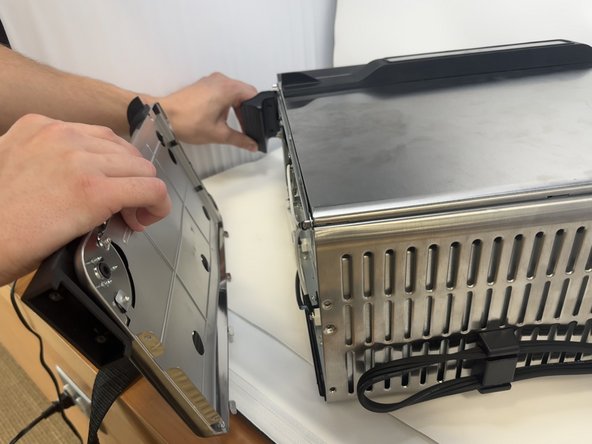
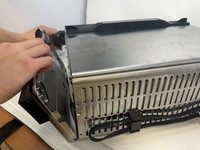
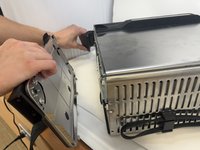
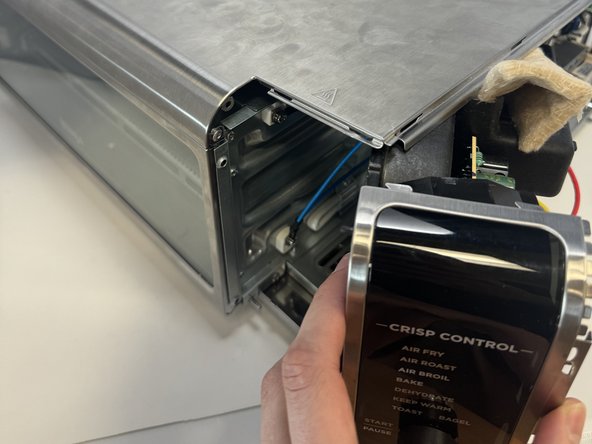
  5. Ninja Foodi SP101 Control Panel Replacement: 5 단계, 이미지 3개 중 1개 Ninja Foodi SP101 Control Panel Replacement: 5 단계, 이미지 3개 중 2개 Ninja Foodi SP101 Control Panel Replacement: 5 단계, 이미지 3개 중 3개
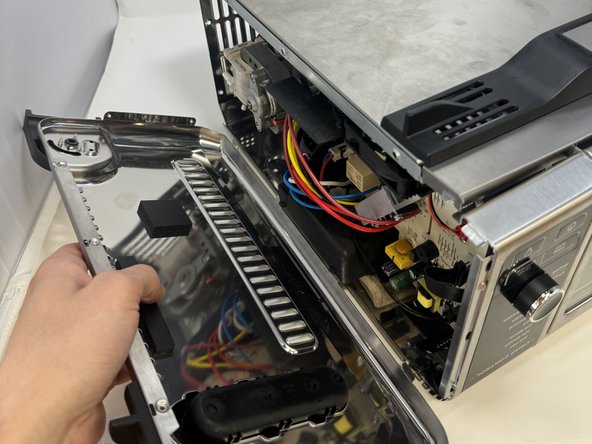
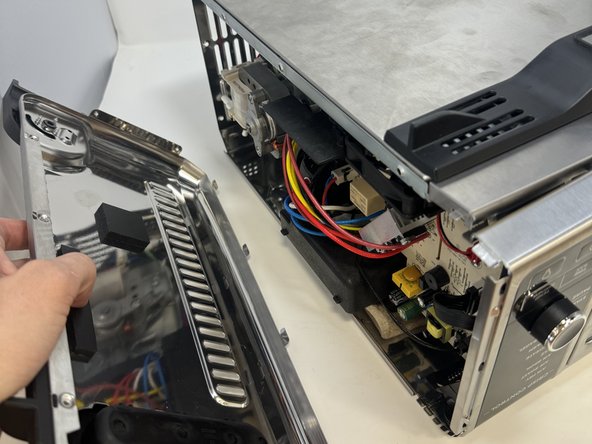
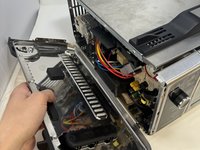
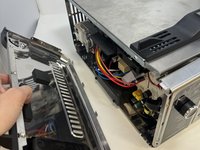
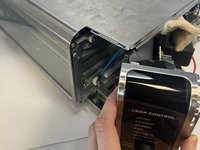
    • Remove the control side panel. To remove it, push forward towards then front control panel to release the tabs out of the main body. Fold away the side panel when the tabs have visually released from their slots in the main body.

  6. Ninja Foodi SP101 Control Panel Replacement: 6 단계, 이미지 2개 중 1개 Ninja Foodi SP101 Control Panel Replacement: 6 단계, 이미지 2개 중 2개
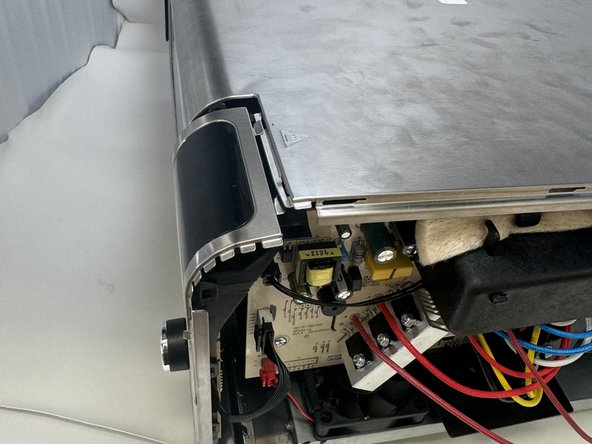
    • Lift the handle and pull the side panel out.

    • Remove the handle side panel.

  7. Ninja Foodi SP101 Control Panel Replacement, Control Panel: 7 단계, 이미지 1개 중 1개
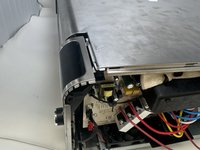
    • Remove the 10mm screw using the Phillips #1 screwdriver.

    • This screw connects the motherboard to the motor.

  8. Ninja Foodi SP101 Control Panel Replacement: 8 단계, 이미지 3개 중 1개 Ninja Foodi SP101 Control Panel Replacement: 8 단계, 이미지 3개 중 2개 Ninja Foodi SP101 Control Panel Replacement: 8 단계, 이미지 3개 중 3개
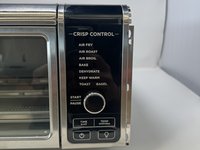
    • Locate the control panel.

    • Slide the top panel outwards and to the right.

  9. Ninja Foodi SP101 Control Panel Replacement: 9 단계, 이미지 1개 중 1개
    • Remove the three 8 mm screws with the Phillips #1 screwdriver.

    • These are located on the control panel side that was facing inward.

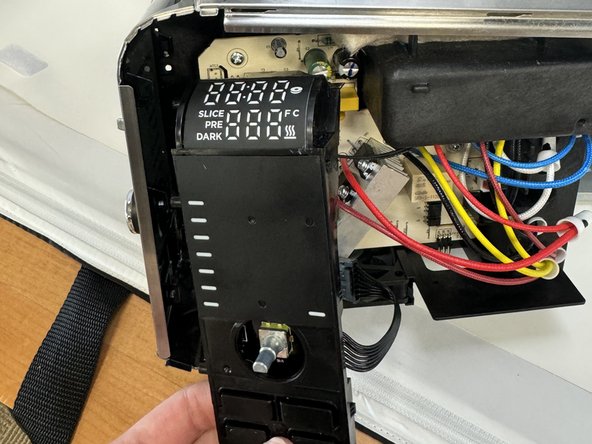
  10. Ninja Foodi SP101 Control Panel Replacement: 10 단계, 이미지 2개 중 1개 Ninja Foodi SP101 Control Panel Replacement: 10 단계, 이미지 2개 중 2개
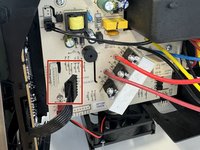
    • Unclip the wires from the motherboard.

  11. Ninja Foodi SP101 Control Panel Replacement: 11 단계, 이미지 1개 중 1개
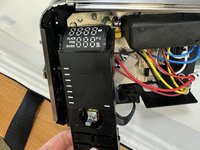
    • Remove the control panel.

결론

To reassemble your device, follow these instructions in reverse order.

다른 2명이 해당 안내서를 완성하였습니다.

작성자

2다른 기여자 명과 함께

Griffin Peterson

회원 가입일: 01/30/24

652 평판

안내서 6개를 작성함

Utah Tech University, Team 1-4, McMurrin Spring 2024 Utah Tech University, Team 1-4, McMurrin Spring 2024 회원

UTAHTECH-MCMURRIN-S24S1G4

2 회원들

안내서 9개를 작성함

0가이드 댓글

댓글 쓰기

조회 통계:

지난 24시간: 4

지난 7일: 23

지난 30일: 100

전체 시간: 2,076