소개
If your blender doesn't power on or is non responsive, then the power button panel may be damaged. This guide will show you how to replace the power button panel on the Ninja Blender BL660.
필요한 것
-
-
-
Using the Phillips #1 screwdriver, remove the 5 screws (13mm long, 6mm wide) holding the outer base.
-
Lift the base up to remove it.
 FixBot에 문의하기
-
-
-
Remove the midsection by pulling it up. If the section is stuck, use the iFixit plastic opening tool to pry it off.
-
Pull the power cord through the mid-section opening.
-
-
-
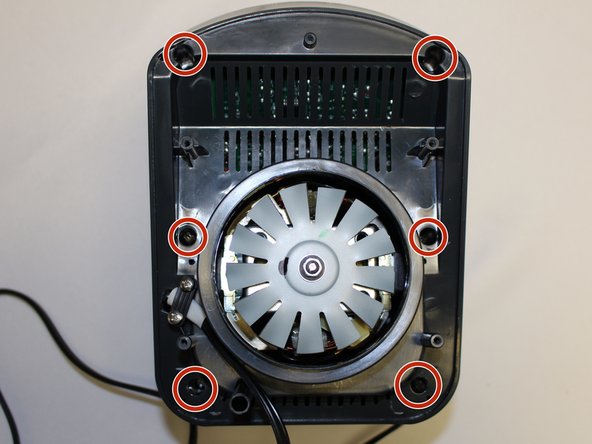
Using the Phillips #1 screwdriver, remove the 6 screws (13 mm long, 6 mm wide).
-
-
-
-
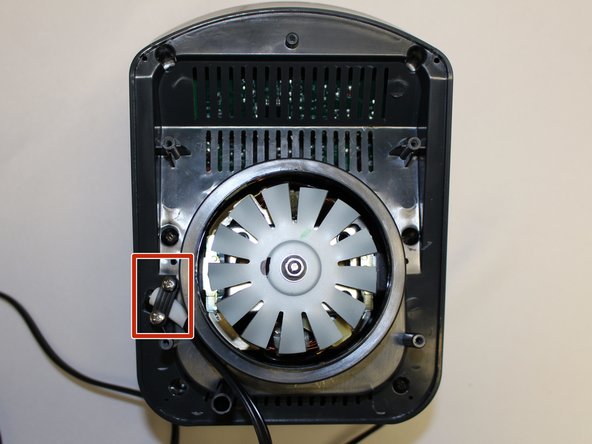
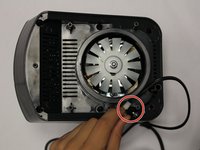
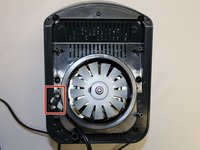
Using the Phillips #1 screwdriver, remove the two screws (5 mm long, 3 mm wide) holding the power cord onto the motor cover.
-
-
-
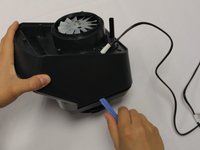
Using the iFixit plastic opening tool, pry the motor cover off the general housing. Once it is loose, lift it up to remove it off the base.
-
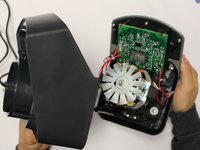
Slide the cover all the way to the end of the power cord.
-
-
-
-
-
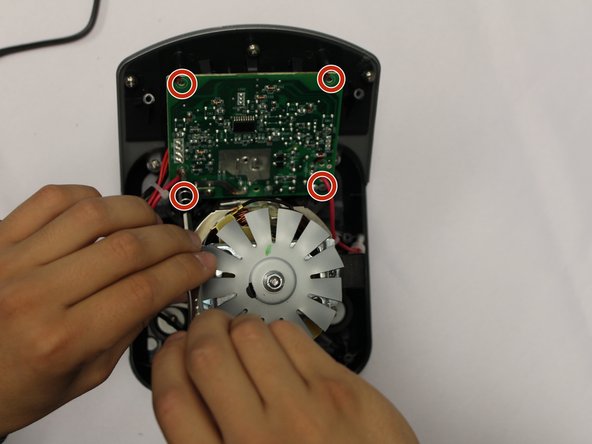
Using the Phillips #2 screwdriver, remove the four screws holding the circuit board to the housing.
-
-
-
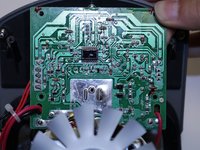
Using a pair of scissors, cut the zip ties holding the power wires in order to give the circuit board mobility.
-
-
-
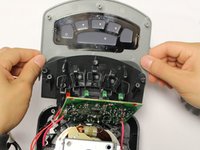
Using a Phillips #2 screwdriver, remove the 5 screws holding the power button panel cover.
-
-
-
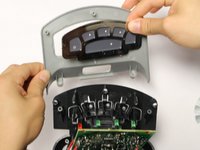
Pull the power button panel cover off.
-
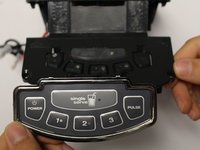
The power button panel comes off as a whole unit. Replace as needed.
-
-









To reassemble your device, follow these instructions in reverse order.

팀

Central Washington University, Team S1-G1, Pengilly Fall 2017 Central Washington University, Team S1-G1, Pengilly Fall 2017 회원
CWU-PENGILLY-F17S1G1
4 회원들
안내서 30개를 작성함
