소개
This will guide you through removing the sim card.
-
-
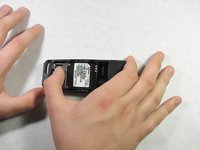
Using your thumb, apply pressure to the battery casing (below the camera). Firmly pull towards the bottom of the phone.
-
Lift the battery case off of the phone.
 FixBot에 문의하기
-
-
-
-
Use your thumb to get underneath the battery and pull up and out from the bottom of the battery tray.
-
The battery should lift out with minimal resistance.
-
-
-
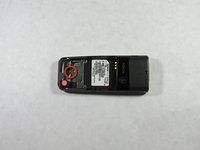
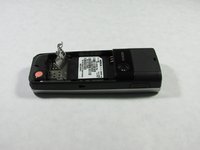
Once the battery is removed, pull the tab of the metal sim card cover, and lift it up.
-
The sim card is underneath and can now be removed.
-


To reassemble your device, follow these instructions in reverse order.

팀

Cal Poly, Team 10-46, Garner Spring 2010 Cal Poly, Team 10-46, Garner Spring 2010 회원
CPSU-GARNER-S10S10G46
4 회원들
안내서 20개를 작성함
