주요 콘텐츠로 건너뛰기
수리 커뮤니티 가입 - 계정 만들기

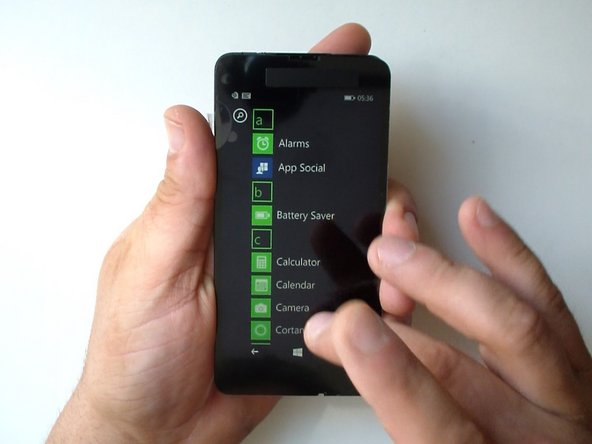
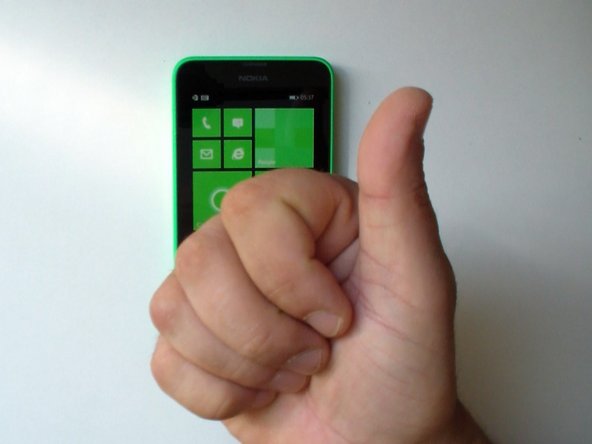
Nokia Lumia 635 Display Assembly Replacement

필요한 것

동영상 개요

  1. Nokia Lumia 635 Display Assembly Replacement, BATTERY, SIM AND MEMORY CARDS: 1 단계, 이미지 3개 중 1개 Nokia Lumia 635 Display Assembly Replacement, BATTERY, SIM AND MEMORY CARDS: 1 단계, 이미지 3개 중 2개 Nokia Lumia 635 Display Assembly Replacement, BATTERY, SIM AND MEMORY CARDS: 1 단계, 이미지 3개 중 3개
    • Switch off the phone.

    • Remove the battery and any installed SIM and memory cards.

    • Remove the black tape near to the loudspeaker.

  2. Nokia Lumia 635 Display Assembly Replacement, SCREWS: 2 단계, 이미지 3개 중 1개 Nokia Lumia 635 Display Assembly Replacement, SCREWS: 2 단계, 이미지 3개 중 2개 Nokia Lumia 635 Display Assembly Replacement, SCREWS: 2 단계, 이미지 3개 중 3개
    • Remove the 9x Torx T4 screws.

    • Two of them are with the same head size but with a different length.

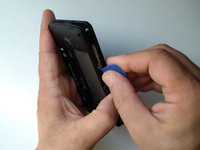
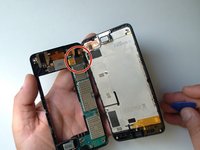
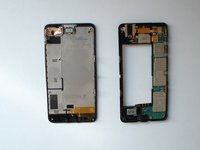
  3. Nokia Lumia 635 Display Assembly Replacement, REAR COVER / BEZEL: 3 단계, 이미지 3개 중 1개 Nokia Lumia 635 Display Assembly Replacement, REAR COVER / BEZEL: 3 단계, 이미지 3개 중 2개 Nokia Lumia 635 Display Assembly Replacement, REAR COVER / BEZEL: 3 단계, 이미지 3개 중 3개
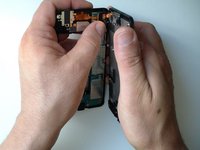
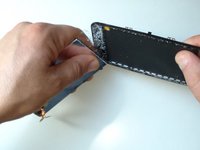
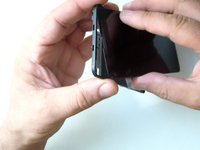
    • Use a plastic opening tool to remove the back cover.

    • Careful unhook the display assembly flex cable.

  4. Nokia Lumia 635 Display Assembly Replacement, TESTING THE NEW SPARE PART: 4 단계, 이미지 3개 중 1개 Nokia Lumia 635 Display Assembly Replacement, TESTING THE NEW SPARE PART: 4 단계, 이미지 3개 중 2개 Nokia Lumia 635 Display Assembly Replacement, TESTING THE NEW SPARE PART: 4 단계, 이미지 3개 중 3개
    • Insert wisdom here.

  5. Nokia Lumia 635 Display Assembly Replacement, DISPLAY ASSEMBLY STEP 1: 5 단계, 이미지 2개 중 1개 Nokia Lumia 635 Display Assembly Replacement, DISPLAY ASSEMBLY STEP 1: 5 단계, 이미지 2개 중 2개
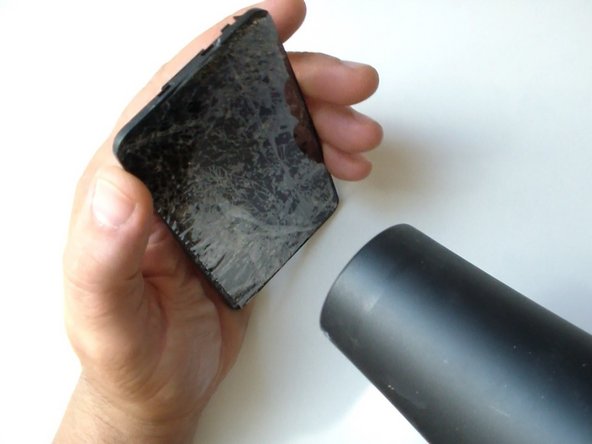
    • Put some scotch tape to prevent the glass from scattering.

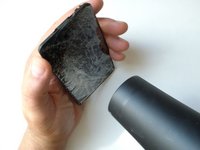
    • Use a hot gun or hair dryer and warm the glass to soften the adhesive.

  6. Nokia Lumia 635 Display Assembly Replacement, DISPLAY ASSEMBLY STEP 2: 6 단계, 이미지 3개 중 1개 Nokia Lumia 635 Display Assembly Replacement, DISPLAY ASSEMBLY STEP 2: 6 단계, 이미지 3개 중 2개 Nokia Lumia 635 Display Assembly Replacement, DISPLAY ASSEMBLY STEP 2: 6 단계, 이미지 3개 중 3개
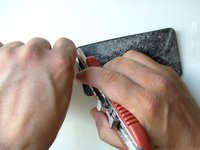
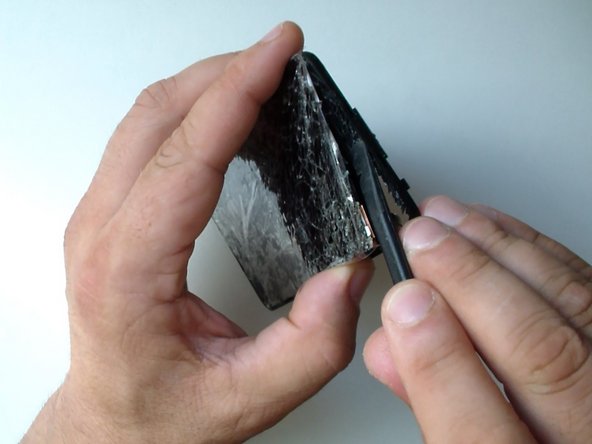
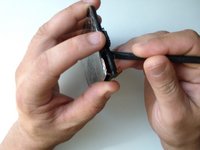
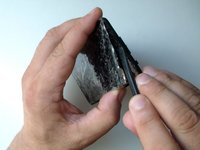
    • Start the separating from the upper right corner, where you have an hole in the middle frame.

    • Use plastic tool to prevent the middle frame from scratches.

    • Work slowly, you can cut your fingers.

  7. Nokia Lumia 635 Display Assembly Replacement, MIDDLE FRAME: 7 단계, 이미지 3개 중 1개 Nokia Lumia 635 Display Assembly Replacement, MIDDLE FRAME: 7 단계, 이미지 3개 중 2개 Nokia Lumia 635 Display Assembly Replacement, MIDDLE FRAME: 7 단계, 이미지 3개 중 3개
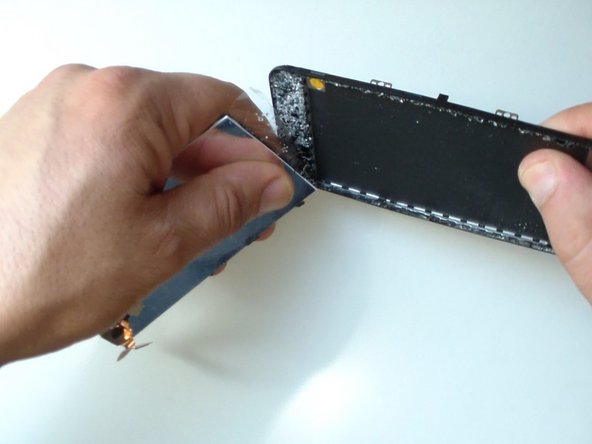
    • Clean the middle farme.

    • Put adhesive tape 3MM.

    • Be careful, don't cover the technological openings on the middle frame (for the light sensor, earpiece, etc.).

    • It's easier if you order the spare part together with an adhesive tape.

    • Install the display assembly.

  8. Nokia Lumia 635 Display Assembly Replacement: 8 단계, 이미지 2개 중 1개 Nokia Lumia 635 Display Assembly Replacement: 8 단계, 이미지 2개 중 2개
    • That's all.

    • .

    • .

    • .

    • .

    • .

    • .

    • Did you do it successfully?

결론

To reassemble your device, follow these instructions in reverse order.

다른 5명이 해당 안내서를 완성하였습니다.

ZFix

회원 가입일: 12/09/13

197,015 평판

안내서 330개를 작성함

Master Techs Master Techs 회원

Community

333 회원들

안내서 1,477개를 작성함

2가이드 댓글

Exactly what I needed! Step by step detailed instructions along with what tools I would need. Heating it up took longer than expected & it took me longer than 30 min, but I actually set aside 2 hours to replace my screen. Woohoo I finally I have a new screen & I did it all on my own...well with the amazing help from ZFix ;D

beatriz_ibre - 답글 공유
how to fix the display

Roneil Mcintosh - 답글 공유
댓글 쓰기

조회 통계:

지난 24시간: 3

지난 7일: 17

지난 30일: 53

전체 시간: 10,423