주요 콘텐츠로 건너뛰기
수리 커뮤니티 가입 - 계정 만들기

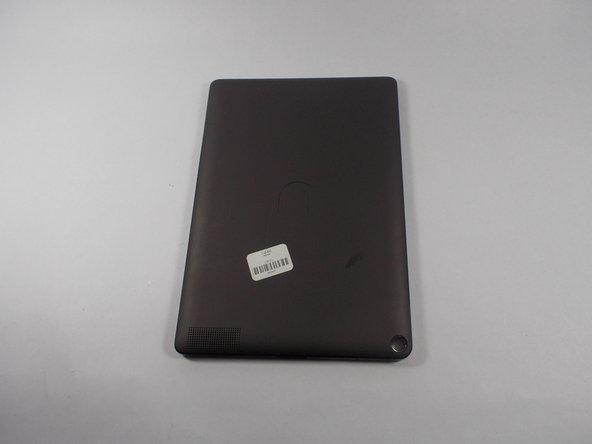
Nook HD+ Antenna Replacement

필요한 것

    1. Nook HD+ Antenna Replacement, Antenna: 1 단계, 이미지 1개 중 1개
      • Pry the front frame off of the nook by wedging the plastic opening piece between the frame and the nook.

      댓글 쓰기

    2. Nook HD+ Antenna Replacement, Remove the screws: 2 단계, 이미지 2개 중 1개 Nook HD+ Antenna Replacement, Remove the screws: 2 단계, 이미지 2개 중 2개
      • Remove every visible screw from the front of the nook using the T-4 attachment for the screwdriver in the iFixit screwdriver kit.

      댓글 쓰기

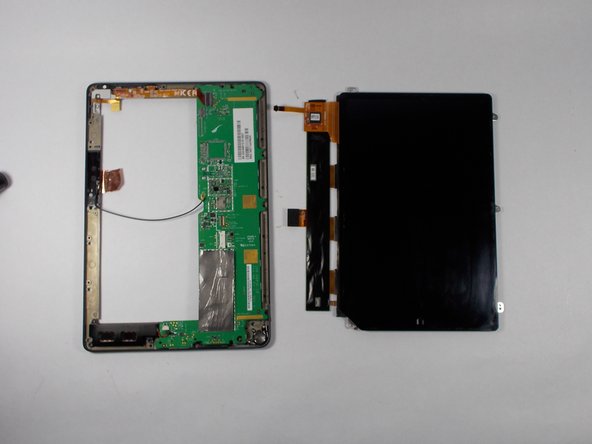
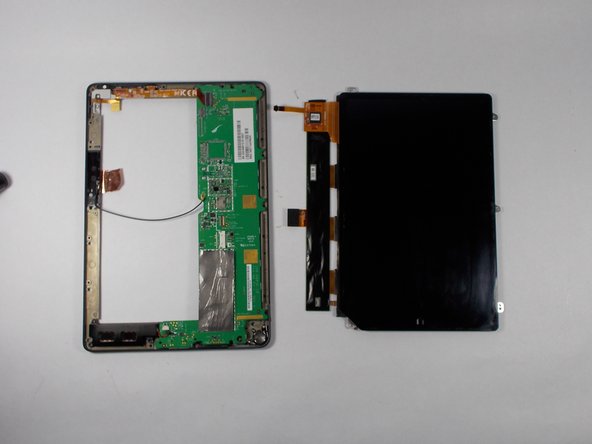
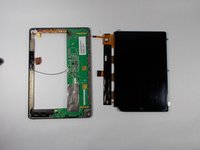
    3. Nook HD+ Antenna Replacement, Remove the chassis: 3 단계, 이미지 2개 중 1개 Nook HD+ Antenna Replacement, Remove the chassis: 3 단계, 이미지 2개 중 2개
      • Carefully remove the center chassis from the bottom frame.

      댓글 쓰기

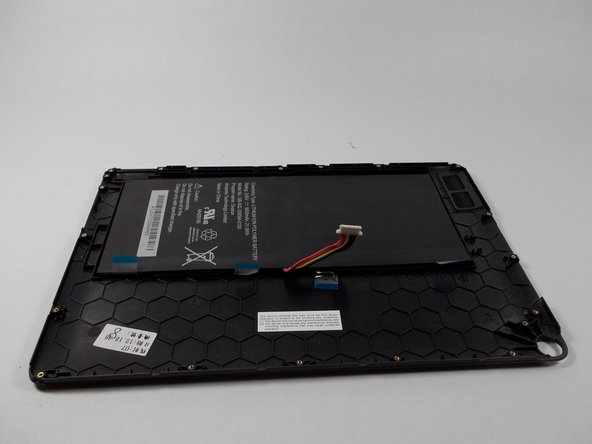
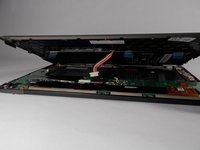
    4. Nook HD+ Antenna Replacement, Dettatch battery: 4 단계, 이미지 3개 중 1개 Nook HD+ Antenna Replacement, Dettatch battery: 4 단계, 이미지 3개 중 2개 Nook HD+ Antenna Replacement, Dettatch battery: 4 단계, 이미지 3개 중 3개
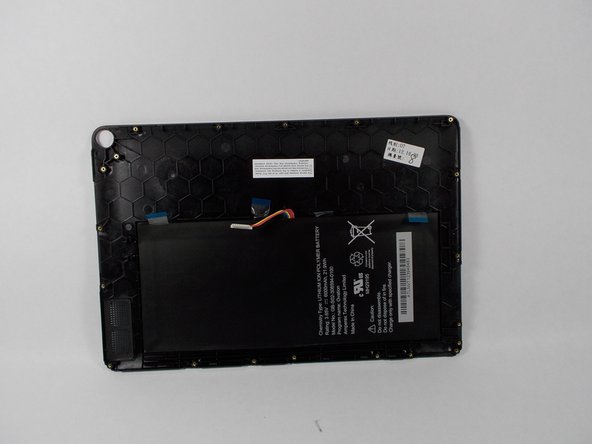
      • Detach the battery ribbon from the motherboard.

      댓글 쓰기

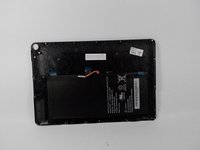
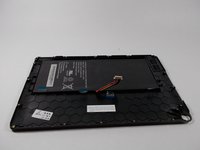
    5. Nook HD+ Antenna Replacement, Flip the center chassis: 5 단계, 이미지 1개 중 1개
      • Flip the center chassis so that the screen is facing down, and the hole is positioned in the bottom right corner.

      댓글 쓰기

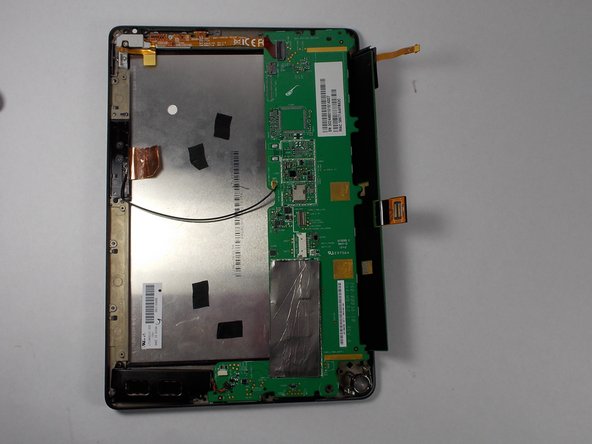
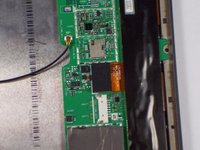
    6. Nook HD+ Antenna Replacement, Remove the antenna part 1: 6 단계, 이미지 2개 중 1개 Nook HD+ Antenna Replacement, Remove the antenna part 1: 6 단계, 이미지 2개 중 2개
      • Remove the wire from the attachment on the motherboard (this wire un-clips).

      댓글 쓰기

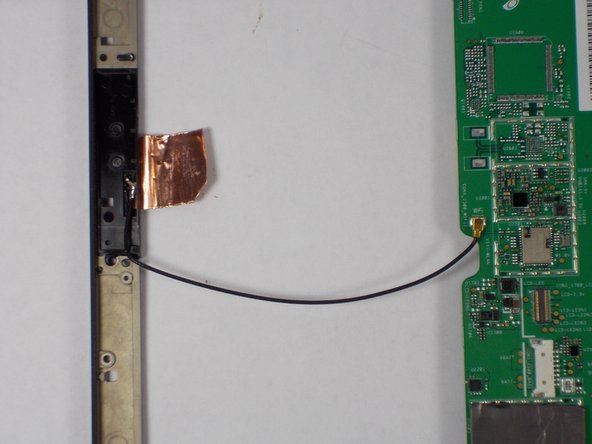
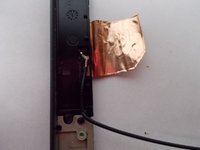
    7. Nook HD+ Antenna Replacement, Remove the antenna part 2: 7 단계, 이미지 2개 중 1개 Nook HD+ Antenna Replacement, Remove the antenna part 2: 7 단계, 이미지 2개 중 2개
      • Apply soldering iron to the wire where it connects on the frame side. Remove wire when the solder is molten.

      댓글 쓰기

    8. Nook HD+ Antenna Replacement, Place new antenna.: 8 단계, 이미지 2개 중 1개 Nook HD+ Antenna Replacement, Place new antenna.: 8 단계, 이미지 2개 중 2개
      • Replace new antenna following all the steps in reverse.

      댓글 쓰기

결론

To reassemble your device, follow these instructions in reverse order.

취소: 해당 안내서를 완성하지 않았습니다.

다른 한 분이 해당 안내서를 완성하였습니다.

작성자

3다른 기여자 명과 함께

Elijah Gonsalves

회원 가입일: 10/24/14

1,049 평판

안내서 3개를 작성함

UMass Dartmouth, Team 2-3, Duarte Fall 2014 UMass Dartmouth, Team 2-3, Duarte Fall 2014 회원

UMASSD-DUARTE-F14S2G3

5 회원들

안내서 10개를 작성함

0가이드 댓글

댓글 쓰기

조회 통계:

지난 24시간: 0

지난 7일: 5

지난 30일: 34

전체 시간: 1,465