주요 콘텐츠로 건너뛰기

Nook Simple Touch with GlowLight Charging Port Replacement

필요한 것

  1. Nook Simple Touch with GlowLight Charging Port Replacement, Power Button: 1 단계, 이미지 1개 중 1개
    • Place the Nook with the screen facing down.

  2. Nook Simple Touch with GlowLight Charging Port Replacement: 2 단계, 이미지 1개 중 1개
    • Wedge the opening tool between the power button and the upper edge of the device.

    • Push the opening tool down to pry the power button up.

  3. Nook Simple Touch with GlowLight Charging Port Replacement: 3 단계, 이미지 1개 중 1개
    • Using your fingers, gently remove the power button.

  4. Nook Simple Touch with GlowLight Charging Port Replacement, Back Cover: 4 단계, 이미지 1개 중 1개
    • Remove the single screw using a T4 Torx screwdriver.

  5. Nook Simple Touch with GlowLight Charging Port Replacement: 5 단계, 이미지 1개 중 1개
    • Slide the back cover down towards you in the direction of the charging port.

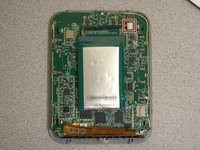
  6. Nook Simple Touch with GlowLight Charging Port Replacement, Battery: 6 단계, 이미지 2개 중 1개 Nook Simple Touch with GlowLight Charging Port Replacement, Battery: 6 단계, 이미지 2개 중 2개
    • Detach the white cable connector from the motherboard.

    • Remove the battery from the device.

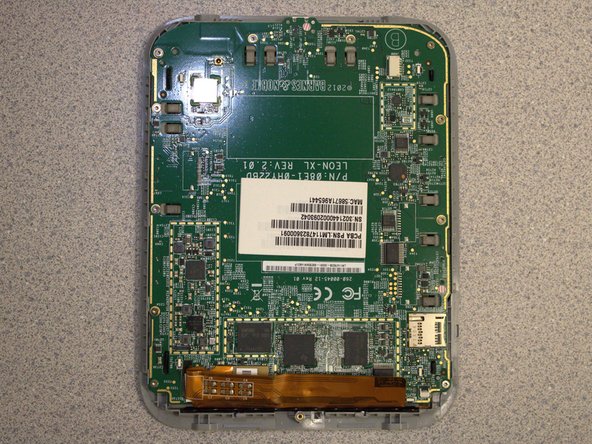
  7. Nook Simple Touch with GlowLight Charging Port Replacement, Motherboard: 7 단계, 이미지 1개 중 1개
    • Remove eleven screws from the motherboard using the T4 screwdriver.

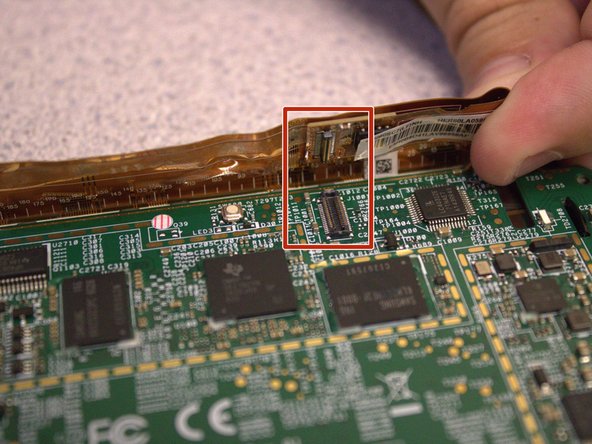
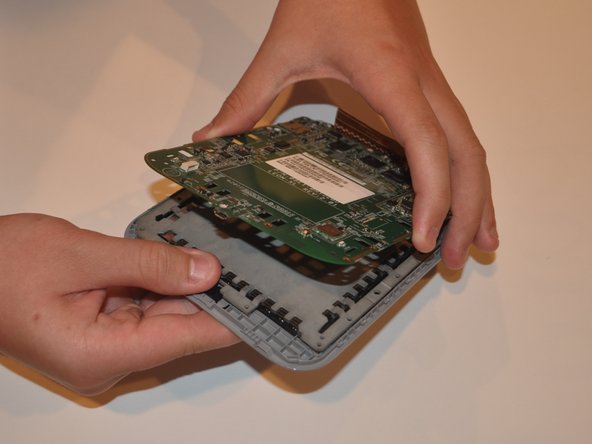
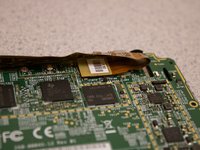
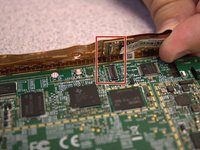
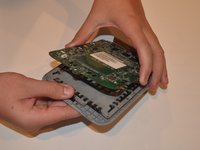
  8. Nook Simple Touch with GlowLight Charging Port Replacement: 8 단계, 이미지 3개 중 1개 Nook Simple Touch with GlowLight Charging Port Replacement: 8 단계, 이미지 3개 중 2개 Nook Simple Touch with GlowLight Charging Port Replacement: 8 단계, 이미지 3개 중 3개
    • Disconnect the orange ribbon cable from the motherboard.

    • Using your fingers, gently lift the motherboard from the display.

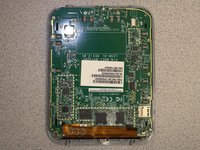
  9. Nook Simple Touch with GlowLight Charging Port Replacement, Charging Port: 9 단계, 이미지 1개 중 1개
    • Flip the motherboard over and locate the charging port.

  10. Nook Simple Touch with GlowLight Charging Port Replacement: 10 단계, 이미지 1개 중 1개
    • Using a soldering iron, disconnect the charging port from the motherboard.

    • Use the soldering iron to attach the new charging port to the motherboard.

    • Be careful with the soldering iron - it is very hot and can damage your hands or the device.

결론

To reassemble your device, follow these instructions in reverse order.

작성자

3다른 기여자 명과 함께

Sydney Segear

회원 가입일: 03/01/23

401 평판

안내서 4개를 작성함

0가이드 댓글

댓글 쓰기

조회 통계:

지난 24시간: 0

지난 7일: 3

지난 30일: 15

전체 시간: 315