주요 콘텐츠로 건너뛰기
수리 커뮤니티 가입 - 계정 만들기

Nostalgia Electrics PCM805 Power Switch Replacement

필요한 것

    1. Nostalgia Electrics PCM805 Power Switch Replacement, Unscrewing the base: 1 단계, 이미지 2개 중 1개 Nostalgia Electrics PCM805 Power Switch Replacement, Unscrewing the base: 1 단계, 이미지 2개 중 2개
      • Unplug the device before following this guide.

      • First, place the device on its side, making sure the switch is not facing down.

      • Remove the eight 12mm Phillips #02 screws from the base.

      댓글 쓰기

    2. Nostalgia Electrics PCM805 Power Switch Replacement: 2 단계, 이미지 1개 중 1개
      • Gently separate the panel from the device.

      • Be sure not to tug at the wires that are still connected.

      댓글 쓰기

    1. Nostalgia Electrics PCM805 Power Switch Replacement, Power Switch: 3 단계, 이미지 1개 중 1개
      • Locate the switch/wire assembly inside the device.

      댓글 쓰기

    2. Nostalgia Electrics PCM805 Power Switch Replacement: 4 단계, 이미지 1개 중 1개
      • Pull back the insulation sleeves to expose the connector heads.

      댓글 쓰기

    3. Nostalgia Electrics PCM805 Power Switch Replacement: 5 단계, 이미지 2개 중 1개 Nostalgia Electrics PCM805 Power Switch Replacement: 5 단계, 이미지 2개 중 2개
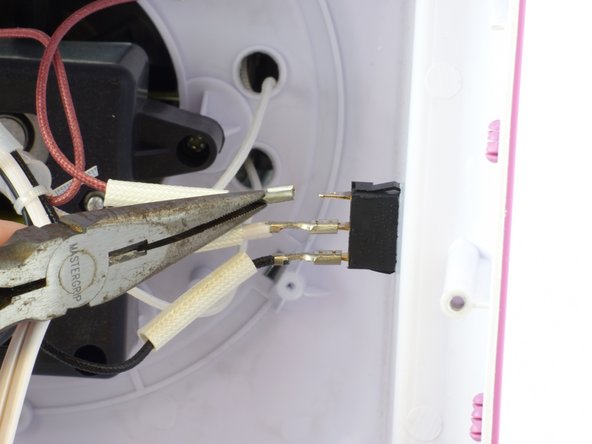
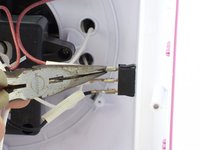
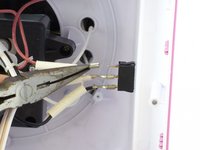
      • Note the color of each wire and the order you remove them.

      • Using a pair of pliers, firmly grip the base of the wire.

      • Be sure to grip where the connector meets the wire and not where the connector covers the switch prong.

      • Pull the wire straight out of the switch.

      • Repeat this step for each wire.

      댓글 쓰기

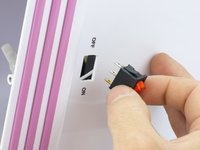
    4. Nostalgia Electrics PCM805 Power Switch Replacement: 6 단계, 이미지 2개 중 1개 Nostalgia Electrics PCM805 Power Switch Replacement: 6 단계, 이미지 2개 중 2개
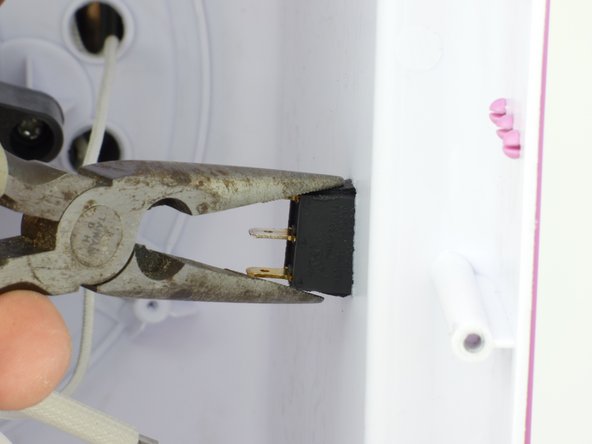
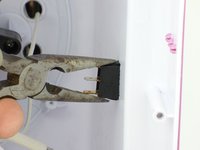
      • Using pliers, pinch tabs at the top and bottom of switch.

      • While pinching the tabs, push the switch until the tabs are on the outside of the device.

      댓글 쓰기

    5. Nostalgia Electrics PCM805 Power Switch Replacement: 7 단계, 이미지 2개 중 1개 Nostalgia Electrics PCM805 Power Switch Replacement: 7 단계, 이미지 2개 중 2개
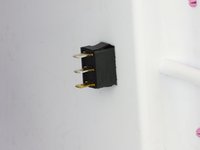
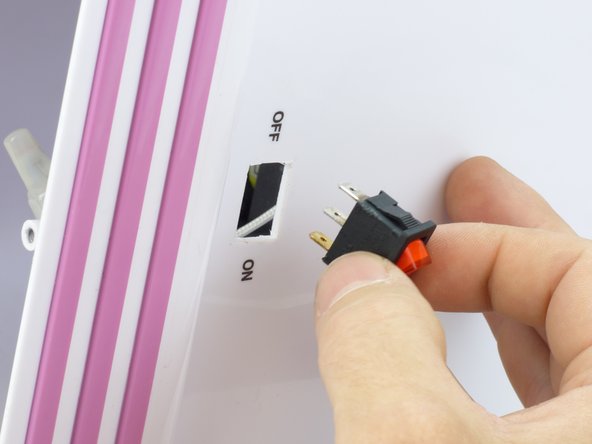
      • Remove the switch from the device.

      댓글 쓰기

결론

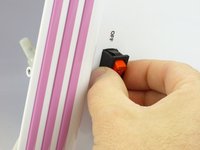
To reassemble your device, follow these instructions in reverse order.

취소: 해당 안내서를 완성하지 않았습니다.

작성자

4다른 기여자 명과 함께

Carlton

회원 가입일: 01/13/15

672 평판

안내서 5개를 작성함

USF Tampa, Team 3-5, Hickman Winter 2015 USF Tampa, Team 3-5, Hickman Winter 2015 회원

USFT-HICKMAN-W15S3G5

5 회원들

안내서 16개를 작성함

1가이드 댓글

The red light turns on but the disk isnt spinning or heating up and when the out let has power

Manuela Velez - 답글 공유

댓글 쓰기

조회 통계:

지난 24시간: 1

지난 7일: 6

지난 30일: 26

전체 시간: 2,323