주요 콘텐츠로 건너뛰기

Nvidia Shield Display Assembly Replacement

필요한 것

  1. Nvidia Shield Display Assembly Replacement, Remove Front Panel: 1 단계, 이미지 3개 중 1개 Nvidia Shield Display Assembly Replacement, Remove Front Panel: 1 단계, 이미지 3개 중 2개 Nvidia Shield Display Assembly Replacement, Remove Front Panel: 1 단계, 이미지 3개 중 3개
    • Remove the seven 6.4mm T5 Torx screws from the back panel.

    • Use the spudger to separate the front and back panels.

  2. Nvidia Shield Display Assembly Replacement, Remove Green Grill: 2 단계, 이미지 2개 중 1개 Nvidia Shield Display Assembly Replacement, Remove Green Grill: 2 단계, 이미지 2개 중 2개
    • The green grill is not screwed in so it can be pulled right out.

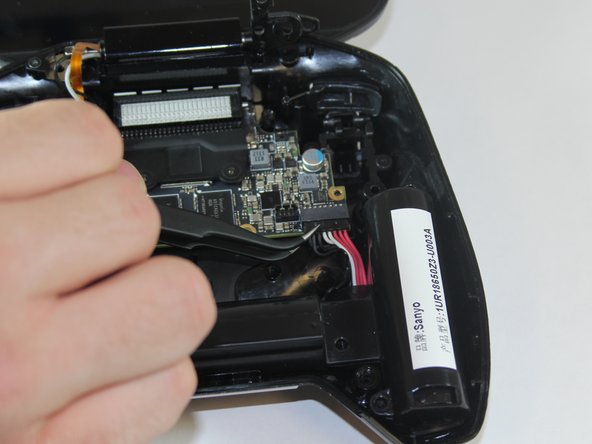
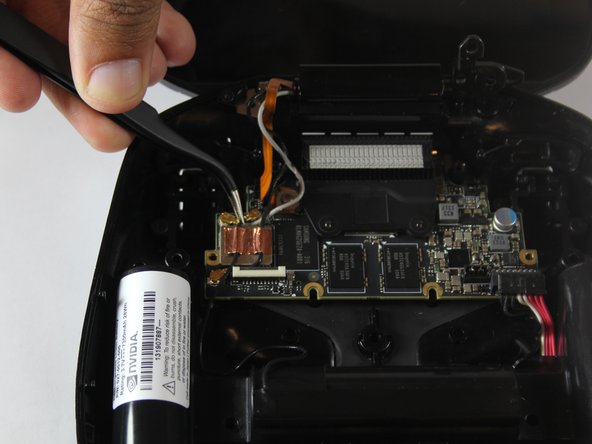
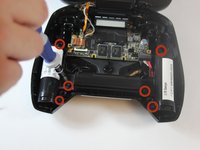
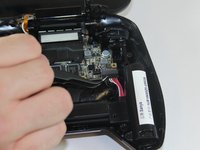
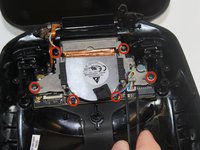
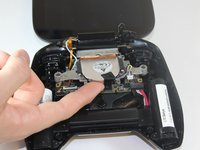
  3. Nvidia Shield Display Assembly Replacement, Remove Battery Cables: 3 단계, 이미지 3개 중 1개 Nvidia Shield Display Assembly Replacement, Remove Battery Cables: 3 단계, 이미지 3개 중 2개 Nvidia Shield Display Assembly Replacement, Remove Battery Cables: 3 단계, 이미지 3개 중 3개
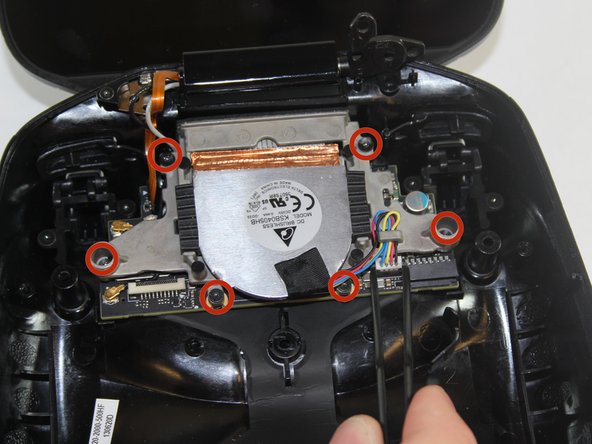
    • Remove the six 6.5mm T5 Torx screws.

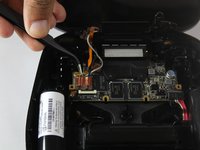
    • Disconnect the power wires.

    • Peel back the copper tape and disconnect the black and white wires.

  4. Nvidia Shield Display Assembly Replacement, Remove Battery Apparatus: 4 단계, 이미지 1개 중 1개
    • Pull the battery apparatus out once all cables are removed.

  5. Nvidia Shield Display Assembly Replacement, Removing Fan: 5 단계, 이미지 3개 중 1개 Nvidia Shield Display Assembly Replacement, Removing Fan: 5 단계, 이미지 3개 중 2개 Nvidia Shield Display Assembly Replacement, Removing Fan: 5 단계, 이미지 3개 중 3개
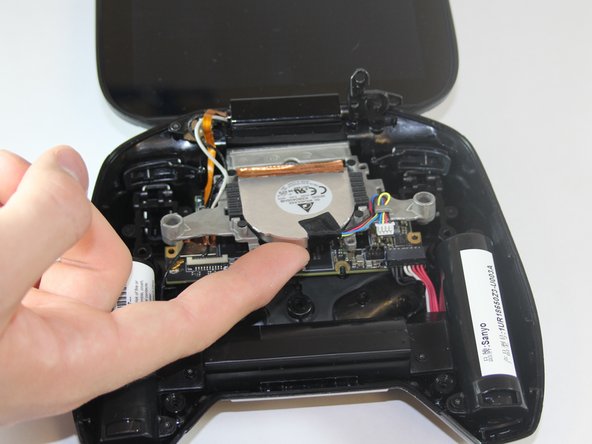
    • Cooling is important for electronics, the last thing they want is to overheat.

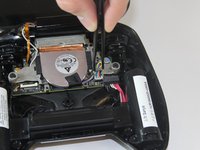
    • Remove the two 7.3mm and four 8.4mm T5 Torx screws and disconnect the power cable.

    • Lift the fan free after the screws and cable are removed.

  6. Nvidia Shield Display Assembly Replacement, Disconnecting from logic board: 6 단계, 이미지 1개 중 1개
    • On the left side from where the display is attached to the back panel there is one 3.8mm T5 Torx screw that needs to be removed.

    • Once removed, the display should be able to be detached.

결론

To reassemble your device, follow these instructions in reverse order.

다른 5명이 해당 안내서를 완성하였습니다.

작성자

4다른 기여자 명과 함께

Noel Fletcher

회원 가입일: 09/22/14

116 평판

안내서 1개를 작성함

USF Tampa, Team 1-1, Hickman Fall 2014 USF Tampa, Team 1-1, Hickman Fall 2014 회원

USFT-HICKMAN-F14S1G1

4 회원들

안내서 18개를 작성함

1가이드 댓글

Where can o get a replacement screen

jorge valenzuela - 답글

댓글 쓰기

조회 통계:

지난 24시간: 0

지난 7일: 1

지난 30일: 12

전체 시간: 6,822