주요 콘텐츠로 건너뛰기
수리 커뮤니티 가입 - 계정 만들기

Olympus FE-210 LCD Screen Replacement

필요한 것

  1. Olympus FE-210 LCD Screen Replacement, Battery: 1 단계, 이미지 2개 중 1개 Olympus FE-210 LCD Screen Replacement, Battery: 1 단계, 이미지 2개 중 2개
    • The battery compartment is located on the bottom side of the camera. Push the button in, and slide the cover to get access to the batteries.

  2. Olympus FE-210 LCD Screen Replacement: 2 단계, 이미지 2개 중 1개 Olympus FE-210 LCD Screen Replacement: 2 단계, 이미지 2개 중 2개
    • The batteries will slide right out.

    • When putting new batteries in, make sure they are pointing the right direction.

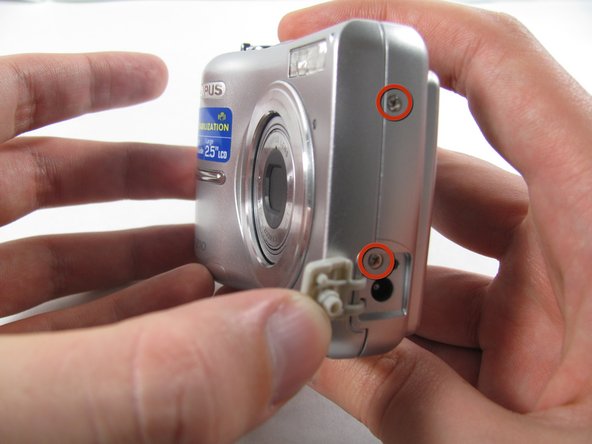
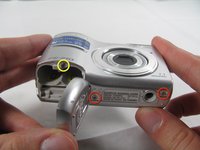
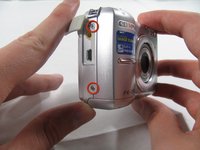
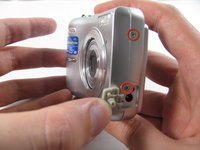
  3. Olympus FE-210 LCD Screen Replacement, Front Casing: 3 단계, 이미지 3개 중 1개 Olympus FE-210 LCD Screen Replacement, Front Casing: 3 단계, 이미지 3개 중 2개 Olympus FE-210 LCD Screen Replacement, Front Casing: 3 단계, 이미지 3개 중 3개
    • Remove the seven screws holding the front case in place, with a #00 screwdriver.

    • Six screws are 3.6 mm.

    • The seventh screw is 3.2 mm.

  4. Olympus FE-210 LCD Screen Replacement: 4 단계, 이미지 3개 중 1개 Olympus FE-210 LCD Screen Replacement: 4 단계, 이미지 3개 중 2개 Olympus FE-210 LCD Screen Replacement: 4 단계, 이미지 3개 중 3개
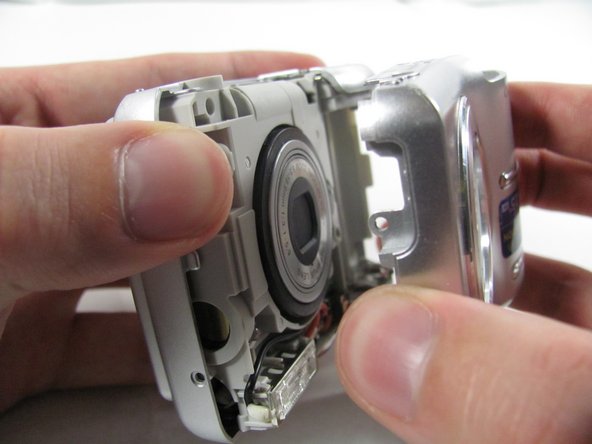
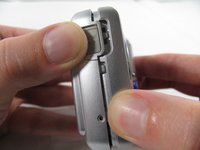
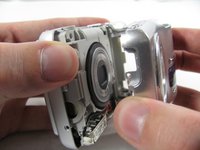
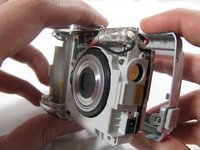
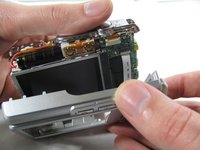
    • Apply enough pressure at the three snappable places to pull the front case off.

    • These three places are located:

    • At the top and bottom of the battery side (opposite of side pictured) of the case.

    • Right in the middle of the DC-in side (side pictured) of the case.

    • Top of the camera, to the left of the power button.

    • Once those places are disconnected, the front case will pop right off.

    • The camera in the first two pictures is upside down. This is the best position to place your thumbs to remove the case.

  5. Olympus FE-210 LCD Screen Replacement, Rear Casing: 5 단계, 이미지 1개 중 1개
    • Remove the 3.2 mm screw in the battery compartment using a #00 screwdriver.

    • After removal of the screw the case will be loose, but do not tug it off. There is a cord connecting the rear controls to the motherboard.

  6. Olympus FE-210 LCD Screen Replacement: 6 단계, 이미지 3개 중 1개 Olympus FE-210 LCD Screen Replacement: 6 단계, 이미지 3개 중 2개 Olympus FE-210 LCD Screen Replacement: 6 단계, 이미지 3개 중 3개
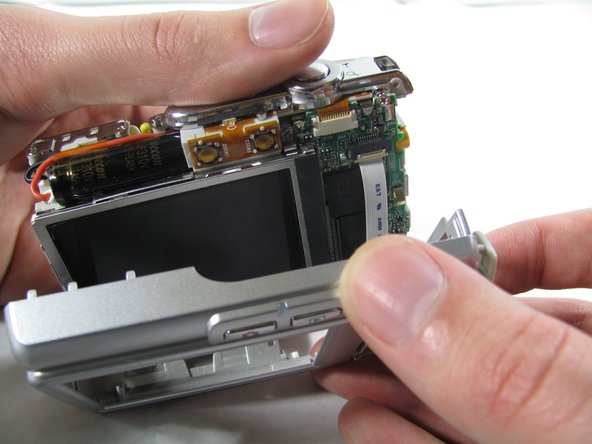
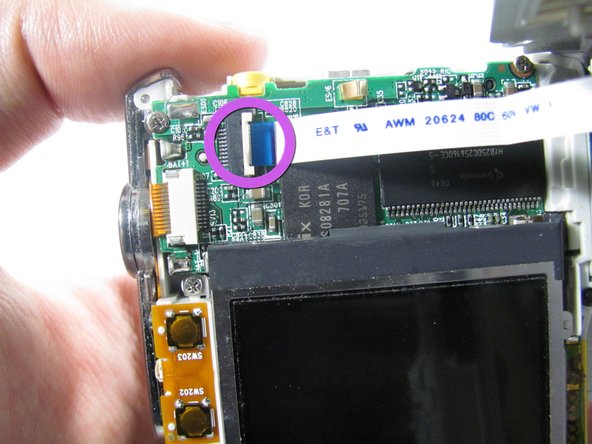
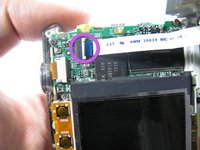
    • Carefully pull the rear case away from the camera until you have access to the cord connected to the motherboard.

    • Lift the white latch using a fingernail or a spudger.

    • Pull the cord from its connector.

  7. Olympus FE-210 LCD Screen Replacement, LCD Screen: 7 단계, 이미지 2개 중 1개 Olympus FE-210 LCD Screen Replacement, LCD Screen: 7 단계, 이미지 2개 중 2개
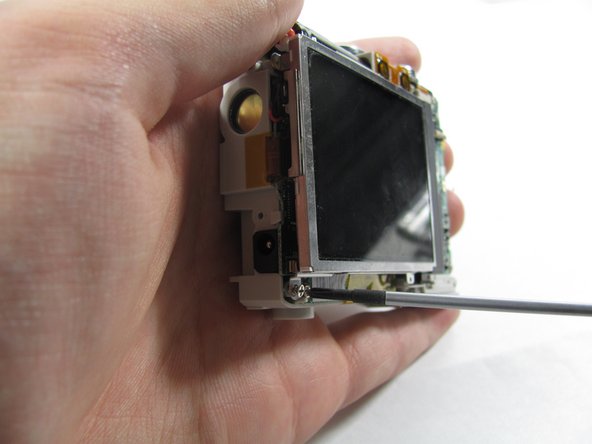
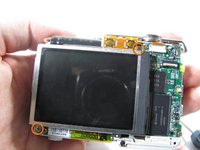
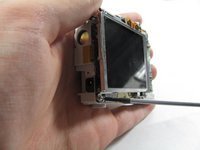
    • Remove the two 2.7 mm screws using a #00 screwdriver.

    • After removing the screws the display will be free. Do not remove it. Like the rear case, there is a cord connecting it to the motherboard that must be disconnected first.

  8. Olympus FE-210 LCD Screen Replacement: 8 단계, 이미지 3개 중 1개 Olympus FE-210 LCD Screen Replacement: 8 단계, 이미지 3개 중 2개 Olympus FE-210 LCD Screen Replacement: 8 단계, 이미지 3개 중 3개
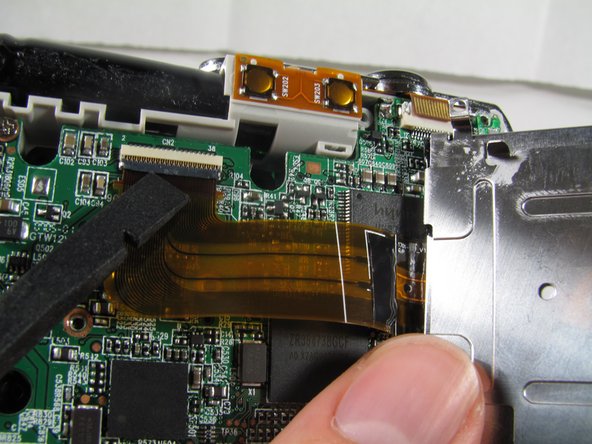
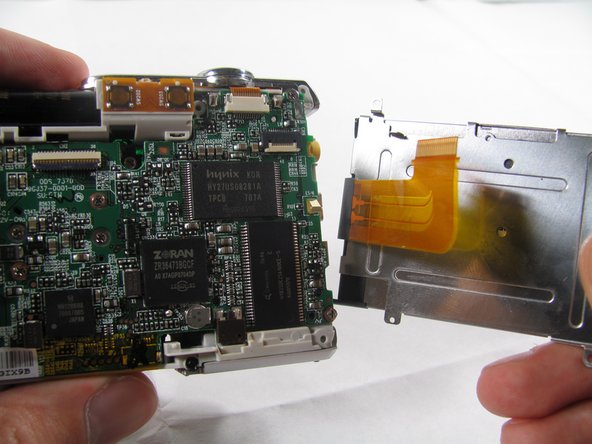
    • Using a spudger, lift the latch on the connector.

    • Remove the ribbon cord from its connector.

    • Remove the LCD from the rest of the camera.

결론

To reassemble your device, follow these instructions in reverse order.

다른 4명이 해당 안내서를 완성하였습니다.

작성자

6다른 기여자 명과 함께

Matt

회원 가입일: 01/25/11

826 평판

안내서 6개를 작성함

Cal Poly, Team 4-36, Regan Winter 2011 Cal Poly, Team 4-36, Regan Winter 2011 회원

CPSU-REGAN-W11S4G36

3 회원들

안내서 14개를 작성함

1가이드 댓글

Now need source for replacement screen thank you

Emile Crotteau - 답글 공유

댓글 쓰기

조회 통계:

지난 24시간: 0

지난 7일: 11

지난 30일: 40

전체 시간: 5,867