주요 콘텐츠로 건너뛰기
수리 커뮤니티 가입 - 계정 만들기

Onda V701 Front- Facing Camera Replacement

필요한 것

  1. Onda V701 Front- Facing Camera Replacement, Back Panel: 1 단계, 이미지 3개 중 1개 Onda V701 Front- Facing Camera Replacement, Back Panel: 1 단계, 이미지 3개 중 2개 Onda V701 Front- Facing Camera Replacement, Back Panel: 1 단계, 이미지 3개 중 3개
    • Ensure device is powered off before disassembly.

    • Remove the 4 rubber screw plugs using a spudger.

  2. Onda V701 Front- Facing Camera Replacement: 2 단계, 이미지 3개 중 1개 Onda V701 Front- Facing Camera Replacement: 2 단계, 이미지 3개 중 2개 Onda V701 Front- Facing Camera Replacement: 2 단계, 이미지 3개 중 3개
    • Remove the four 4.8mm mounting screws using a PH00 screwdriver.

  3. Onda V701 Front- Facing Camera Replacement: 3 단계, 이미지 2개 중 1개 Onda V701 Front- Facing Camera Replacement: 3 단계, 이미지 2개 중 2개
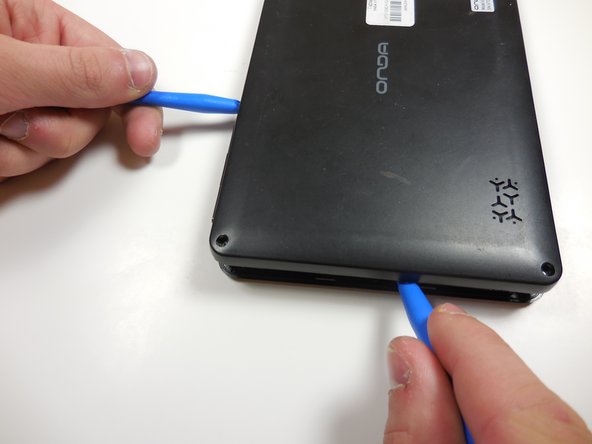
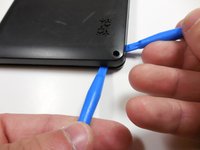
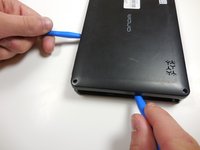
    • Starting at one corner, gently pry the back panel assembly from the screen assembly using two plastic opening tools.

    • Slide the opening tools around the perimeter of the device to separate the back panel assembly from the screen assembly.

  4. Onda V701 Front- Facing Camera Replacement: 4 단계, 이미지 2개 중 1개 Onda V701 Front- Facing Camera Replacement: 4 단계, 이미지 2개 중 2개
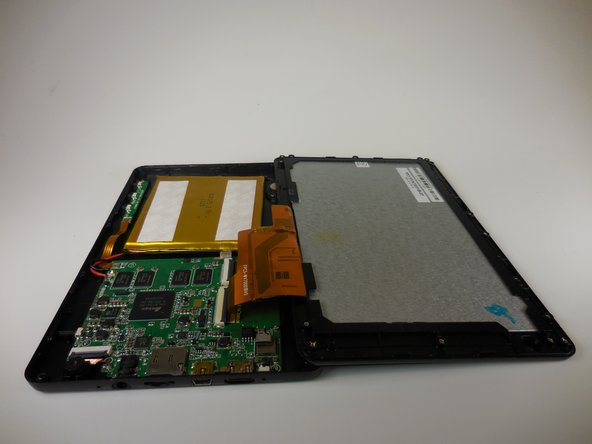
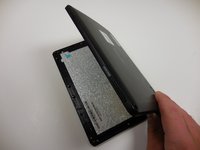
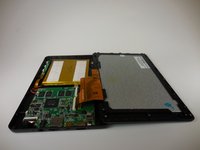
    • Gently lift the screen assembly away from the back cover assembly.

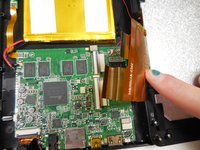
    • Be careful when separating the two pieces as the screen assembly is still connected to the mother board by two ribbon cables.

  5. Onda V701 Front- Facing Camera Replacement: 5 단계, 이미지 3개 중 1개 Onda V701 Front- Facing Camera Replacement: 5 단계, 이미지 3개 중 2개 Onda V701 Front- Facing Camera Replacement: 5 단계, 이미지 3개 중 3개
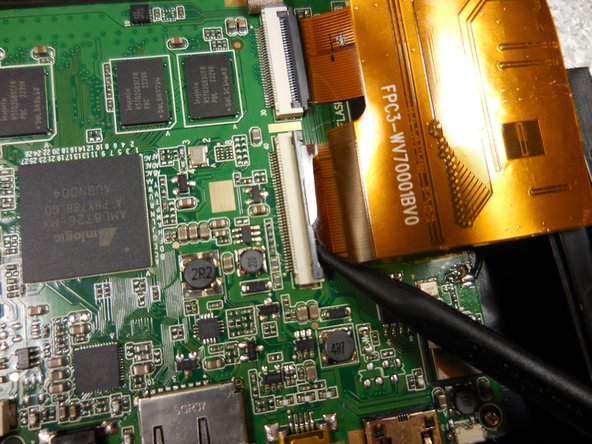
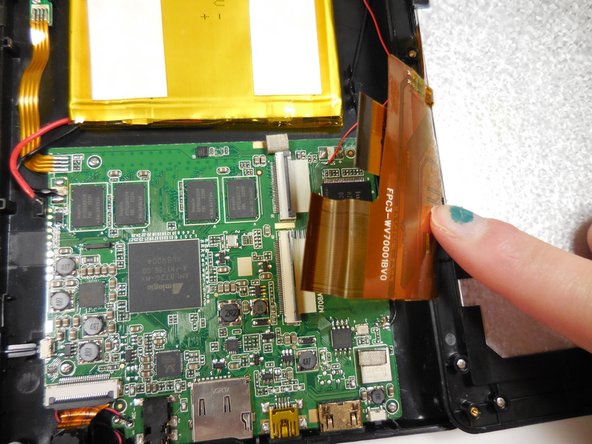
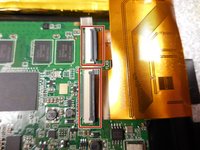
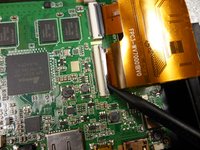
    • Disconnect the two ribbon connectors by flipping the gray tabs up with a fingernail or a spudger.

    • Remove the ribbon cables.

  6. Onda V701 Front- Facing Camera Replacement, Front- Facing Camera: 6 단계, 이미지 2개 중 1개 Onda V701 Front- Facing Camera Replacement, Front- Facing Camera: 6 단계, 이미지 2개 중 2개
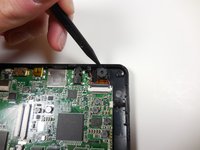
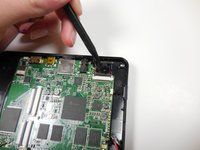
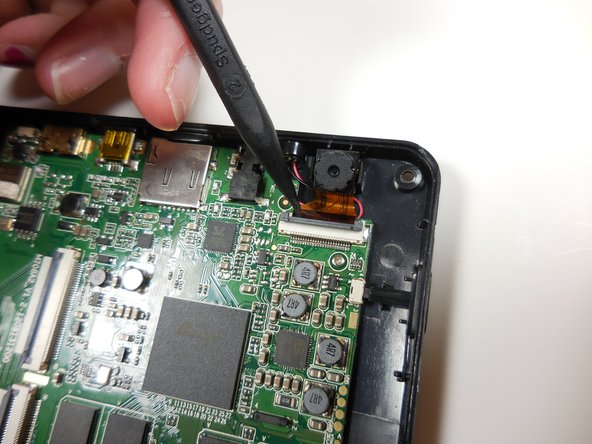
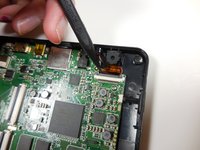
    • Gently pry the front-facing camera away from the back panel using a spudger.

  7. Onda V701 Front- Facing Camera Replacement: 7 단계, 이미지 2개 중 1개 Onda V701 Front- Facing Camera Replacement: 7 단계, 이미지 2개 중 2개
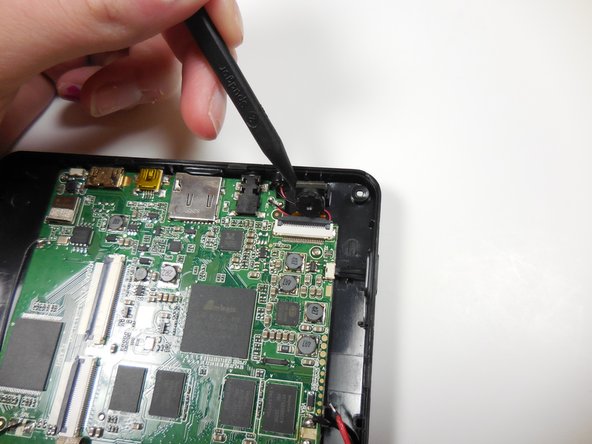
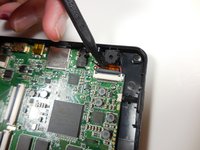
    • Flip the gray locking tab of the ribbon connector up using a spudger.

    • Remove the ribbon cable from the connector.

  8. Onda V701 Front- Facing Camera Replacement: 8 단계, 이미지 1개 중 1개
    • Remove the front-facing camera assembly.

결론

To reassemble your device, follow these instructions in reverse order.

작성자

4다른 기여자 명과 함께

Bradley Huber

회원 가입일: 03/11/15

366 평판

안내서 3개를 작성함

Colorado Springs, Team 4-6, Panko Spring 2015 Colorado Springs, Team 4-6, Panko Spring 2015 회원

UCCS-PANKO-S15S4G6

3 회원들

안내서 10개를 작성함

0가이드 댓글

댓글 쓰기

조회 통계:

지난 24시간: 2

지난 7일: 7

지난 30일: 19

전체 시간: 358