주요 콘텐츠로 건너뛰기

One Education Infinity:One Display Assembly Replacement

필요한 것

  1. One Education Infinity:One Display Assembly Replacement, Top Case: 1 단계, 이미지 3개 중 1개 One Education Infinity:One Display Assembly Replacement, Top Case: 1 단계, 이미지 3개 중 2개 One Education Infinity:One Display Assembly Replacement, Top Case: 1 단계, 이미지 3개 중 3개
    • Insert a Jimmy or other prying tool into the seam between the screen and back case.

    • Trace around the edges until all clips are released.

    • Lift the back case away from the tablet.

  2. One Education Infinity:One Display Assembly Replacement, Speaker: 2 단계, 이미지 2개 중 1개 One Education Infinity:One Display Assembly Replacement, Speaker: 2 단계, 이미지 2개 중 2개
    • Use a spudger to release the speaker wires by pushing the bundled cabled connector away from the motherboard.

    • Be sure to pull out the white connector instead of the individual wires to avoid damage to the device.

  3. One Education Infinity:One Display Assembly Replacement: 3 단계, 이미지 1개 중 1개
    • Use a spudger to lift the speakers out of the device.

  4. One Education Infinity:One Display Assembly Replacement, Battery: 4 단계, 이미지 2개 중 1개 One Education Infinity:One Display Assembly Replacement, Battery: 4 단계, 이미지 2개 중 2개
    • Use a spudger to disconnect the black bundled cable connector from the motherboard.

  5. One Education Infinity:One Display Assembly Replacement: 5 단계, 이미지 3개 중 1개 One Education Infinity:One Display Assembly Replacement: 5 단계, 이미지 3개 중 2개 One Education Infinity:One Display Assembly Replacement: 5 단계, 이미지 3개 중 3개
    • Use a spudger to lift the black tab on top of the ZIF connector.

    • Slide the ribbon cable out of the connector.

  6. One Education Infinity:One Display Assembly Replacement: 6 단계, 이미지 3개 중 1개 One Education Infinity:One Display Assembly Replacement: 6 단계, 이미지 3개 중 2개 One Education Infinity:One Display Assembly Replacement: 6 단계, 이미지 3개 중 3개
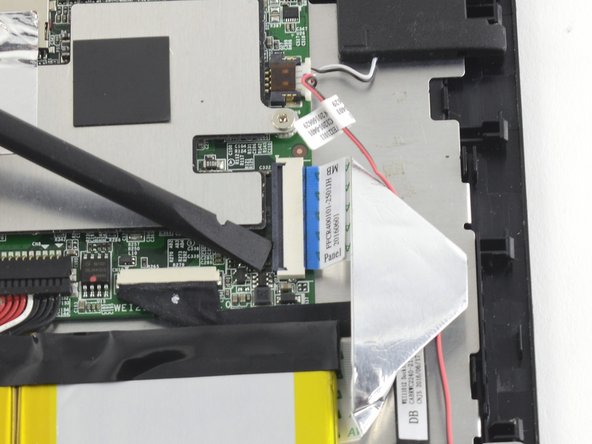
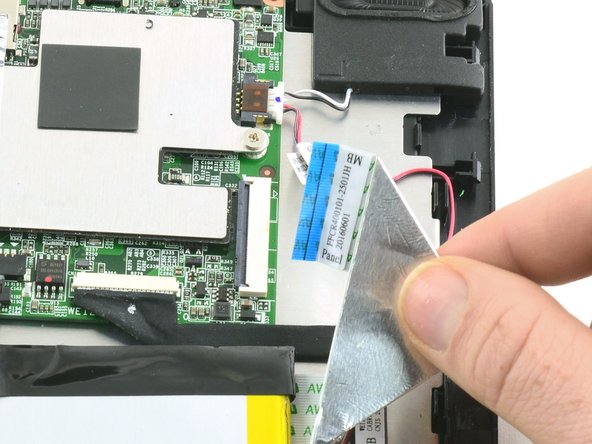
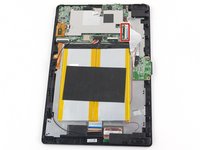
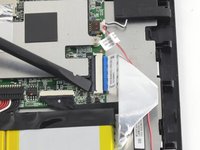
    • Use a spudger to flip up the black retaining flap on the ZIF connector.

    • Pull the folded ribbon cable straight out of the connector.

    • This ribbon cable must be disconnected before removing the battery because it is attached to the battery with adhesive.

  7. One Education Infinity:One Display Assembly Replacement: 7 단계, 이미지 1개 중 1개
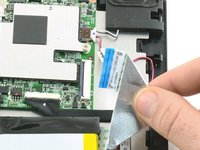
    • Use a spudger to pry the battery away from the device.

    • Always use ESD safe tools when working with delicate electrical components.

  8. One Education Infinity:One Display Assembly Replacement, Antenna: 8 단계, 이미지 2개 중 1개 One Education Infinity:One Display Assembly Replacement, Antenna: 8 단계, 이미지 2개 중 2개
    이 단계에 사용된 도구:
    Tweezers
    $4.99
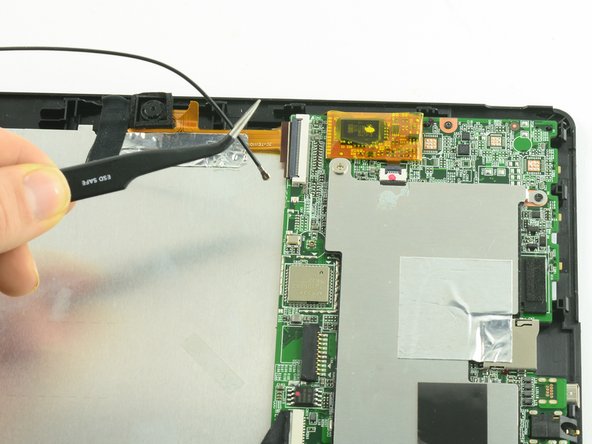
    • Use ESD safe tweezers to disconnect the antenna from the motherboard.

  9. One Education Infinity:One Display Assembly Replacement, Camera Assembly: 9 단계, 이미지 3개 중 1개 One Education Infinity:One Display Assembly Replacement, Camera Assembly: 9 단계, 이미지 3개 중 2개 One Education Infinity:One Display Assembly Replacement, Camera Assembly: 9 단계, 이미지 3개 중 3개
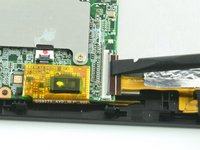
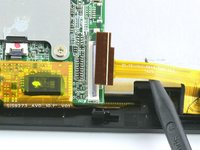
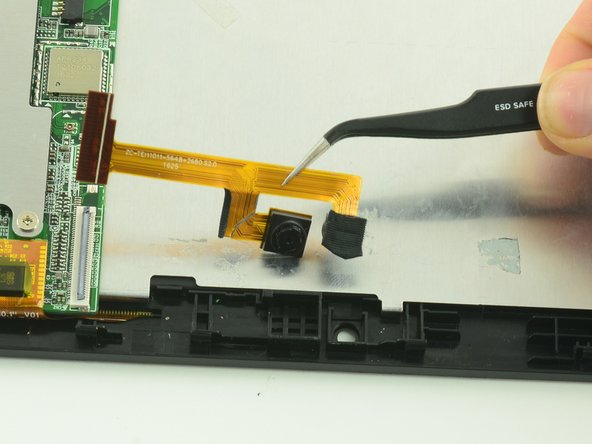
    • Use a spudger to flip up the black flap on the camera's ZIF connector.

    • Pull the ribbon cable straight out of the connector.

  10. One Education Infinity:One Display Assembly Replacement: 10 단계, 이미지 2개 중 1개 One Education Infinity:One Display Assembly Replacement: 10 단계, 이미지 2개 중 2개
    이 단계에 사용된 도구:
    Tweezers
    $4.99
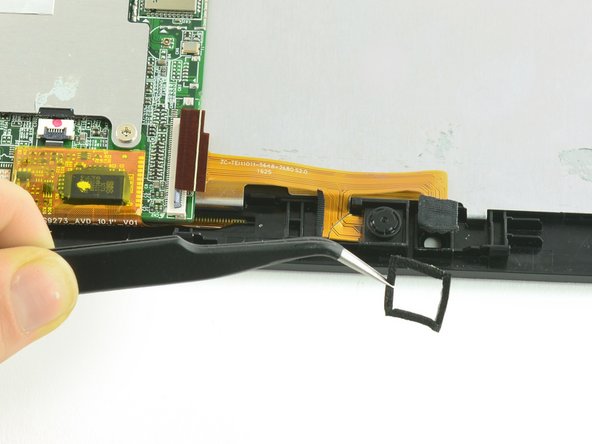
    • Use tweezers to remove the black cushion surrounding the camera lens.

  11. One Education Infinity:One Display Assembly Replacement: 11 단계, 이미지 2개 중 1개 One Education Infinity:One Display Assembly Replacement: 11 단계, 이미지 2개 중 2개
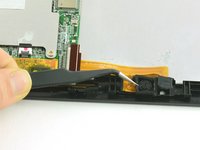
    • Use tweezers to lift the camera assembly away from the device.

    • Lift straight up to avoid tearing the delicate ribbon cable on the retaining wall.

  12. One Education Infinity:One Display Assembly Replacement, Motherboard: 12 단계, 이미지 3개 중 1개 One Education Infinity:One Display Assembly Replacement, Motherboard: 12 단계, 이미지 3개 중 2개 One Education Infinity:One Display Assembly Replacement, Motherboard: 12 단계, 이미지 3개 중 3개
    • Use a spudger to flip up the black flap on the camera's ZIF connector.

    • Pull the ribbon cable straight out of the connector.

  13. One Education Infinity:One Display Assembly Replacement: 13 단계, 이미지 1개 중 1개
    이 단계에 사용된 도구:
    Tweezers
    $4.99
    • Use tweezers to pull the dock connection cable away from the motherboard.

  14. One Education Infinity:One Display Assembly Replacement: 14 단계, 이미지 1개 중 1개
    • Use a Phillips #00 screwdriver to unscrew the two 3.4 mm screws.

    • Use a Phillips #000 screwdriver to unscrew the one 4.2mm screw.

  15. One Education Infinity:One Display Assembly Replacement: 15 단계, 이미지 1개 중 1개
    • Lift the protective shield away from the motherboard.

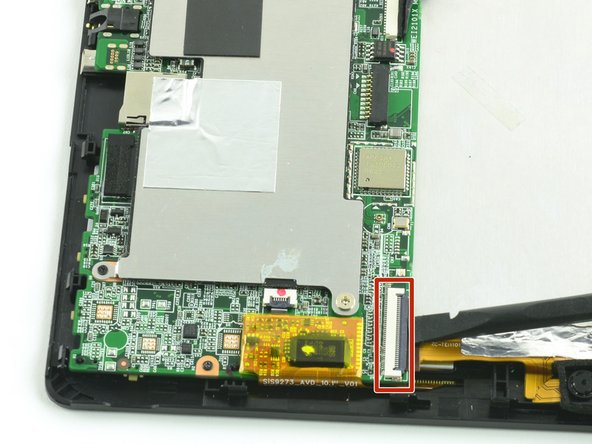
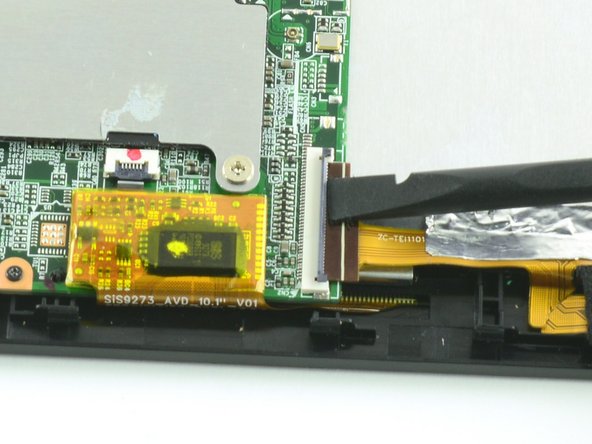
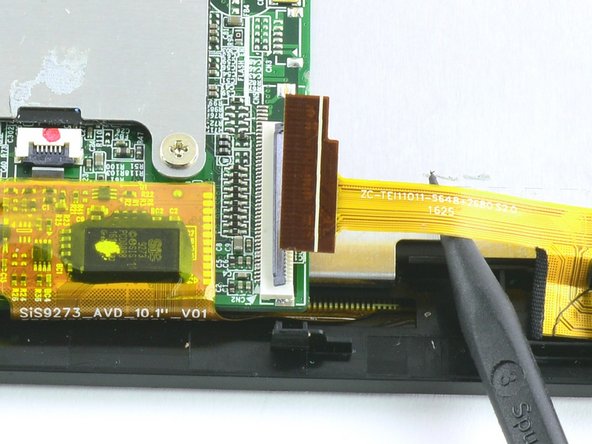
  16. One Education Infinity:One Display Assembly Replacement: 16 단계, 이미지 3개 중 1개 One Education Infinity:One Display Assembly Replacement: 16 단계, 이미지 3개 중 2개 One Education Infinity:One Display Assembly Replacement: 16 단계, 이미지 3개 중 3개
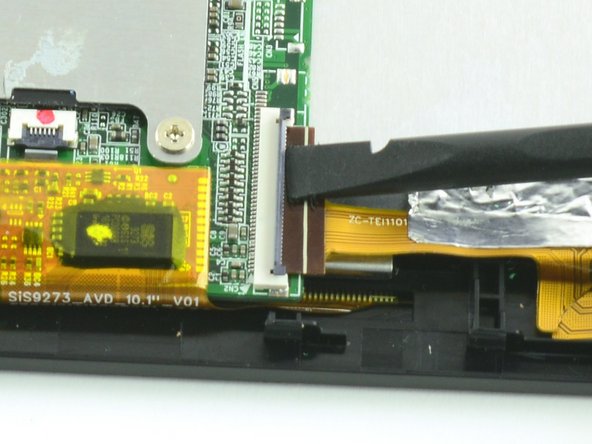
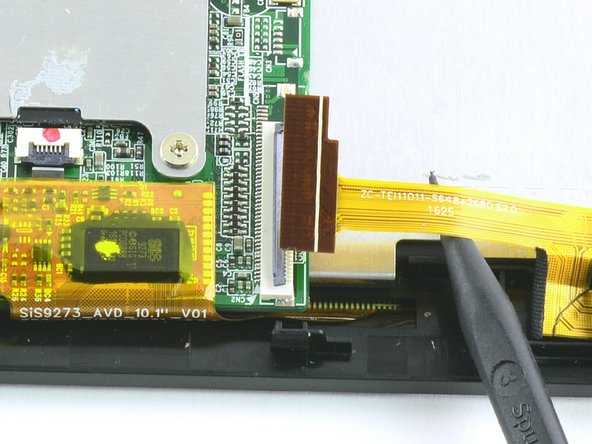
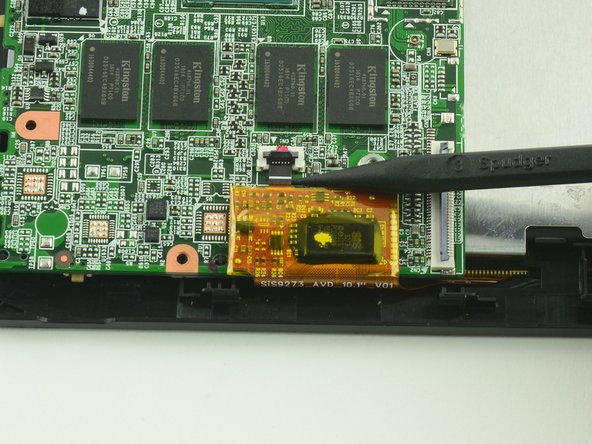
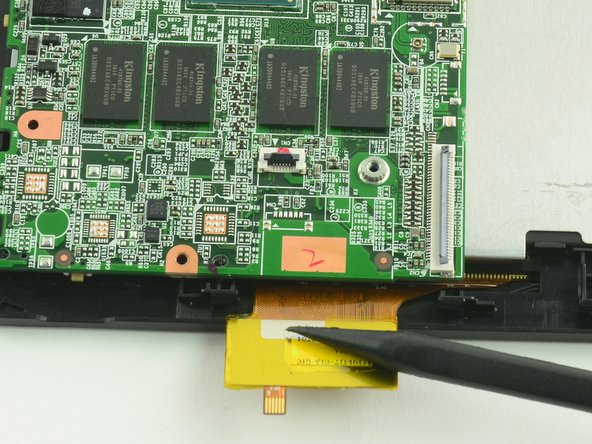
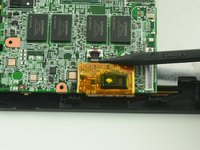
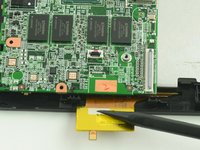
    • With the flat end of a spudger, flip up the black flap on the display's ZIF connector.

    • Insert the pointed end of the spudger between the cable and the motherboard and gently pull the cable straight out of the connector.

    • During reassembly, be sure to insert the cable into the connector up to the white line on the cable and then close the retaining flap.

  17. One Education Infinity:One Display Assembly Replacement: 17 단계, 이미지 1개 중 1개
    • Gently lift the motherboard away from the display assembly.

  18. One Education Infinity:One Display Assembly Replacement, Display Assembly: 18 단계, 이미지 1개 중 1개
    • Unscrew the five 4.2mm screws with a Phillips #000 screwdriver.

  19. One Education Infinity:One Display Assembly Replacement: 19 단계, 이미지 2개 중 1개 One Education Infinity:One Display Assembly Replacement: 19 단계, 이미지 2개 중 2개
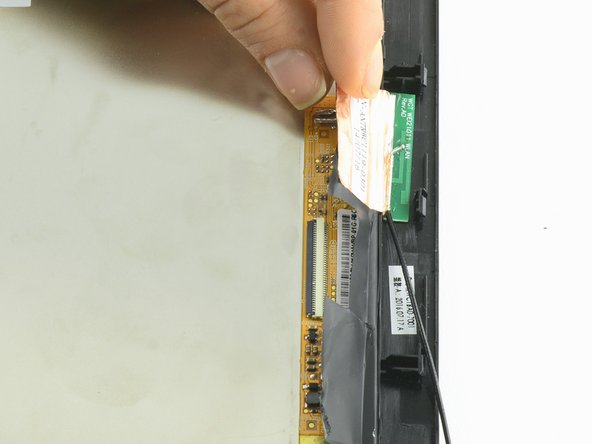
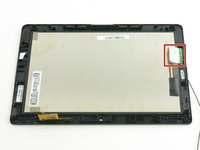
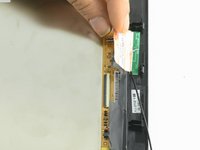
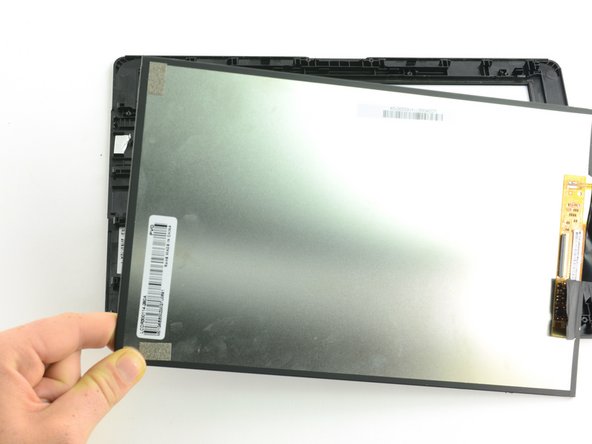
    • Peel the protective flap away from the display.

  20. One Education Infinity:One Display Assembly Replacement: 20 단계, 이미지 2개 중 1개 One Education Infinity:One Display Assembly Replacement: 20 단계, 이미지 2개 중 2개
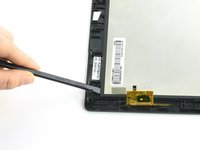
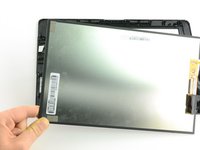
    • Use a spudger to lift the digitizer away from the screen.

    • Grasp the edge of the digitizer and lift straight up to remove.

결론

To reassemble your device, follow these instructions in reverse order.

작성자

2다른 기여자 명과 함께

Taylor Bratsch

회원 가입일: 09/06/16

6,083 평판

안내서 14개를 작성함

0가이드 댓글

댓글 쓰기

조회 통계:

지난 24시간: 0

지난 7일: 1

지난 30일: 3

전체 시간: 415