주요 콘텐츠로 건너뛰기

PCPanel Pro MIDI Controller Knob Replacement

필요한 것

  1. PCPanel Pro MIDI Controller Knob Replacement, Knob: 1 단계, 이미지 2개 중 1개 PCPanel Pro MIDI Controller Knob Replacement, Knob: 1 단계, 이미지 2개 중 2개
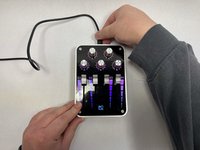
    • Unplug the device.

  2. PCPanel Pro MIDI Controller Knob Replacement: 2 단계, 이미지 2개 중 1개 PCPanel Pro MIDI Controller Knob Replacement: 2 단계, 이미지 2개 중 2개
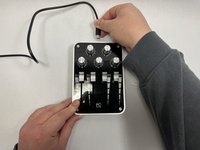
    • Turn the affected knobs counter-clockwise until they cannot move anymore.

  3. PCPanel Pro MIDI Controller Knob Replacement: 3 단계, 이미지 3개 중 1개 PCPanel Pro MIDI Controller Knob Replacement: 3 단계, 이미지 3개 중 2개 PCPanel Pro MIDI Controller Knob Replacement: 3 단계, 이미지 3개 중 3개
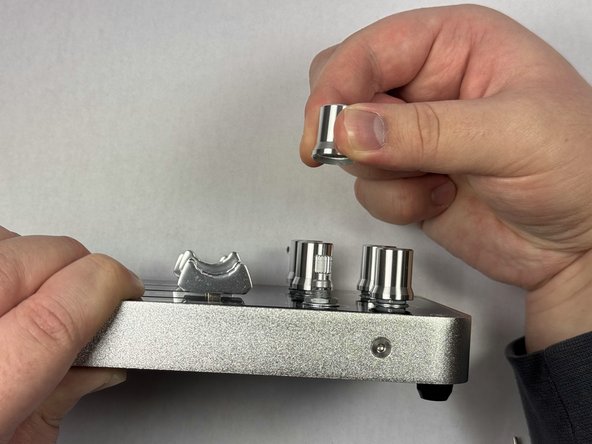
    • Slowly pull upwards on the knob until it slides off.

    • Not much force needs to be used.

  4. PCPanel Pro MIDI Controller Knob Replacement: 4 단계, 이미지 3개 중 1개 PCPanel Pro MIDI Controller Knob Replacement: 4 단계, 이미지 3개 중 2개 PCPanel Pro MIDI Controller Knob Replacement: 4 단계, 이미지 3개 중 3개
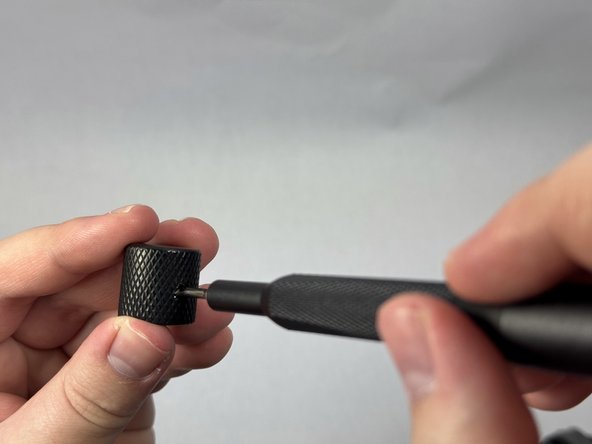
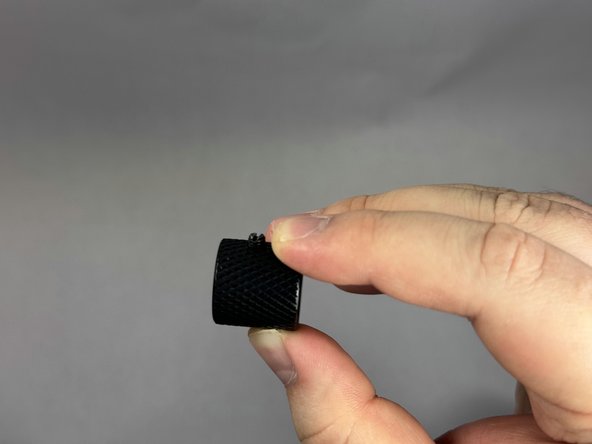
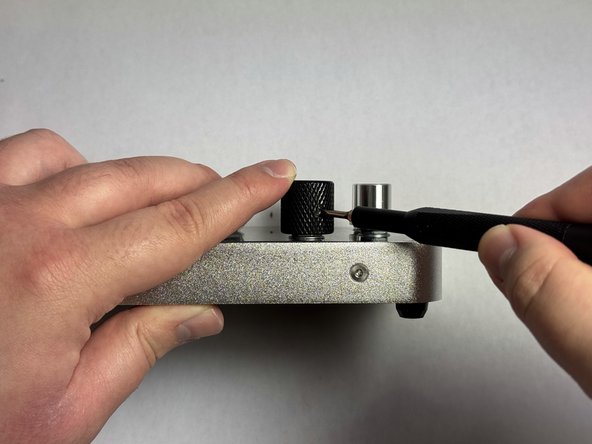
    • Unscrew the fastening screw on the new knob until it is loose.

    • Depending on the knob, you may need to use a different tool to unscrew it. For the knob we had, we used a flathead screwdriver.

  5. PCPanel Pro MIDI Controller Knob Replacement: 5 단계, 이미지 2개 중 1개 PCPanel Pro MIDI Controller Knob Replacement: 5 단계, 이미지 2개 중 2개
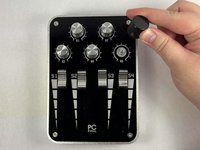
    • Place the replacement knob onto the MIDI controller.

  6. PCPanel Pro MIDI Controller Knob Replacement: 6 단계, 이미지 3개 중 1개 PCPanel Pro MIDI Controller Knob Replacement: 6 단계, 이미지 3개 중 2개 PCPanel Pro MIDI Controller Knob Replacement: 6 단계, 이미지 3개 중 3개
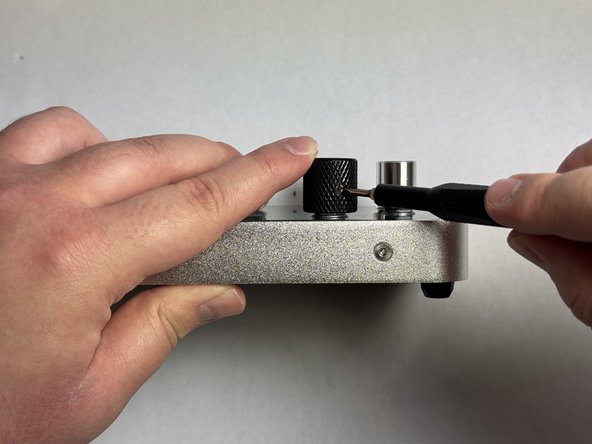
    • Screw the fastening screw into the MIDI controller. Make sure to leave a 2mm gap between the bottom of the replacement knob and the MIDI controller.

    • In this case, we used calipers to ensure the gap stayed at 2mm, however placing a few pieces of paper underneath the knob will be just fine. We are keeping this gap to ensure that the knob can still be pushed down.

  7. PCPanel Pro MIDI Controller Knob Replacement: 7 단계, 이미지 3개 중 1개 PCPanel Pro MIDI Controller Knob Replacement: 7 단계, 이미지 3개 중 2개 PCPanel Pro MIDI Controller Knob Replacement: 7 단계, 이미지 3개 중 3개
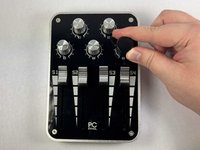
    • Plug in the MIDI controller and test the replacement knob. Ensure the knob can still be turned in either direction as well as pushed down.

  8. PCPanel Pro MIDI Controller Knob Replacement: 8 단계, 이미지 1개 중 1개
    • Repeat the steps for any replacement knobs needed.

    • Make sure all replaced knobs can still be turned in either direction as well as pushed down.

결론

Make sure all of the knobs function as intended. To remove the knobs and put the old ones on, simply do the steps in reverse.

작성자

3다른 기여자 명과 함께

William Orlopp

회원 가입일: 04/15/24

157 평판

안내서 1개를 작성함

UC Davis, Team 1-1, Morris Spring 2024 UC Davis, Team 1-1, Morris Spring 2024 회원

UCD-MORRIS-S24S1G1

3 회원들

안내서 1개 작성

0가이드 댓글

댓글 쓰기

조회 통계:

지난 24시간: 1

지난 7일: 5

지난 30일: 20

전체 시간: 290