주요 콘텐츠로 건너뛰기
수리 커뮤니티 가입 - 계정 만들기

Palm Treo 600 Screen Replacement

필요한 것

  1. Palm Treo 600 Screen Replacement, Back Case: 1 단계, 이미지 1개 중 1개
    • On the back of the device, locate the 3 rubber plugs, and use a plastic spudger to remove them.

  2. Palm Treo 600 Screen Replacement: 2 단계, 이미지 2개 중 1개 Palm Treo 600 Screen Replacement: 2 단계, 이미지 2개 중 2개
    • Use the T6 Torx Screwdriver to remove all 4 screws.

    • You have to first remove the Stylus to access the 4th screw.

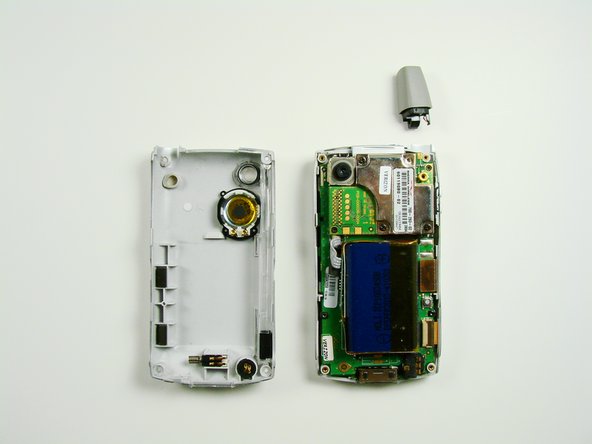
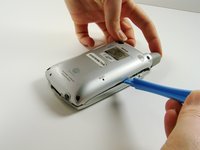
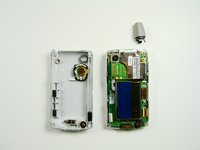
  3. Palm Treo 600 Screen Replacement: 3 단계, 이미지 2개 중 1개 Palm Treo 600 Screen Replacement: 3 단계, 이미지 2개 중 2개
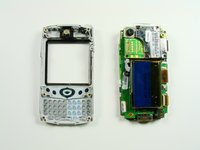
    • Using a plastic opening tool, carefully separate the front and back cases.

    • Note: The antenna will detach from the phone.

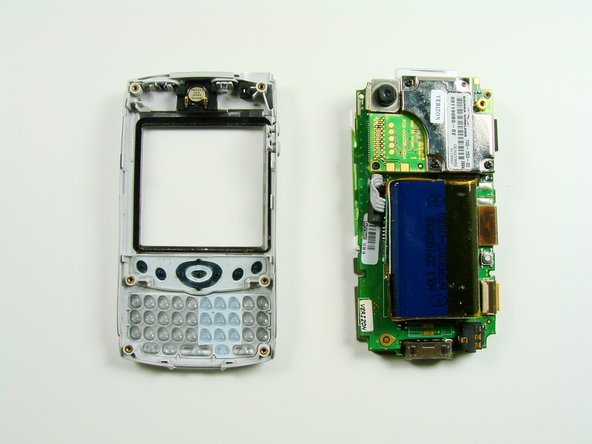
  4. Palm Treo 600 Screen Replacement, Front Case: 4 단계, 이미지 2개 중 1개 Palm Treo 600 Screen Replacement, Front Case: 4 단계, 이미지 2개 중 2개
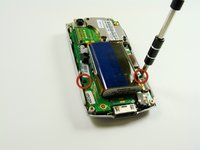
    • Using a T6 Torx Screwdriver, remove the two screws.

    • The motherboard will now be loose from the front case.

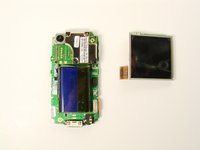
  5. Palm Treo 600 Screen Replacement, Screen: 5 단계, 이미지 1개 중 1개
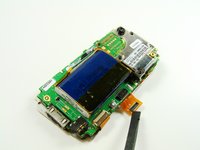
    • The screen is connected to the phone with an orange data cable.

    • Slide the spudger as close to the connection as possible.

    • Gently pull the spudger up and the cable should come out of the socket.

  6. Palm Treo 600 Screen Replacement: 6 단계, 이미지 2개 중 1개 Palm Treo 600 Screen Replacement: 6 단계, 이미지 2개 중 2개
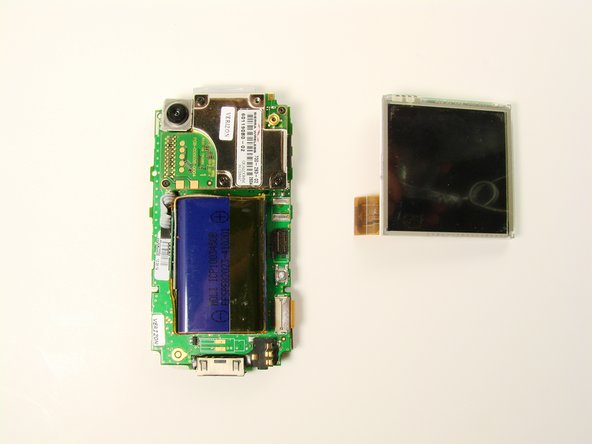
    • Once the cable is unplugged, you can remove the screen from the body.

결론

To reassemble your device, follow these instructions in reverse order.

작성자

5다른 기여자 명과 함께

Clement Poisson

회원 가입일: 01/26/10

24 평판

안내서 7개를 작성함

Cal Poly, Team 13-23, Maness Winter 2010 Cal Poly, Team 13-23, Maness Winter 2010 회원

CPSU-MANESS-W10S13G23

4 회원들

안내서 16개를 작성함

0가이드 댓글

댓글 쓰기

조회 통계:

지난 24시간: 0

지난 7일: 3

지난 30일: 8

전체 시간: 2,306