소개
Before you begin disassembly, be sure to have the necessary tools. You will need a Torx size T6 screwdriver, tweezers, and the device opening tool. You will be removing the stylus, the back panel, the battery, and the motherboard in order to replace the vibration motor.
필요한 것
-
-
-
Remove the 4 screws from the corners of the back panel of the device using a size T6 Torx screwdriver.
-
-
-
-
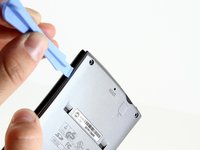
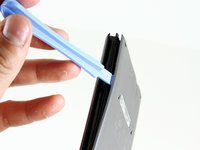
Insert the edge of the plastic opening tool between the back panel and the black stylus holder.
-
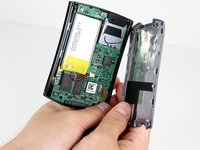
Carefully and forcefully pry the panels apart.
-
-
-
이 단계에 사용된 도구:Tweezers$4.99
-
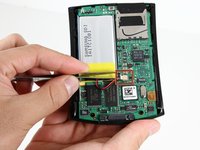
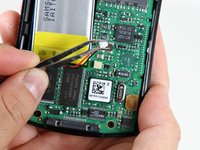
Use tweezers to unplug the battery cable from the motherboard socket.
-
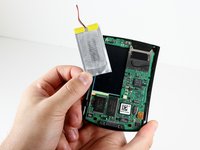
Gently remove the battery from the motherboard using your thumb and forefinger to pull upwards.
-
-
-
-
-
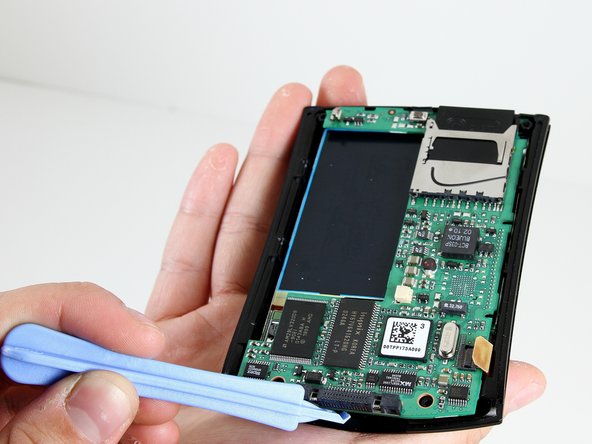
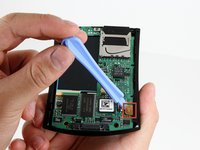
Use the plastic opening tool to pry the orange clamp away from the motherboard.
-
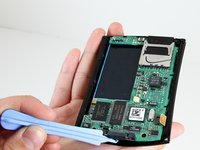
Use the plastic opening tool at the bottom of the device to pry the motherboard away from the front plate.
-
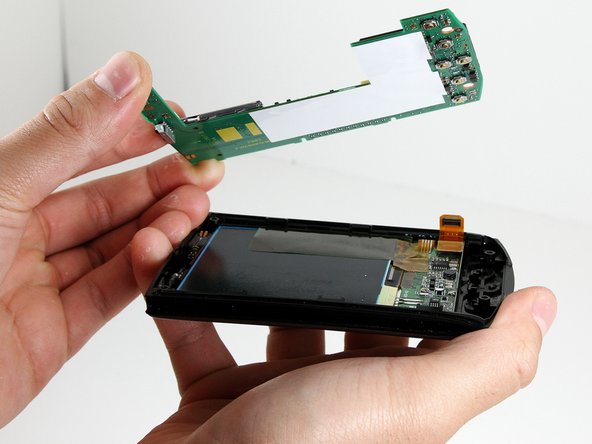
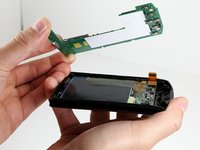
Gently and forcefully lift the motherboard away from the front plate by using your thumb and forefinger.
-
-
-
-
이 단계에 사용된 도구:Tweezers$4.99
-
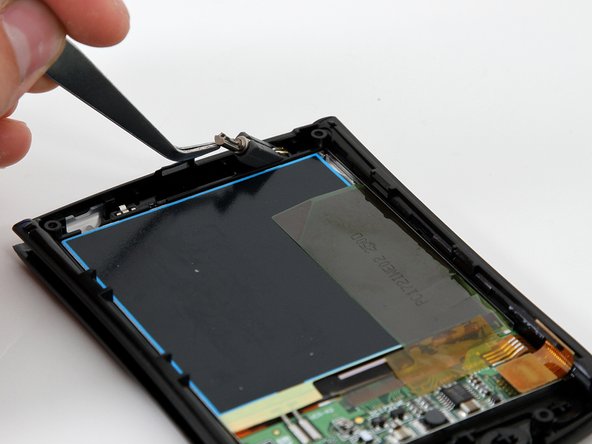
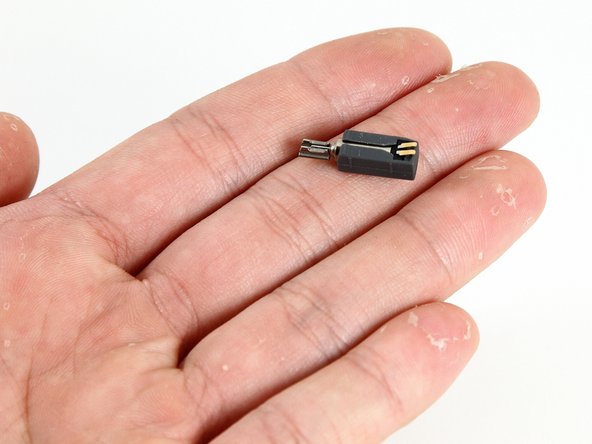
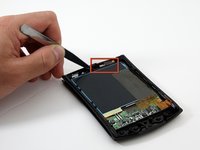
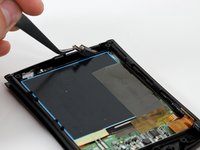
Use tweezers to gently pull the vibration motor away from the front panel.
-
The vibration motor is unsecured and should be easy to remove from the front panel.
-
-

 FixBot에 문의하기






To reassemble your device, follow these instructions in reverse order.
다른 2명이 해당 안내서를 완성하였습니다.

팀

Cal Poly, Team 14-9, Forte Winter 2011 Cal Poly, Team 14-9, Forte Winter 2011 회원
CPSU-FORTE-W11S14G9
6 회원들
안내서 30개를 작성함
