소개
In this guide you will locate screws and ribbon wires holding the motherboard in the player. After removal the motherboard itself can be repaired on the component level.
필요한 것
-
-
-
Remove four 7.5 mm Phillips screws on the both sides (2 on each side).
-
Remove five 7.5 mm Phillips screws on the back of the player.
 FixBot에 문의하기
-
-
-
Lift the top panel from the back and remove. It should come off without being forced. There is a lip near the front so you many need to slide the top panel back slightly to remove it.
-
-
-
-
-
-
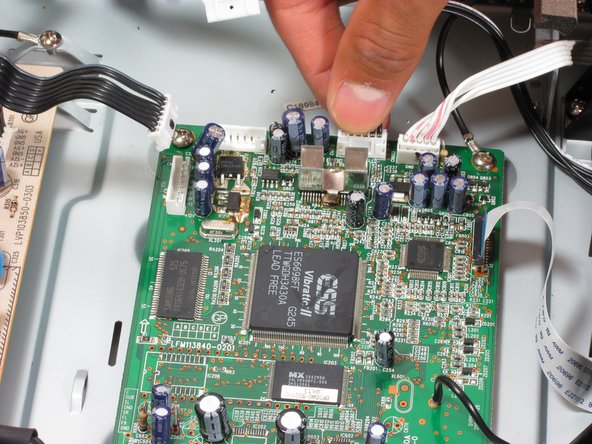
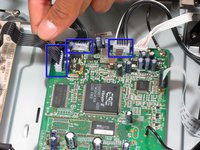
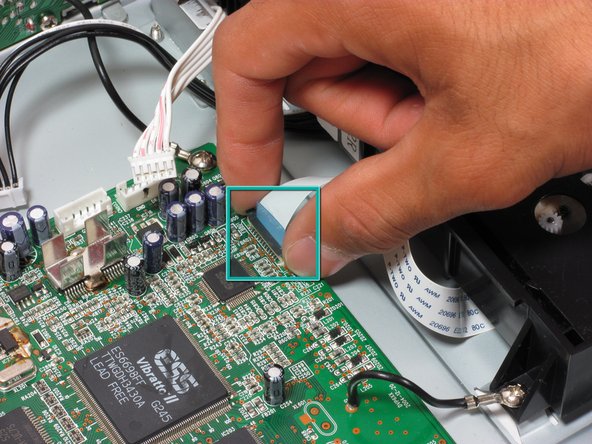
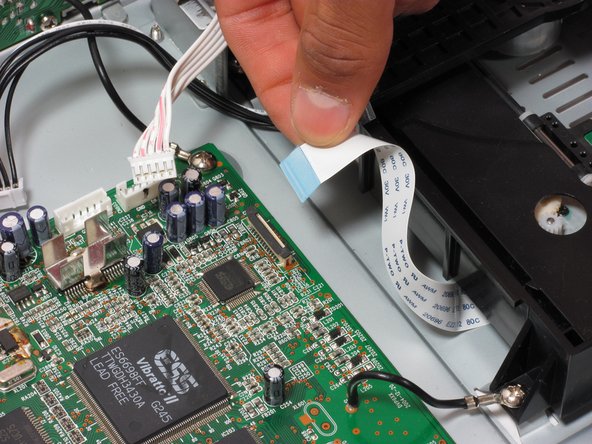
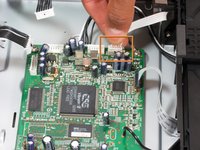
Locate the first three ribbon wires.
-
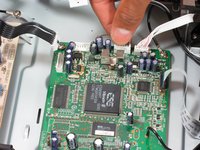
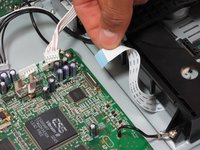
Remove the ribbon wires by grasping firmly as near to the plastic head as possible and pulling.
-
-
-
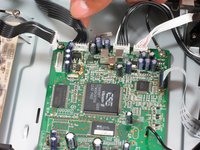
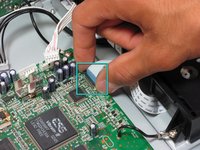
Remove the fourth ribbon wire as in step 2.
-
Remove the fifth ribbon wire by grasping both sides of the black clip and pulling up. When reinserting, pull black clip up, insert the ribbon wire, and push the black clip back down.
-
-
-
Remove the following screws:
-
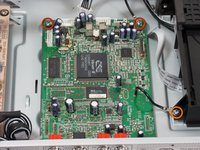
7.5 mm Phillips screws (2) that secure the motherboard to the bottom panel. The screw on the top right will also be attached to a grounding wire, it is okay to remove this screw.
-
Remove the 7.5 mm Phillips screw on the bottom right that attaches the grounding wire to the disc tray.
-
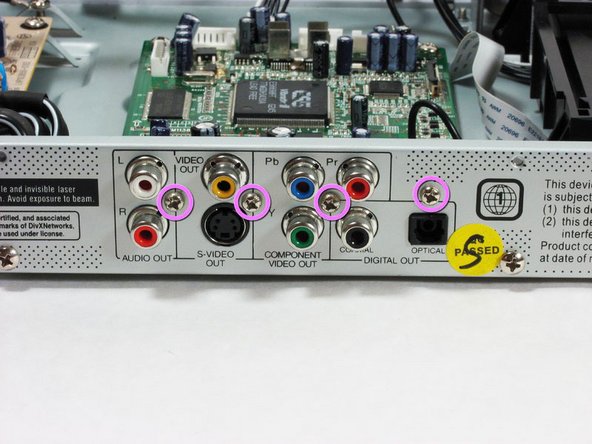
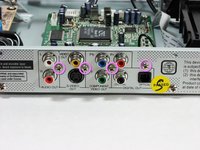
7.5 mm Phillips screws (4) on outside of player near input/output plugs.
-
-
-
Remove the motherboard by pulling it back and then up gently.
-
The input/output plugs should slide out easily from the holes in the back panel.
-
-





To reassemble your device, follow these instructions in reverse order.
다른 6명이 해당 안내서를 완성하였습니다.

팀

Cal Poly, Team 21-20, Maness Fall 2011 Cal Poly, Team 21-20, Maness Fall 2011 회원
CPSU-MANESS-F11S21G20
4 회원들
안내서 24개를 작성함
