소개
If you need to replace the shutter switch, use this guide to access the inside of the camera. You may need to replace the shutter switch if your shutter is not firing and your camera is not taking photos.
필요한 것
-
-
Remove the four 5mm screws on the base of the camera using a Phillips #0 screwdriver.
-
Remove the two pieces of the base.
 FixBot에 문의하기
-
-
-
Remove the four 5mm screws on the top of the inside base piece using a Phillips #0 screwdriver.
-
Remove the two 5mm screws on the bottom of the inside base piece which is near the strap with the same screwdriver.
-
-
-
-
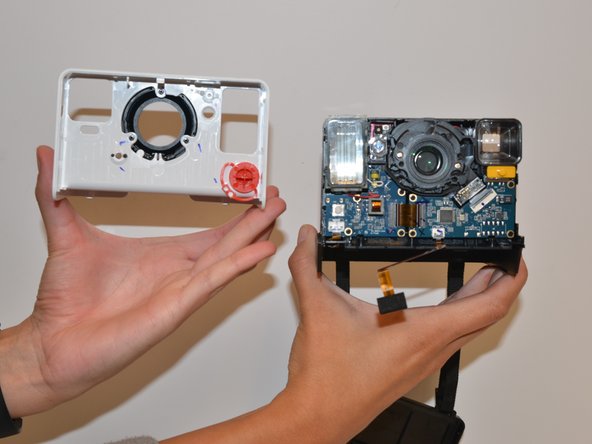
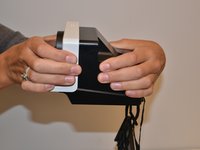
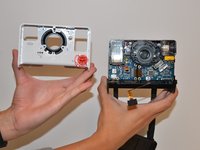
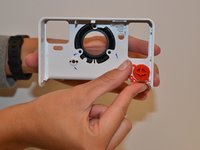
With force separate the white front piece from the back of the camera. You will use your hands and pull it apart.
-




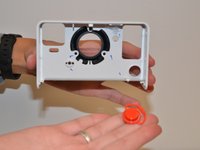
To reassemble your device, follow these instructions in reverse order.
다른 3명이 해당 안내서를 완성하였습니다.

팀

University of Alabama, Team S1-G1, Bedsole Fall 2018 University of Alabama, Team S1-G1, Bedsole Fall 2018 회원
UA-BEDSOLE-F18S1G1
4 회원들
안내서 5개를 작성함
