주요 콘텐츠로 건너뛰기
수리 커뮤니티 가입 - 계정 만들기

RAM Replacement

필요한 것

  1. RAM Replacement, Battery: 1 단계, 이미지 1개 중 1개
    • Remove all wires then flip the laptop

  2. RAM Replacement: 2 단계, 이미지 2개 중 1개 RAM Replacement: 2 단계, 이미지 2개 중 2개
    • Remove the battery

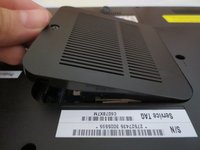
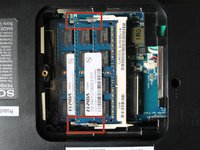
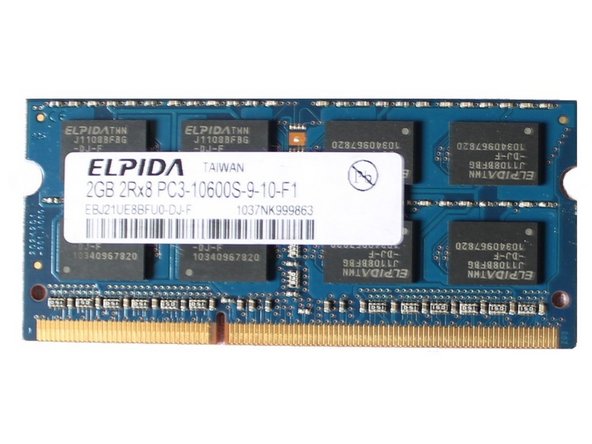
  3. RAM Replacement, RAM: 3 단계, 이미지 3개 중 1개 RAM Replacement, RAM: 3 단계, 이미지 3개 중 2개 RAM Replacement, RAM: 3 단계, 이미지 3개 중 3개
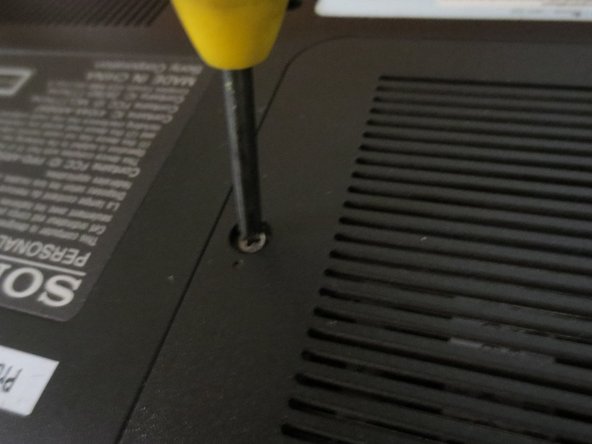
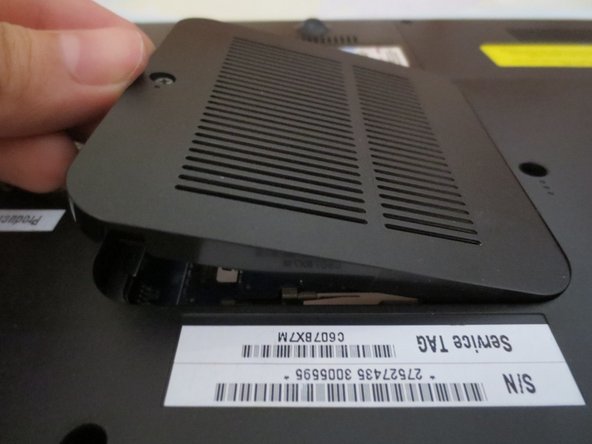
    • Flip the Laptop, and unscrew the RAM cover.

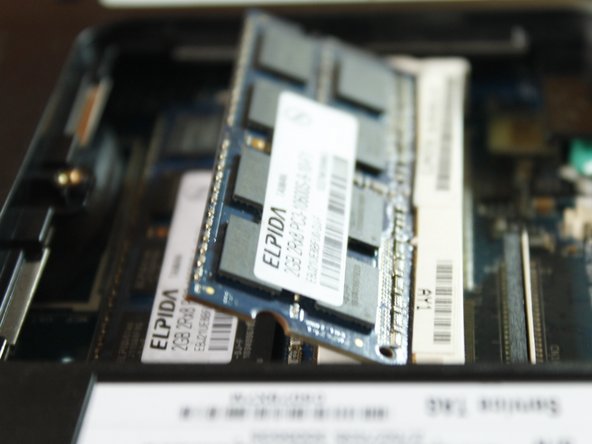
  4. RAM Replacement: 4 단계, 이미지 2개 중 1개 RAM Replacement: 4 단계, 이미지 2개 중 2개
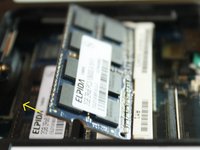
    • Unlock the RAM by pulling the locks outward.

    • You'll know if its unlocked if it flips up in 45 degrees.

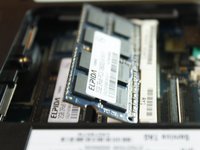
  5. RAM Replacement: 5 단계, 이미지 2개 중 1개 RAM Replacement: 5 단계, 이미지 2개 중 2개
    • Pull the outer RAM. Repeat Step 4 and 5 for the other RAM.

    • When returning, put the RAM back in at 45 degree angle, NOT 90 degree angle.

결론

To reassemble your device, follow these instructions in reverse order.

작성자

2다른 기여자 명과 함께

Marjorie

회원 가입일: 12/23/13

2,345 평판

안내서 11개를 작성함

0가이드 댓글

댓글 쓰기

조회 통계:

지난 24시간: 1

지난 7일: 3

지난 30일: 7

전체 시간: 1,159