소개
This guide will instruct you to replace the onboard microphone if it is faulty.
필요한 것
-
-
Lift the metal flap and slide the viewfinder off to the right.
 FixBot에 문의하기
-
-
-
Unscrew the 7.0mm ph#0 screw on the underside where the cable connects.
-
Lift the plastic where the cable is connected to the viewfinder.
-
Disconnect the cable inside by pulling it apart.
-
-
-
-
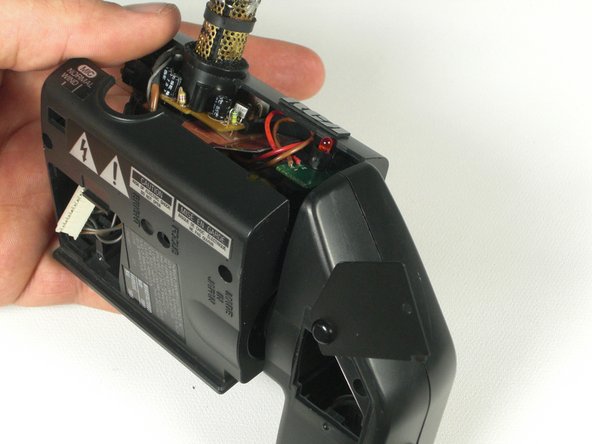
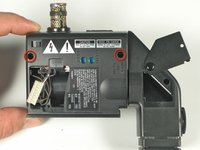
Unscrew the two 7mm ph#0 screws on the underside of the viewfinder assembly.
-
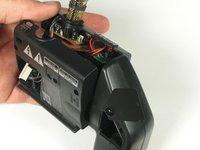
Lift the viewfinder plastic assembly up.
-
-
-
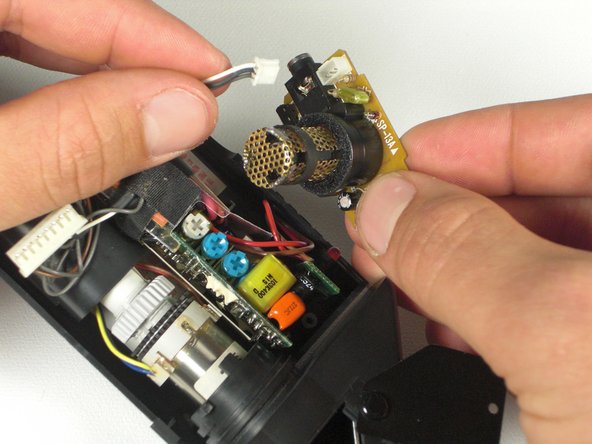
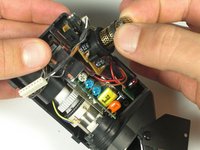
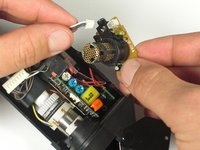
Lift the microphone circuit board straight up.
-
Unclip the cable connected to the circuit board.
-
-
-
Turn the microphone circuit board over.
-
Unscrew the two Ph#0 screws holding the plastic housing on the circuit board.
-
-
-
Desolder the metal protective housing using a soldering iron.
-
Desolder the microphone and replace it.
-





To reassemble your device, follow these instructions in reverse order.
다른 한 분이 해당 안내서를 완성하였습니다.

팀

Cal Poly, Team 5-20, Amido Winter 2011 Cal Poly, Team 5-20, Amido Winter 2011 회원
CPSU-AMIDO-W11S5G20
4 회원들
안내서 7개를 작성함
