주요 콘텐츠로 건너뛰기
수리 커뮤니티 가입 - 계정 만들기

RCA RP3715A Tuning Wheel Replacement

필요한 것

  1. RCA RP3715A Tuning Wheel Replacement, Reaching the battery terminal.: 1 단계, 이미지 2개 중 1개 RCA RP3715A Tuning Wheel Replacement, Reaching the battery terminal.: 1 단계, 이미지 2개 중 2개
    • Push down on the clip to release pressure. The pull off the plastic cover.

  2. RCA RP3715A Tuning Wheel Replacement, Replacing the battery: 2 단계, 이미지 1개 중 1개
    • Remove the 9-volt battery from the battery terminal.

  3. RCA RP3715A Tuning Wheel Replacement, Getting inside the device.: 3 단계, 이미지 1개 중 1개
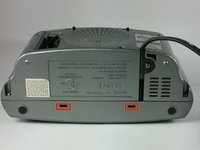
    • Take out the six screws located on the back of the device.

    • The red screws are 10 mm Phillip's #1. The orange screws are 13 mm Phillips #1.

    • Three screws are located on the back panel. One is located inside the battery carriage.

    • Two screws are located on the on the back panel on the bottom left and right side.

  4. RCA RP3715A Tuning Wheel Replacement, Relieve extension cord tension.: 4 단계, 이미지 3개 중 1개 RCA RP3715A Tuning Wheel Replacement, Relieve extension cord tension.: 4 단계, 이미지 3개 중 2개 RCA RP3715A Tuning Wheel Replacement, Relieve extension cord tension.: 4 단계, 이미지 3개 중 3개
    • Remove the 10 mm Phillip's #1 screw.

    • Then remove the metal reinforcement.

  5. RCA RP3715A Tuning Wheel Replacement: 5 단계, 이미지 2개 중 1개 RCA RP3715A Tuning Wheel Replacement: 5 단계, 이미지 2개 중 2개
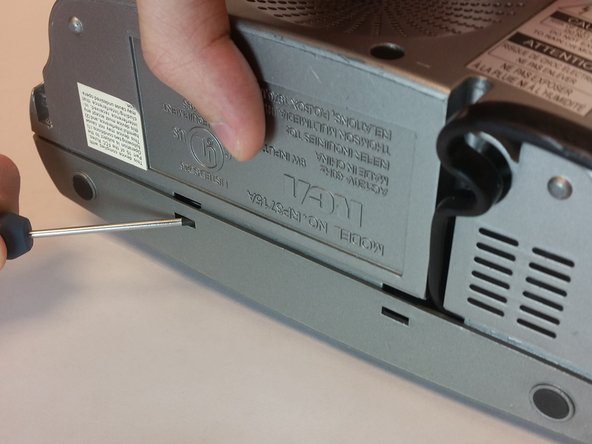
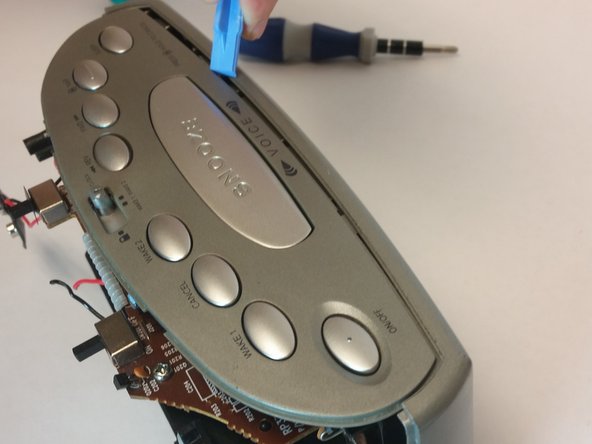
    • Using flathead screwdriver undo the release tabs.

  6. RCA RP3715A Tuning Wheel Replacement: 6 단계, 이미지 3개 중 1개 RCA RP3715A Tuning Wheel Replacement: 6 단계, 이미지 3개 중 2개 RCA RP3715A Tuning Wheel Replacement: 6 단계, 이미지 3개 중 3개
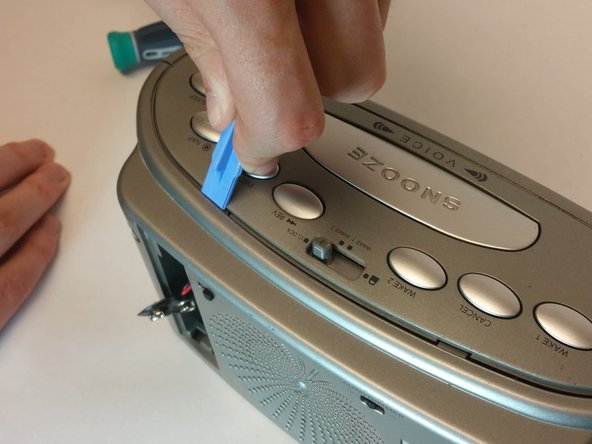
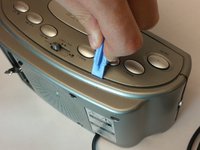
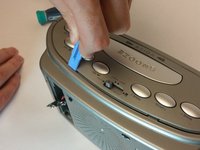
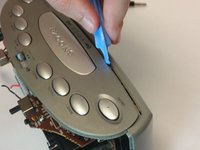
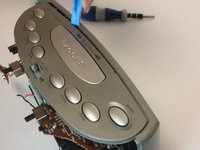
    • Pry the release tabs with a spudger.

    • Start with back of the device on the topside.

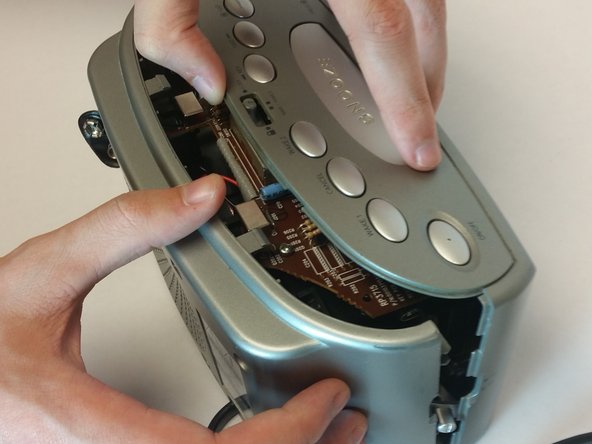
  7. RCA RP3715A Tuning Wheel Replacement: 7 단계, 이미지 2개 중 1개 RCA RP3715A Tuning Wheel Replacement: 7 단계, 이미지 2개 중 2개
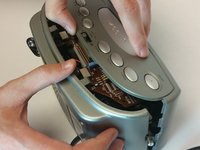
    • Pry open both tabs to remove the topside of the clock.

  8. RCA RP3715A Tuning Wheel Replacement, Speaker Replacement: 8 단계, 이미지 1개 중 1개
    • Remove the two 10mm Phillip's #1 screws. Also remove the two reinforcements holding the speaker in place.

  9. RCA RP3715A Tuning Wheel Replacement, Motherboard: 9 단계, 이미지 2개 중 1개 RCA RP3715A Tuning Wheel Replacement, Motherboard: 9 단계, 이미지 2개 중 2개
    • asd

  10. RCA RP3715A Tuning Wheel Replacement, Removing the top part of motherboard: 10 단계, 이미지 1개 중 1개
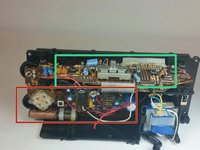
    • Remove the top 5 10mm Phillips #1 screws holding the top part of the motherboard

  11. RCA RP3715A Tuning Wheel Replacement, Removing the side part of motherboard: 11 단계, 이미지 1개 중 1개
    • Remove the 5 10mm Phillip's #1 screws that holding side part of the motherboard

  12. RCA RP3715A Tuning Wheel Replacement: 12 단계, 이미지 1개 중 1개
    • Remove the transformer by pulling back the release tab shown.

  13. RCA RP3715A Tuning Wheel Replacement: 13 단계, 이미지 1개 중 1개
    • Pull the battery terminal through the whole shown.

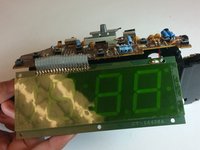
  14. RCA RP3715A Tuning Wheel Replacement, Lift the digital screen: 14 단계, 이미지 1개 중 1개
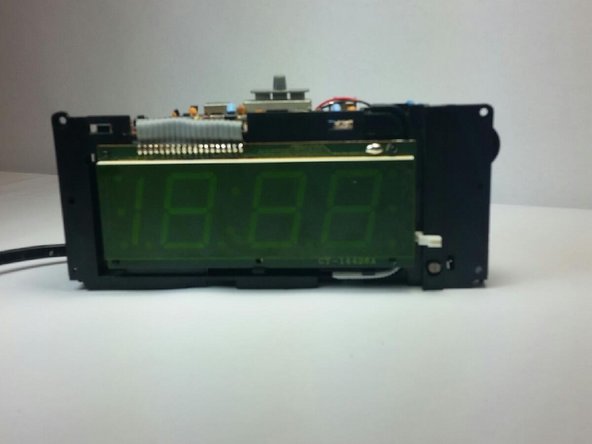
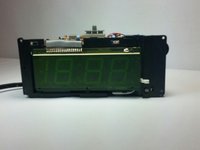
    • First release the latch highlighted in the picture. Then grab the screen by the bottom and lift it up.

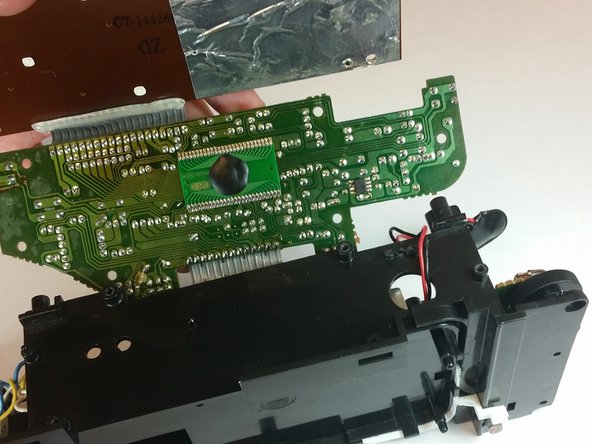
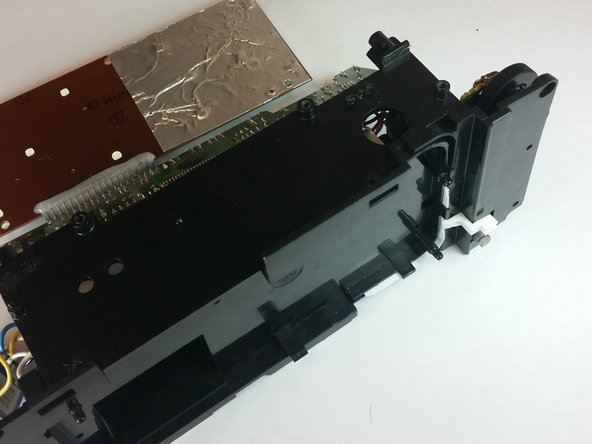
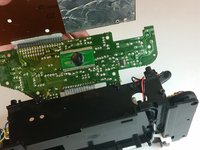
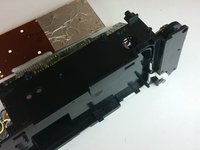
  15. RCA RP3715A Tuning Wheel Replacement, Lift the top piece of motherboard: 15 단계, 이미지 3개 중 1개 RCA RP3715A Tuning Wheel Replacement, Lift the top piece of motherboard: 15 단계, 이미지 3개 중 2개 RCA RP3715A Tuning Wheel Replacement, Lift the top piece of motherboard: 15 단계, 이미지 3개 중 3개
    • Remove the motherboard from the frame using the illustration shown.

  16. RCA RP3715A Tuning Wheel Replacement, Replacing the tuning wheel: 16 단계, 이미지 1개 중 1개
    • Lift up the gray tuning wheel and replace it with the new one.

결론

To reassemble your device, follow these instructions in reverse order.

작성자

5다른 기여자 명과 함께

Alexander Trowell

회원 가입일: 09/22/14

222 평판

안내서 2개를 작성함

USF Tampa, Team 10-5, Brown Fall 2014 USF Tampa, Team 10-5, Brown Fall 2014 회원

USFT-BROWN-F14S10G5

3 회원들

안내서 5개를 작성함

0가이드 댓글

댓글 쓰기

조회 통계:

지난 24시간: 0

지난 7일: 4

지난 30일: 21

전체 시간: 419