소개
Removing the rear camera casing will give you access to the inside of the camera.
필요한 것
-
-
-
The battery compartment is located on the bottom side of the camera. Push the button in, and slide the cover to get access to the batteries.
 FixBot에 문의하기
-
-
-
-
-
-
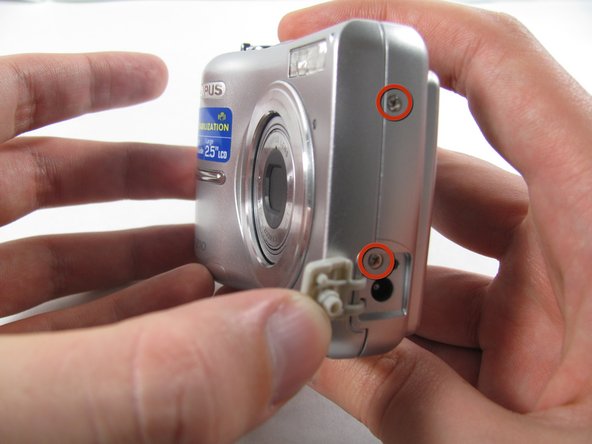
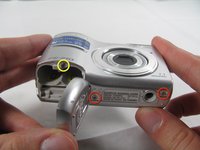
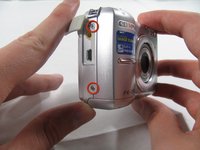
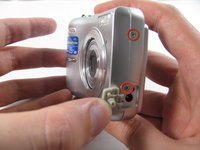
Remove the seven screws holding the front case in place, with a Phillips #00 screwdriver.
-
Six screws are 3.6 mm.
-
The seventh screw is 3.2 mm.
-
-
-
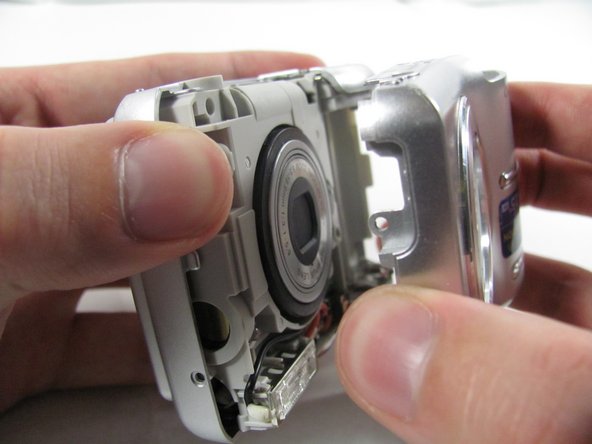
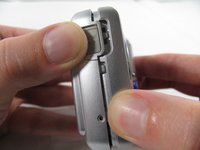
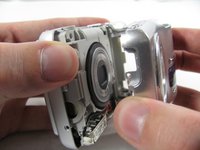
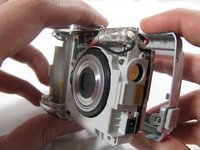
Insert an opening tool or spudger into the seam between the front case and body of the camera to release the clips holding it together.
-
These three places are located:
-
At the top and bottom of the battery side (opposite of side pictured) of the case.
-
Right in the middle of the DC-in side (side pictured) of the case.
-
Top of the camera, to the left of the power button.
-
Once those places are disconnected, the front case will pop right off.
-
-
-
-
-
Remove the 3.2 mm screw in the battery compartment using a #00 screwdriver.
-
-
-
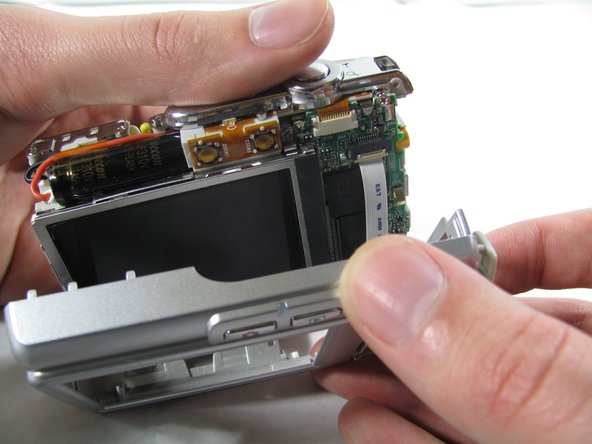
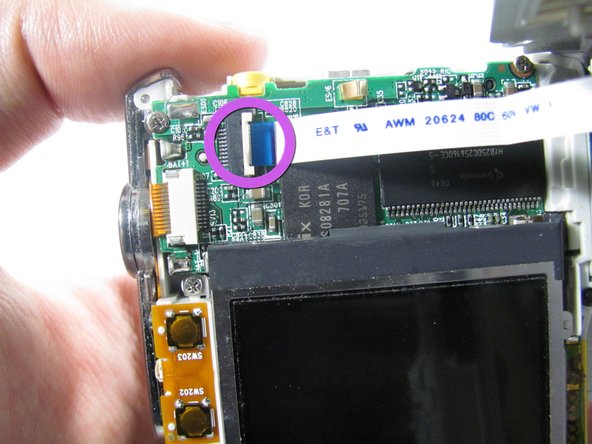
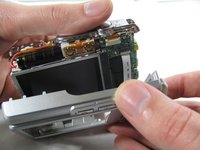
Carefully pull the rear case away from the camera until you have access to the cord connected to the motherboard.
-
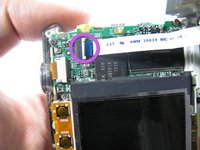
Lift the white latch using a fingernail or a spudger.
-
Pull the cord from its connector.
-
-






To reassemble your device, follow these instructions in reverse order.
다른 한 분이 해당 안내서를 완성하였습니다.

팀

Cal Poly, Team 4-36, Regan Winter 2011 Cal Poly, Team 4-36, Regan Winter 2011 회원
CPSU-REGAN-W11S4G36
3 회원들
안내서 14개를 작성함
