주요 콘텐츠로 건너뛰기
수리 커뮤니티 가입 - 계정 만들기

Replacing the friction pads

필요한 것

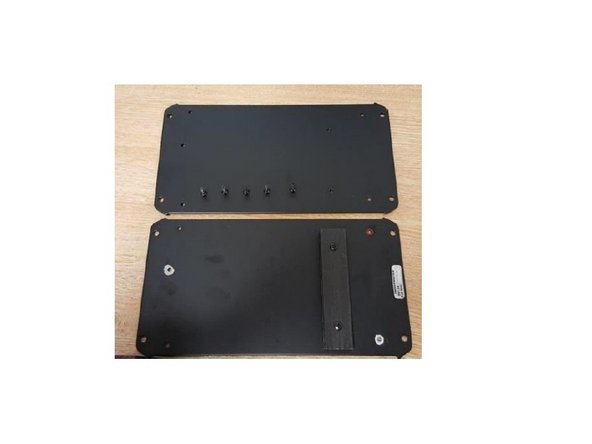
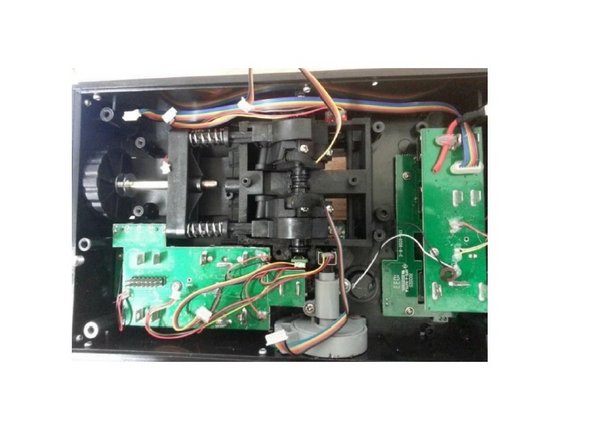
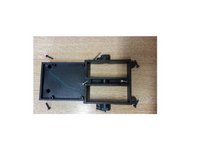
    1. Replacing the friction pads, Open the Throttle: 1 단계, 이미지 3개 중 1개 Replacing the friction pads, Open the Throttle: 1 단계, 이미지 3개 중 2개 Replacing the friction pads, Open the Throttle: 1 단계, 이미지 3개 중 3개
      • Unscrew these 5 screws

      • Remove the metal plate

      댓글 쓰기

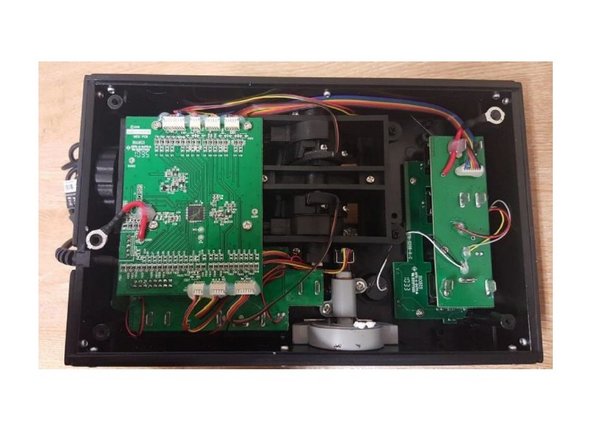
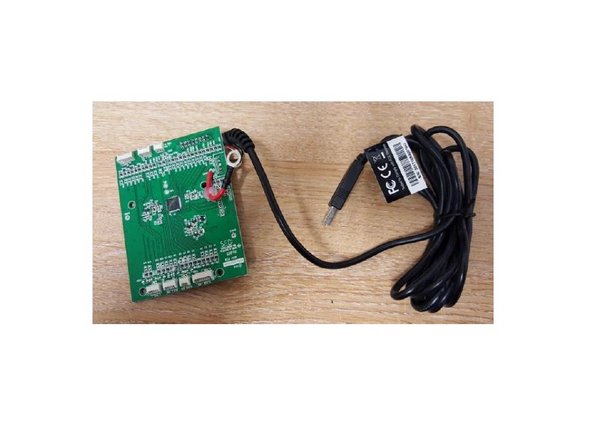
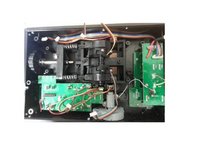
    2. Replacing the friction pads, Remove the PCB: 2 단계, 이미지 3개 중 1개 Replacing the friction pads, Remove the PCB: 2 단계, 이미지 3개 중 2개 Replacing the friction pads, Remove the PCB: 2 단계, 이미지 3개 중 3개
      • Unscrew the 4 screws, disconnect all the connectors and take off the PCB

      • Remove the 4 screws, disconnect all wires and remove the PCB.

      댓글 쓰기

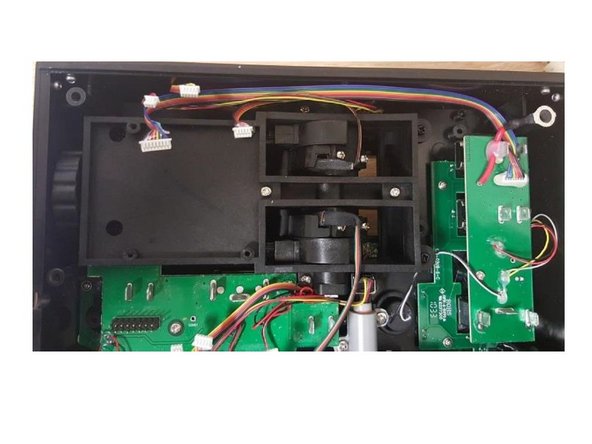
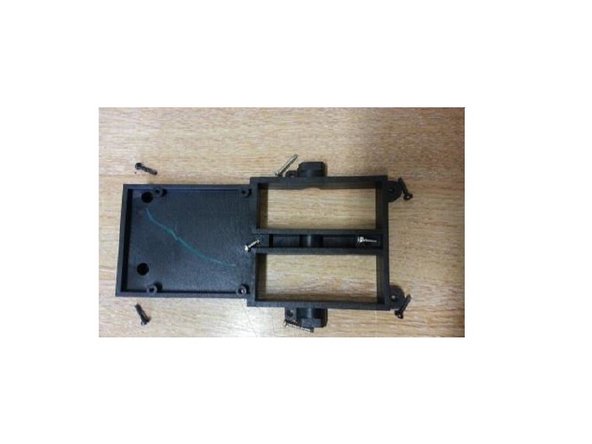
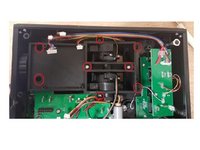
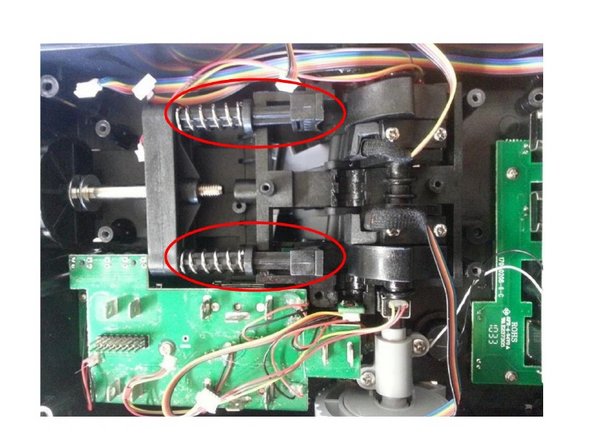
    3. Replacing the friction pads, Remove the screws: 3 단계, 이미지 3개 중 1개 Replacing the friction pads, Remove the screws: 3 단계, 이미지 3개 중 2개 Replacing the friction pads, Remove the screws: 3 단계, 이미지 3개 중 3개
      • Remove 8 screws highlighted on the picture.

      댓글 쓰기

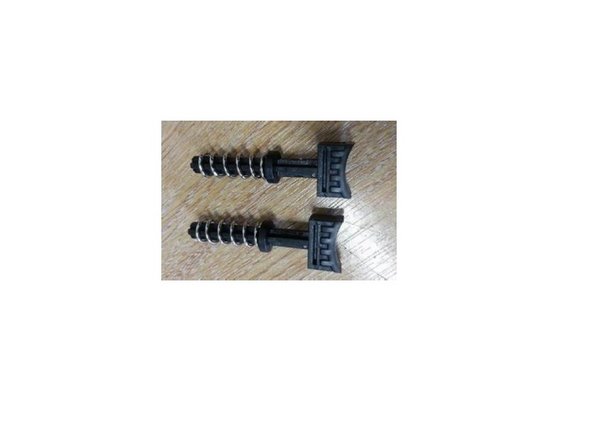
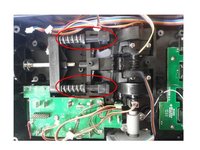
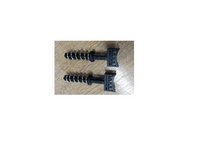
    4. Replacing the friction pads, Remove the friction pads: 4 단계, 이미지 3개 중 1개 Replacing the friction pads, Remove the friction pads: 4 단계, 이미지 3개 중 2개 Replacing the friction pads, Remove the friction pads: 4 단계, 이미지 3개 중 3개
      • Push the lever arms to gain access to the friction pads.

      • You can now remove the Friction pads

      댓글 쓰기

      • You can now change your friction pads

      댓글 쓰기

결론

Reassemble the product by following this procedure in reverse order.

취소: 해당 안내서를 완성하지 않았습니다.

다른 한 분이 해당 안내서를 완성하였습니다.

다음 번역가들에게 특별히 감사 드립니다:

fr en

100%

이 번역인들은 저희가 세상을 수리하는 데 도움을 주고 있어요! 기여하시겠습니까?
번역 시작하기 ›

첨부 문서

작성자

2다른 기여자 명과 함께

Avrila

회원 가입일: 07/25/24

1,377 평판

안내서 5개를 작성함

0가이드 댓글

댓글 쓰기

조회 통계:

지난 24시간: 1

지난 7일: 4

지난 30일: 36

전체 시간: 709