필요한 것
-
-
-
Use a heat gun or iOpener to heat the back of the phone.
-
Insert a spudger or thin bladed tool between the batery cover and frame.
-
Slide all the way around to release the adhesive holding the cover.
-
The battery cover is also glass and can break if too much pressure is applied when removeing.
-
-
-
Hold the edge of the housing and push on the battery to release the display and mainboard from the housing.
-
You may need to go around the edge of the glass with a pick to remove any remaining adhesive
-
-
-
-
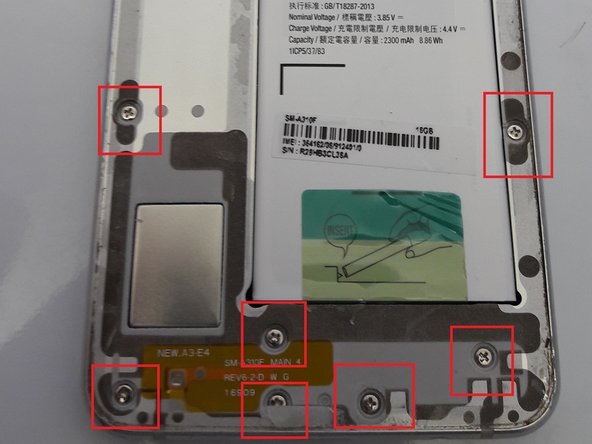
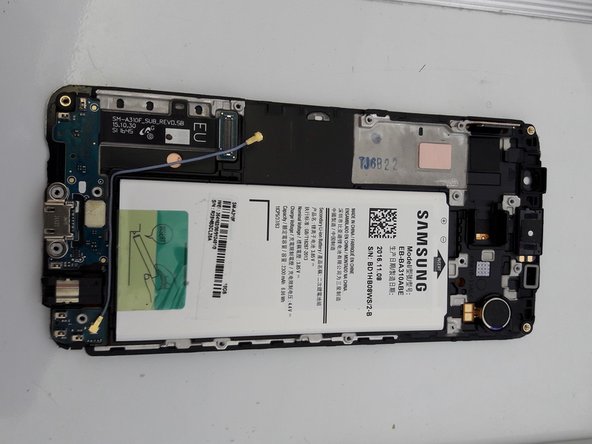
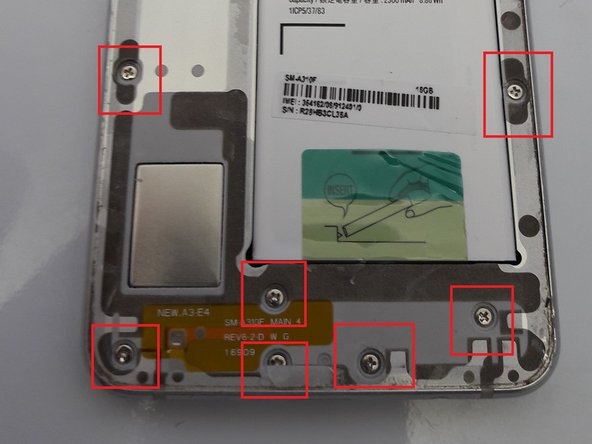
Remove the Philips screw securing the mainboard.
-
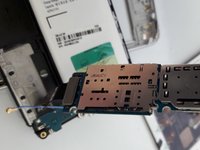
Remove the cable attached to the mainboard
-
Disconnect the display and camera connectors from the mainboard
-
-
-
Using a heatgun, heat the front of the display.
-
Use a spudger or pick to work the display and LCD free from the plastic housing. NOTE: The LCD is also glued to the frame and will probably break as well.
-
When mounting the new display, the display cable slots through a gap in the plastic frame and attaches to the mainboard.
-
-
-
Reattach the daughter board connector to the mainboard.
-
When re-inserting the mainboard, use a plastic spudger to push the battery pins in so the mainboard sits properly in the frame and the pins make a good contact with the battery.
-
Re-connect the display connector, camera and cable to the mainboard.
-
Screw the mainboard to the frame
-
-
-
Turn the phone on and test the display before removing the adhesive on the back of the display.
-
If everything works, remove the adhesive and attach the display to the plastic frame.
-
Push the display into the metal housing so it fits snugly.
-
-
-
Replace the 16 screws that were removed in step 3.
-
Replace the battery cover and you are done.
-

 FixBot에 문의하기










To reassemble your device, follow these instructions in reverse order.
다른 5명이 해당 안내서를 완성하였습니다.

