주요 콘텐츠로 건너뛰기
수리 커뮤니티 가입 - 계정 만들기

Samsung Alias 2 Speaker Replacement

필요한 것

  1. Samsung Alias 2 Speaker Replacement, Battery: 1 단계, 이미지 1개 중 1개
    • Press down on the back cover of the phone and remove it.

  2. Samsung Alias 2 Speaker Replacement: 2 단계, 이미지 1개 중 1개
    • Take out the battery from the device.

  3. Samsung Alias 2 Speaker Replacement, Speaker: 3 단계, 이미지 1개 중 1개
    • Remove the two (4.1 mm) screws down the screen.

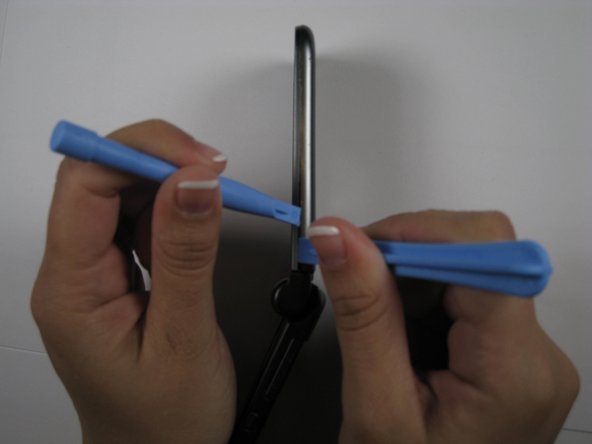
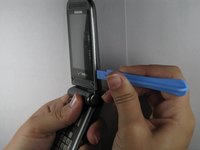
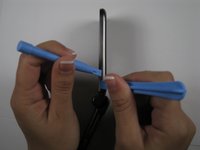
  4. Samsung Alias 2 Speaker Replacement: 4 단계, 이미지 2개 중 1개 Samsung Alias 2 Speaker Replacement: 4 단계, 이미지 2개 중 2개
    • Remove the upper casing with a plastic opening tools.

  5. Samsung Alias 2 Speaker Replacement: 5 단계, 이미지 1개 중 1개
    • Use soldering iron to melt, and remove soldering joints of the speaker.

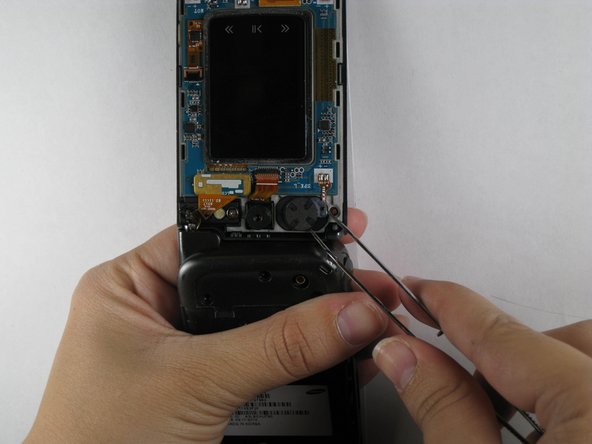
  6. Samsung Alias 2 Speaker Replacement: 6 단계, 이미지 2개 중 1개 Samsung Alias 2 Speaker Replacement: 6 단계, 이미지 2개 중 2개
    이 단계에 사용된 도구:
    Tweezers
    $4.99
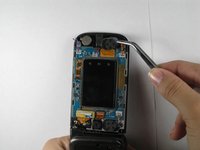
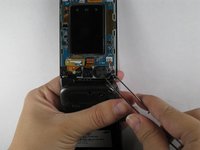
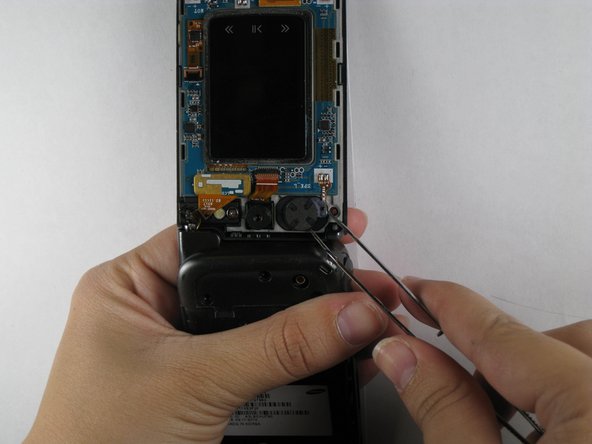
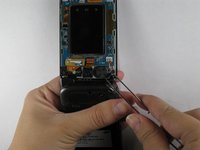
    • Use tweezers to remove the speaker from its place.

    • Note: There are two speakers. Make sure you know which one is broken before removing it.

  7. Samsung Alias 2 Speaker Replacement: 7 단계, 이미지 2개 중 1개 Samsung Alias 2 Speaker Replacement: 7 단계, 이미지 2개 중 2개
    • Use tweezers to insert the new speaker into the speaker slot.

  8. Samsung Alias 2 Speaker Replacement: 8 단계, 이미지 1개 중 1개
    • Solder a speaker ribbon to the logic board.

    • Note: be careful to match the right polarity before you solder.

결론

To reassemble your device, follow these instructions in reverse order.

작성자

5다른 기여자 명과 함께

Chris

회원 가입일: 04/16/11

133 평판

안내서 5개를 작성함

Cal Poly, Team 12-35, Maness Spring 2011 Cal Poly, Team 12-35, Maness Spring 2011 회원

CPSU-MANESS-S11S12G35

4 회원들

안내서 10개를 작성함

0가이드 댓글

댓글 쓰기

조회 통계:

지난 24시간: 0

지난 7일: 12

지난 30일: 45

전체 시간: 2,349