주요 콘텐츠로 건너뛰기
수리 커뮤니티 가입 - 계정 만들기
Samsung Galaxy A11 Display Assembly Replacement

필요한 것

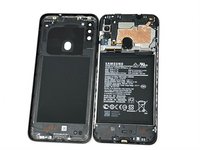
  1. Samsung Galaxy A11 Display Assembly Replacement, Back Cover: 1 단계, 이미지 3개 중 1개 Samsung Galaxy A11 Display Assembly Replacement, Back Cover: 1 단계, 이미지 3개 중 2개 Samsung Galaxy A11 Display Assembly Replacement, Back Cover: 1 단계, 이미지 3개 중 3개
    • Place the SIM eject tool in the hole of the sim tray.

    • Push until part of the SIM tray is pushed out.

    • Pull out the rest of the SIM tray.

  2. Samsung Galaxy A11 Display Assembly Replacement: 2 단계, 이미지 3개 중 1개 Samsung Galaxy A11 Display Assembly Replacement: 2 단계, 이미지 3개 중 2개 Samsung Galaxy A11 Display Assembly Replacement: 2 단계, 이미지 3개 중 3개
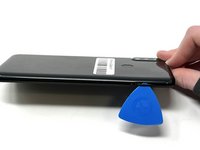
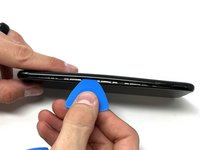
    • Gently pry open the area of the back cover near the SIM tray using an iFixit opening pick.

    • Gently move the pick along the gap and pry open the clips holding it together.

    • If possible, use multiple picks to prevent the back cover from closing.

  3. Samsung Galaxy A11 Display Assembly Replacement: 3 단계, 이미지 3개 중 1개 Samsung Galaxy A11 Display Assembly Replacement: 3 단계, 이미지 3개 중 2개 Samsung Galaxy A11 Display Assembly Replacement: 3 단계, 이미지 3개 중 3개
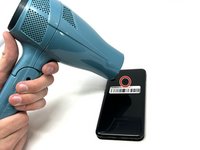
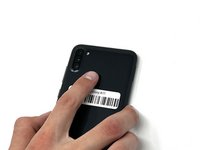
    • Using a hair dryer on low heat, heat the fingerprint sensor in increments of 30 seconds to loosen the surrounding adhesive.

    • Gently push the fingerprint sensor until it detaches from the back cover.

    • If needed, remove the button by prying it from the bottom of the device.

  4. Samsung Galaxy A11 Display Assembly Replacement, Battery: 4 단계, 이미지 3개 중 1개 Samsung Galaxy A11 Display Assembly Replacement, Battery: 4 단계, 이미지 3개 중 2개 Samsung Galaxy A11 Display Assembly Replacement, Battery: 4 단계, 이미지 3개 중 3개
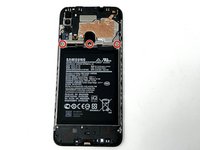
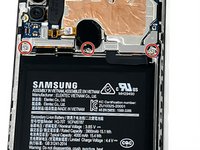
    • Remove the three 3 mm screws from the shield using a Phillips #000 screwdriver.

    • Remove the shield from the phone.

  5. Samsung Galaxy A11 Display Assembly Replacement: 5 단계, 이미지 3개 중 1개 Samsung Galaxy A11 Display Assembly Replacement: 5 단계, 이미지 3개 중 2개 Samsung Galaxy A11 Display Assembly Replacement: 5 단계, 이미지 3개 중 3개
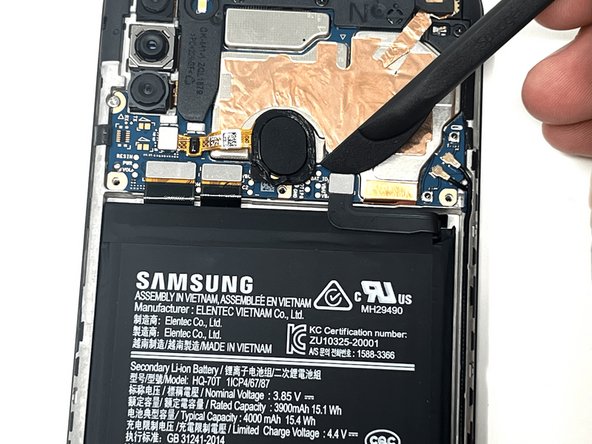
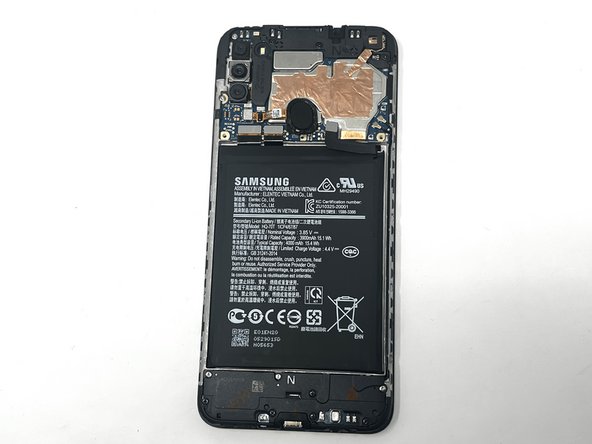
    • Using tweezers, a spudger, or your fingers, disconnect the battery press connector from the phone.

  6. Samsung Galaxy A11 Display Assembly Replacement: 6 단계, 이미지 3개 중 1개 Samsung Galaxy A11 Display Assembly Replacement: 6 단계, 이미지 3개 중 2개 Samsung Galaxy A11 Display Assembly Replacement: 6 단계, 이미지 3개 중 3개
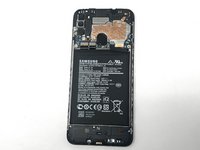
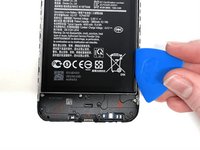
    • If needed, use a hairdryer on low heat to soften the adhesive under the battery. If The Battery Is Expanded, DO NOT USE A HAIRDRYER or heat; be very careful when removing to not puncture the battery.

    • Use an iFixit pry tool to dig under the battery edge.

    • If needed, use multiple pry tools to hold the battery in place.

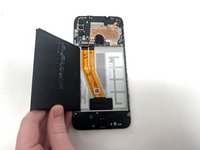
    • Continue to cut the adhesive under the battery until you are able to pry the battery away from the phone.

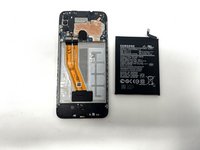
    • Remove the battery from the phone.

  7. Samsung Galaxy A11 Display Assembly Replacement, Earpiece Speaker: 7 단계, 이미지 3개 중 1개 Samsung Galaxy A11 Display Assembly Replacement, Earpiece Speaker: 7 단계, 이미지 3개 중 2개 Samsung Galaxy A11 Display Assembly Replacement, Earpiece Speaker: 7 단계, 이미지 3개 중 3개
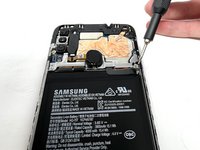
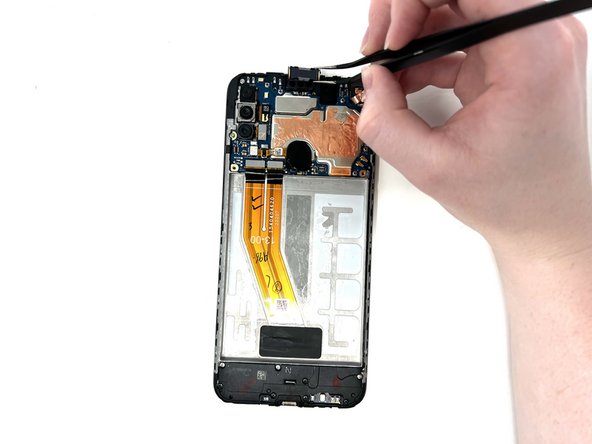
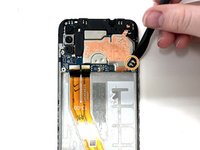
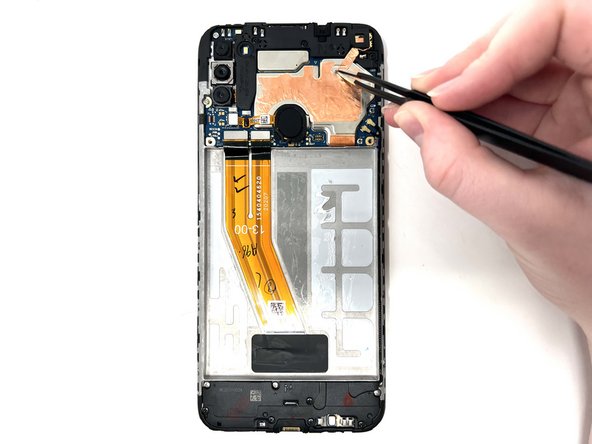
    • Gently use tweezers to peel up the copper strip on the top right of the phone.

  8. Samsung Galaxy A11 Display Assembly Replacement: 8 단계, 이미지 2개 중 1개 Samsung Galaxy A11 Display Assembly Replacement: 8 단계, 이미지 2개 중 2개
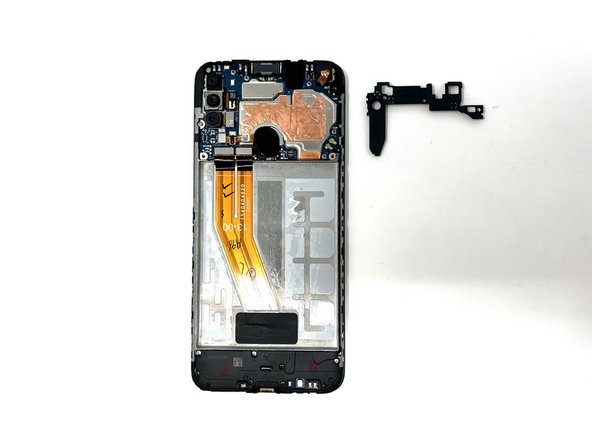
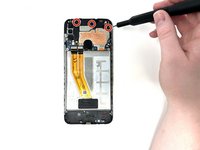
    • Remove the three black 3 mm screws from the speaker cover using a Phillips #000 screwdriver.

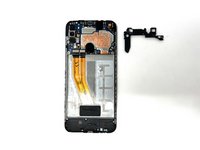
    • Remove the cover from the phone.

  9. Samsung Galaxy A11 Display Assembly Replacement: 9 단계, 이미지 3개 중 1개 Samsung Galaxy A11 Display Assembly Replacement: 9 단계, 이미지 3개 중 2개 Samsung Galaxy A11 Display Assembly Replacement: 9 단계, 이미지 3개 중 3개
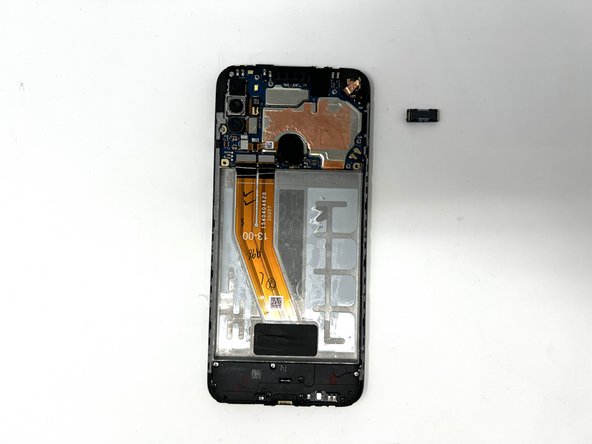
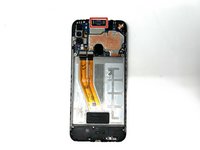
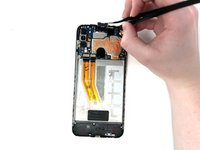
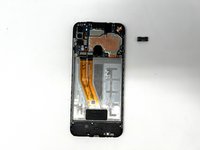
    • Using tweezers, carefully remove the earpiece speaker at the top of the phone.

    • When using metal tools, it is important to be gentle in order to not damage the device.

    • If needed, you can use a hair dryer to apply heat to the speaker and loosen the adhesive.

    • If needed, you may orient the tweezers to your liking, gripping the earpiece horizontally or vertically, while removing it.

  10. Samsung Galaxy A11 Display Assembly Replacement, Fingerprint Sensor: 10 단계, 이미지 3개 중 1개 Samsung Galaxy A11 Display Assembly Replacement, Fingerprint Sensor: 10 단계, 이미지 3개 중 2개 Samsung Galaxy A11 Display Assembly Replacement, Fingerprint Sensor: 10 단계, 이미지 3개 중 3개
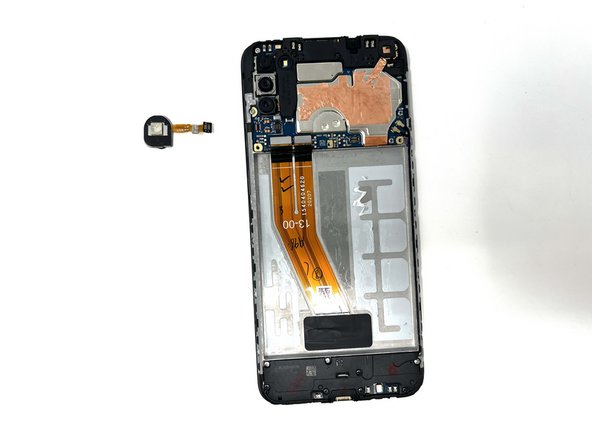
    • Using a spudger, detach the ribbon cable connected to the fingerprint sensor.

    • Remove the fingerprint sensor from the device.

  11. Samsung Galaxy A11 Display Assembly Replacement, Motherboard: 11 단계, 이미지 1개 중 1개
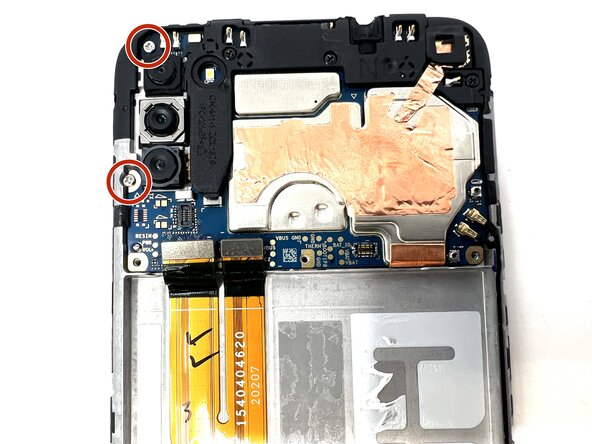
    • Remove the two 3 mm silver screws from the top left of the device using a Phillips #000 screwdriver.

  12. Samsung Galaxy A11 Display Assembly Replacement: 12 단계, 이미지 3개 중 1개 Samsung Galaxy A11 Display Assembly Replacement: 12 단계, 이미지 3개 중 2개 Samsung Galaxy A11 Display Assembly Replacement: 12 단계, 이미지 3개 중 3개
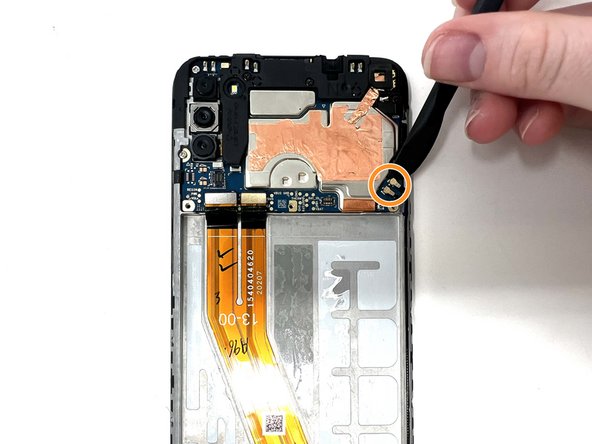
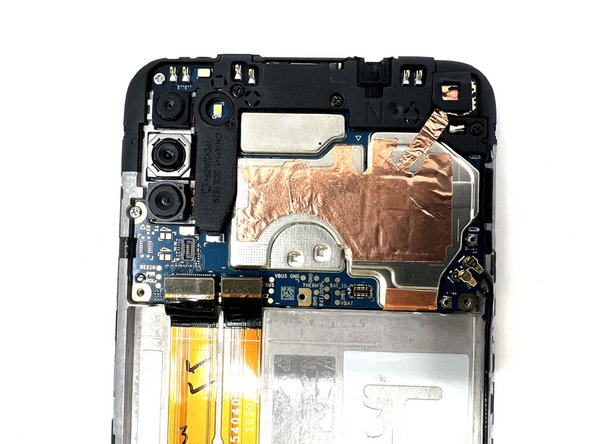
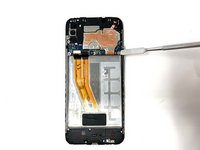
    • Using a spudger, disconnect the two ribbon cables attached to the battery slot from the motherboard.

    • Disconnect the two longer ribbon cables near the bottom right corner of the motherboard.

    • Lift these cables up slightly to reveal a gap.

  13. Samsung Galaxy A11 Display Assembly Replacement: 13 단계, 이미지 3개 중 1개 Samsung Galaxy A11 Display Assembly Replacement: 13 단계, 이미지 3개 중 2개 Samsung Galaxy A11 Display Assembly Replacement: 13 단계, 이미지 3개 중 3개
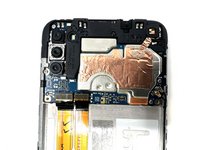
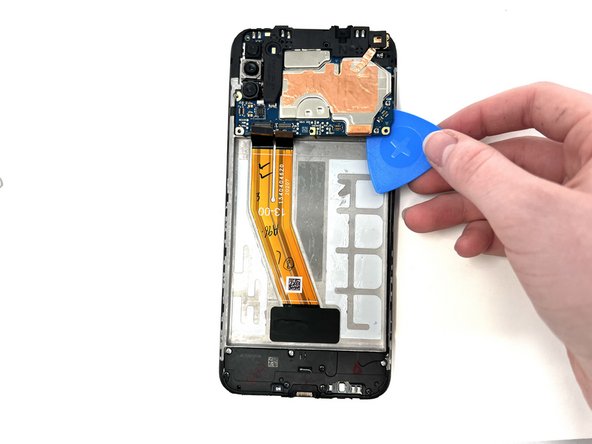
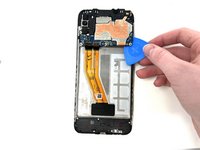
    • Using a spudger, gently pry the motherboard up using the corner revealed in the previous step.

    • If needed, use a metal spudger as a sturdier alternative.

    • If using a metal spudger, it is important to be gentle in order to not damage any components of the device.

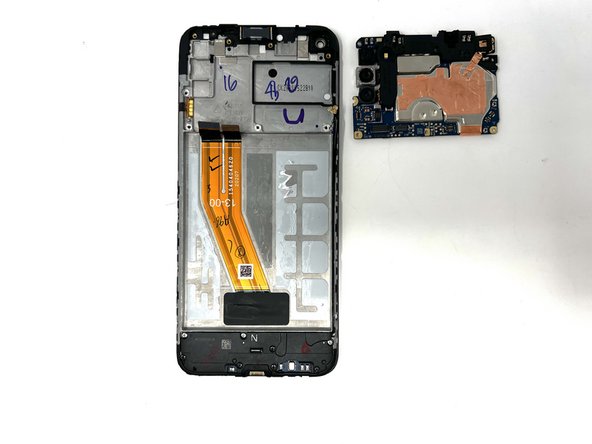
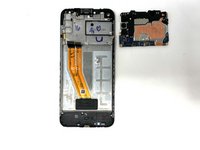
    • Remove the motherboard from the device.

  14. Samsung Galaxy A11 Display Assembly Replacement, Daughterboard: 14 단계, 이미지 3개 중 1개 Samsung Galaxy A11 Display Assembly Replacement, Daughterboard: 14 단계, 이미지 3개 중 2개 Samsung Galaxy A11 Display Assembly Replacement, Daughterboard: 14 단계, 이미지 3개 중 3개
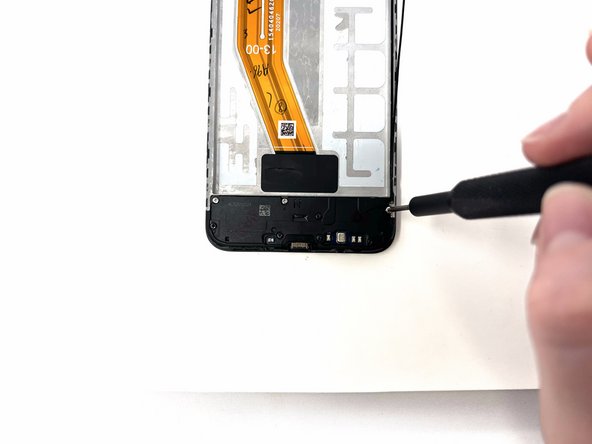
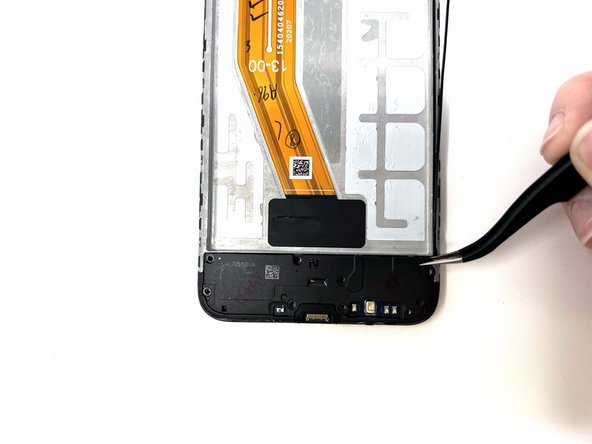
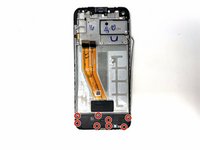
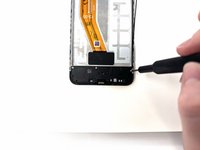
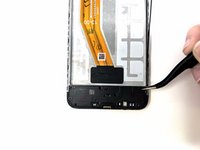
    • Remove the eight silver and black 3 mm screws from the speaker cover using a Phillips #000 screwdriver.

    • Remove the speaker cover from the device.

  15. Samsung Galaxy A11 Display Assembly Replacement: 15 단계, 이미지 3개 중 1개 Samsung Galaxy A11 Display Assembly Replacement: 15 단계, 이미지 3개 중 2개 Samsung Galaxy A11 Display Assembly Replacement: 15 단계, 이미지 3개 중 3개
    • Using a spudger, disconnect the antenna heads from the daughterboard.

    • Disconnect the ribbon cable from the daughterboard.

  16. Samsung Galaxy A11 Display Assembly Replacement: 16 단계, 이미지 3개 중 1개 Samsung Galaxy A11 Display Assembly Replacement: 16 단계, 이미지 3개 중 2개 Samsung Galaxy A11 Display Assembly Replacement: 16 단계, 이미지 3개 중 3개
    • Using tweezers, gently pry the daughterboard from the device.

    • When using metal tools, it is important to be gentle in order to not damage the device.

  17. Samsung Galaxy A11 Display Assembly Replacement, Vibration Motor: 17 단계, 이미지 2개 중 1개 Samsung Galaxy A11 Display Assembly Replacement, Vibration Motor: 17 단계, 이미지 2개 중 2개
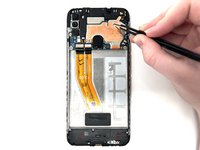
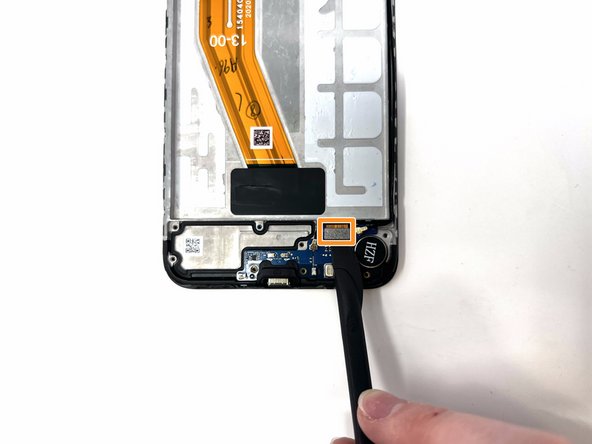
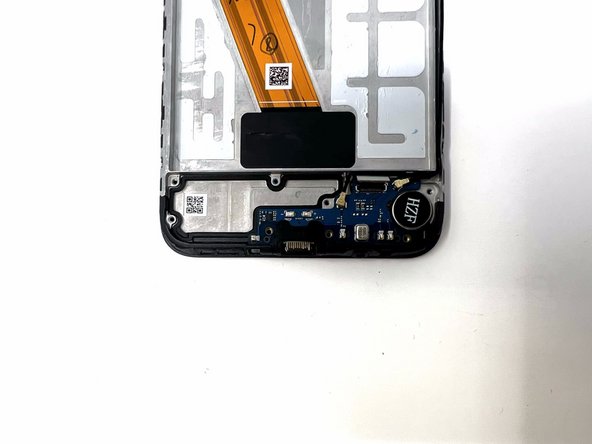
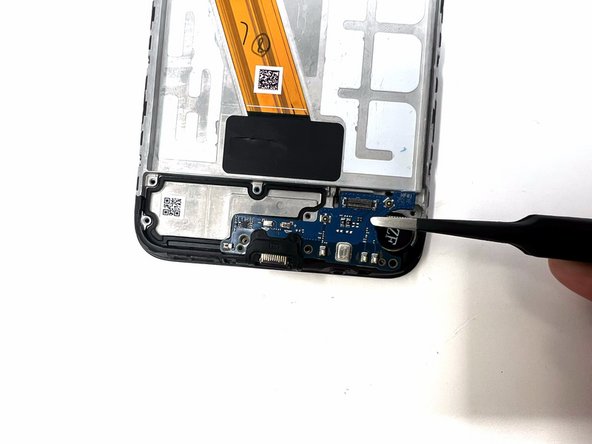
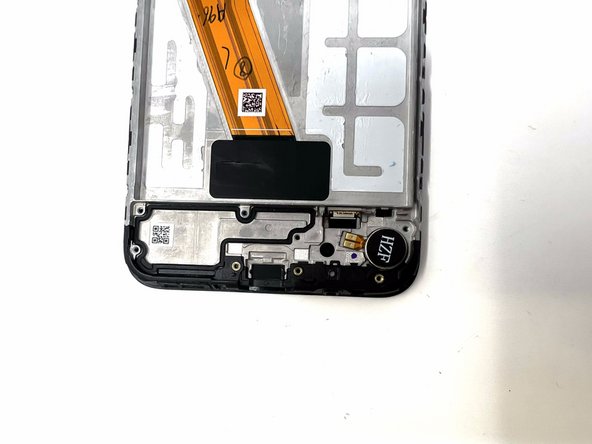
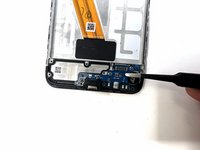
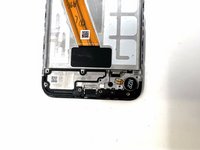
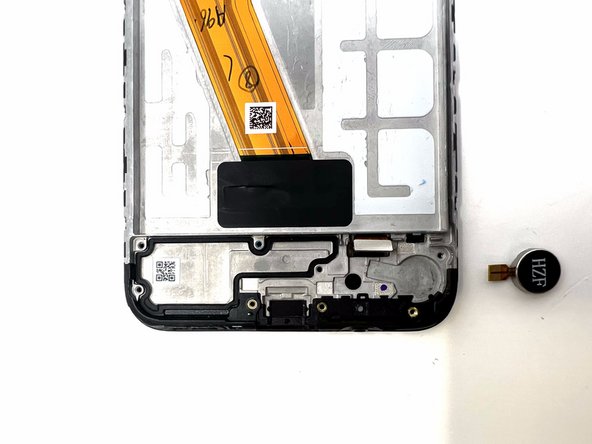
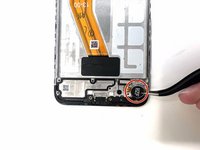
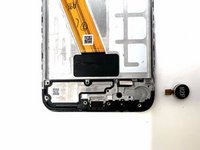
    • Using tweezers, remove the vibrator motor from the device.

    • If needed, you can apply heat to loosen the adhesive from the motor.

  18. Samsung Galaxy A11 Display Assembly Replacement, Display Assembly: 18 단계, 이미지 1개 중 1개
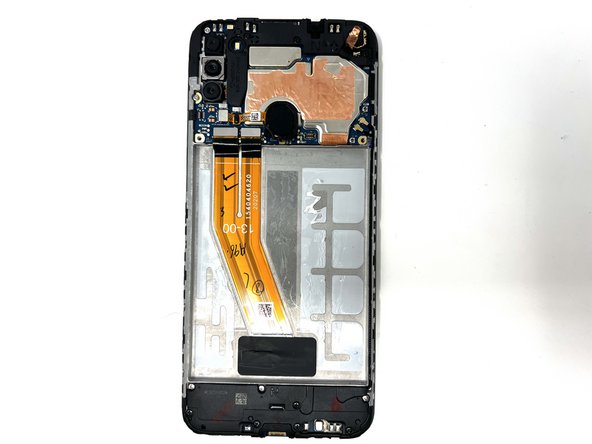
    • The display assembly is separated from all other components and can be replaced.

결론

To reassemble your device, follow these instructions in reverse order.

다른 3명이 해당 안내서를 완성하였습니다.

작성자

2다른 기여자 명과 함께

Chloe Bulloch

회원 가입일: 09/04/24

624 평판

안내서 3개를 작성함

Utah Tech University, Team 1-6, Crenshaw Fall 2024 Utah Tech University, Team 1-6, Crenshaw Fall 2024 회원

UTAHTECH-CRENSHAW-F24S1G6

2 회원들

안내서 9개를 작성함

0가이드 댓글

댓글 쓰기

조회 통계:

지난 24시간: 8

지난 7일: 49

지난 30일: 200

전체 시간: 1,899