주요 콘텐츠로 건너뛰기
수리 커뮤니티 가입 - 계정 만들기

Samsung Galaxy Watch Display Replacement

필요한 것

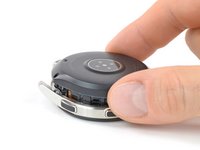
  1. Samsung Galaxy Watch Display Replacement, Opening Procedure: 1 단계, 이미지 1개 중 1개
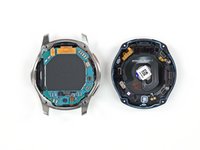
    • Remove the four Tri-point #00 screws (4.2 mm length) on the backside of the watch.

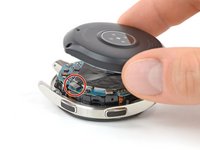
  2. Samsung Galaxy Watch Display Replacement: 2 단계, 이미지 2개 중 1개 Samsung Galaxy Watch Display Replacement: 2 단계, 이미지 2개 중 2개
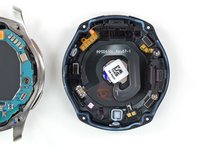
    • Use an opening tool to get between the back cover and the metal housing of the watch.

    • Carefully pry the plastic back cover open.

    • Don't remove the back cover yet. There is a flex cable running to the core assembly inside.

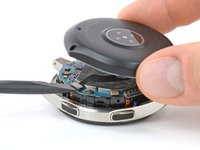
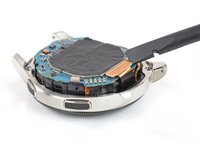
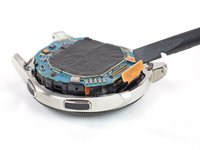
  3. Samsung Galaxy Watch Display Replacement: 3 단계, 이미지 2개 중 1개 Samsung Galaxy Watch Display Replacement: 3 단계, 이미지 2개 중 2개
    • Lay down the watch and lift the back cover to access the sensor connector on the motherboard.

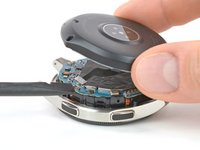
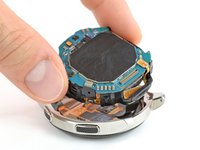
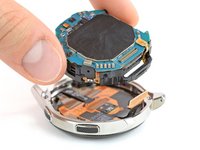
  4. Samsung Galaxy Watch Display Replacement: 4 단계, 이미지 2개 중 1개 Samsung Galaxy Watch Display Replacement: 4 단계, 이미지 2개 중 2개
    • Use a spudger to disconnect the sensor flex cable from the motherboard.

  5. Samsung Galaxy Watch Display Replacement: 5 단계, 이미지 3개 중 1개 Samsung Galaxy Watch Display Replacement: 5 단계, 이미지 3개 중 2개 Samsung Galaxy Watch Display Replacement: 5 단계, 이미지 3개 중 3개
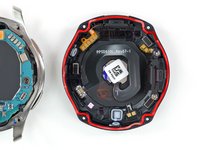
    • Remove the back cover.

    • When closing the watch make sure the rubber gasket is undamaged or replace it with a new one.

  6. Samsung Galaxy Watch Display Replacement, Core Assembly Removal: 6 단계, 이미지 2개 중 1개 Samsung Galaxy Watch Display Replacement, Core Assembly Removal: 6 단계, 이미지 2개 중 2개
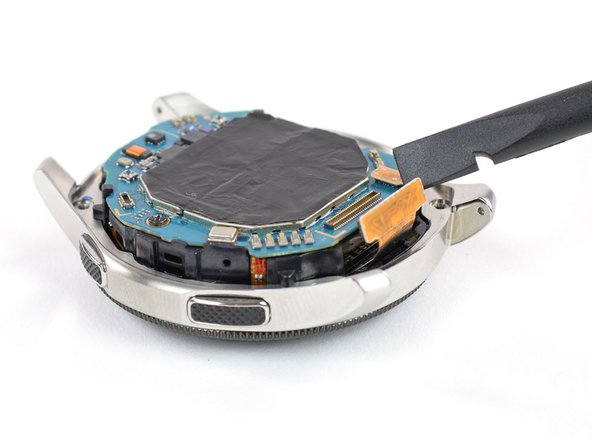
    • Use a spudger to disconnect the display flex cable from the motherboard.

  7. Samsung Galaxy Watch Display Replacement: 7 단계, 이미지 2개 중 1개 Samsung Galaxy Watch Display Replacement: 7 단계, 이미지 2개 중 2개
    • Lift the core unit out of the housing.

    • The core's plastic frame sits tight inside the housing.

    • Carefully thread the display flex cable through the gap of the core's plastic frame.

  8. Samsung Galaxy Watch Display Replacement, Display: 8 단계, 이미지 1개 중 1개
    • If necessary apply some tape over the display to avoid any injury from glass shards.

  9. Samsung Galaxy Watch Display Replacement: 9 단계, 이미지 2개 중 1개 Samsung Galaxy Watch Display Replacement: 9 단계, 이미지 2개 중 2개
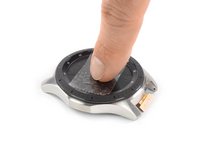
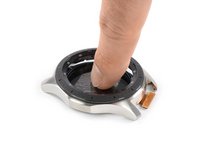
    • Use your finger or thumb to steadily push down on the display to loosen the adhesive.

    • Heating the display with a hair dryer or iOpener helps softening the adhesive.

    • Remove the display.

결론

To reassemble your device, follow these instructions in reverse order.

Take your e-waste to an R2 or e-Stewards certified recycler.

Repair didn’t go as planned? Try some basic troubleshooting, or ask our Answers community for help.

다른 9명이 해당 안내서를 완성하였습니다.

작성자

2다른 기여자 명과 함께

Tobias Isakeit

회원 가입일: 03/31/14

130,877 평판

안내서 189개를 작성함

Tobias Isakeit - Repairability Engineer Tobias Isakeit - Repairability Engineer 회원

Business

1 회원

안내서 1,145개를 작성함

1가이드 댓글

Hi does this process work with the galaxy 5 watch?

Rey Thomas Jude Ho - 답글

댓글 쓰기

조회 통계:

지난 24시간: 20

지난 7일: 148

지난 30일: 640

전체 시간: 77,128