주요 콘텐츠로 건너뛰기
수리 커뮤니티 가입 - 계정 만들기

Samsung HMX-W300 LCD Screen Replacement

필요한 것

    1. Samsung HMX-W300 LCD Screen Replacement, Disassembling Samsung HMX-W300: 1 단계, 이미지 3개 중 1개 Samsung HMX-W300 LCD Screen Replacement, Disassembling Samsung HMX-W300: 1 단계, 이미지 3개 중 2개 Samsung HMX-W300 LCD Screen Replacement, Disassembling Samsung HMX-W300: 1 단계, 이미지 3개 중 3개
      • To remove the wristband of the device, grab the middle loop and pull the band through.

      댓글 쓰기

    2. Samsung HMX-W300 LCD Screen Replacement: 2 단계, 이미지 2개 중 1개 Samsung HMX-W300 LCD Screen Replacement: 2 단계, 이미지 2개 중 2개
      • Remove four screws with a Hex 1.5 mm screwdriver.

      댓글 쓰기

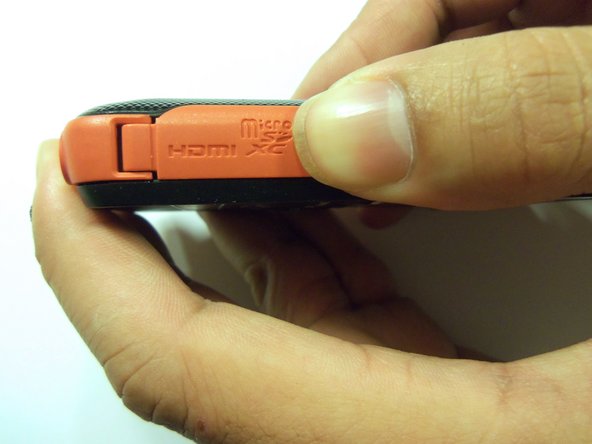
    3. Samsung HMX-W300 LCD Screen Replacement: 3 단계, 이미지 3개 중 1개 Samsung HMX-W300 LCD Screen Replacement: 3 단계, 이미지 3개 중 2개 Samsung HMX-W300 LCD Screen Replacement: 3 단계, 이미지 3개 중 3개
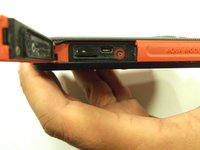
      • Open the HDMI door on the side of the camera.

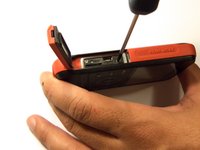
      • Remove the single screw using a Phillips #00 screwdriver.

      댓글 쓰기

    4. Samsung HMX-W300 LCD Screen Replacement: 4 단계, 이미지 3개 중 1개 Samsung HMX-W300 LCD Screen Replacement: 4 단계, 이미지 3개 중 2개 Samsung HMX-W300 LCD Screen Replacement: 4 단계, 이미지 3개 중 3개
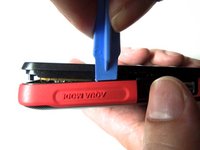
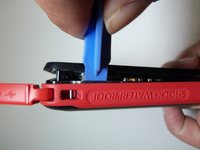
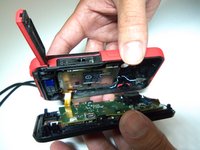
      • Use the iFixit opening tool on both sides on the device. Pry apart both sections with light force.

      • Do not apply too much force. There is a wire that attaches the front case with the rear case that can be damaged.

      댓글 쓰기

    5. Samsung HMX-W300 LCD Screen Replacement: 5 단계, 이미지 3개 중 1개 Samsung HMX-W300 LCD Screen Replacement: 5 단계, 이미지 3개 중 2개 Samsung HMX-W300 LCD Screen Replacement: 5 단계, 이미지 3개 중 3개
      이 단계에 사용된 도구:
      Tweezers
      $4.99
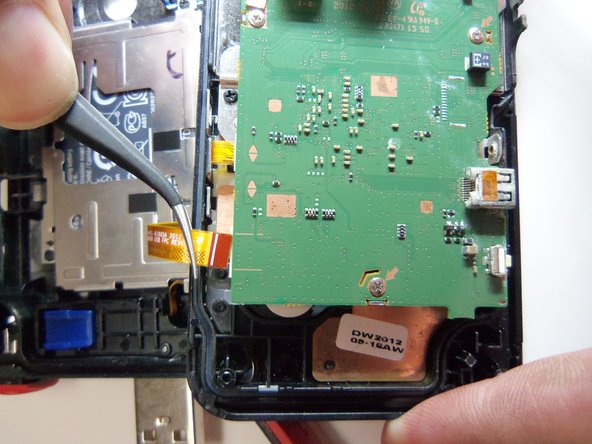
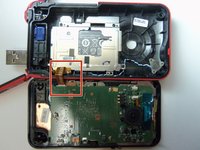
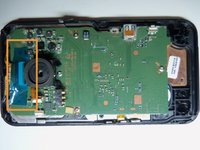
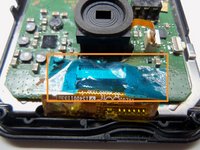
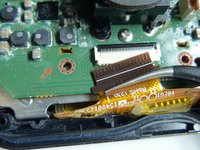
      • Pull the wire ribbon out with a pair of tweezers.

      댓글 쓰기

    1. Samsung HMX-W300 LCD Screen Replacement, Remove tape.: 6 단계, 이미지 3개 중 1개 Samsung HMX-W300 LCD Screen Replacement, Remove tape.: 6 단계, 이미지 3개 중 2개 Samsung HMX-W300 LCD Screen Replacement, Remove tape.: 6 단계, 이미지 3개 중 3개
      이 단계에 사용된 도구:
      Tweezers
      $4.99

      댓글 쓰기

    2. Samsung HMX-W300 LCD Screen Replacement, Unplug wire ribbon.: 7 단계, 이미지 2개 중 1개 Samsung HMX-W300 LCD Screen Replacement, Unplug wire ribbon.: 7 단계, 이미지 2개 중 2개
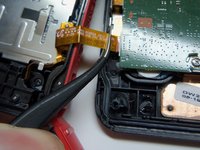
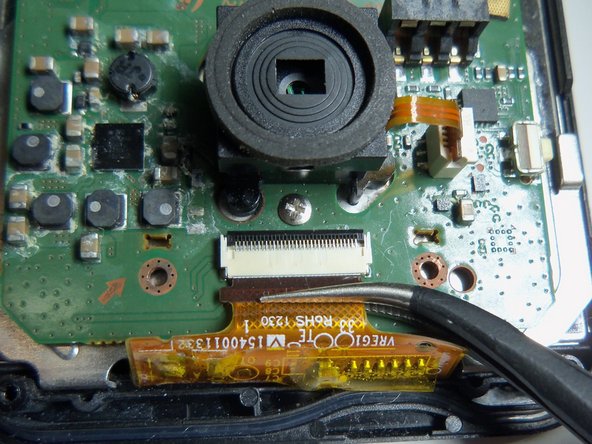
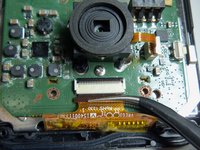
      • Use tweezers to grab the wire ribbon, then pull the wire out of connection.

      댓글 쓰기

    3. Samsung HMX-W300 LCD Screen Replacement, Remove scerws.: 8 단계, 이미지 2개 중 1개 Samsung HMX-W300 LCD Screen Replacement, Remove scerws.: 8 단계, 이미지 2개 중 2개
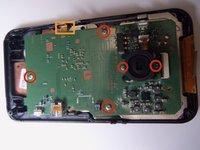
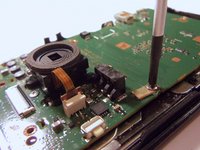
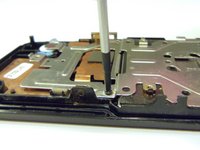
      • There are 5 Phillips size 00 screws. Remove all 5 screws.

      • Wire ribbon is attached to the motherboard.

      댓글 쓰기

    4. Samsung HMX-W300 LCD Screen Replacement: 9 단계, 이미지 1개 중 1개
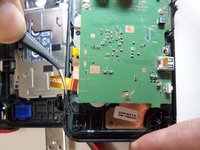
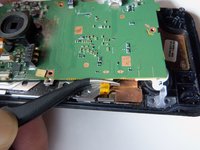
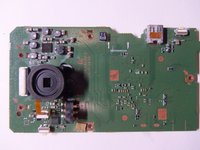
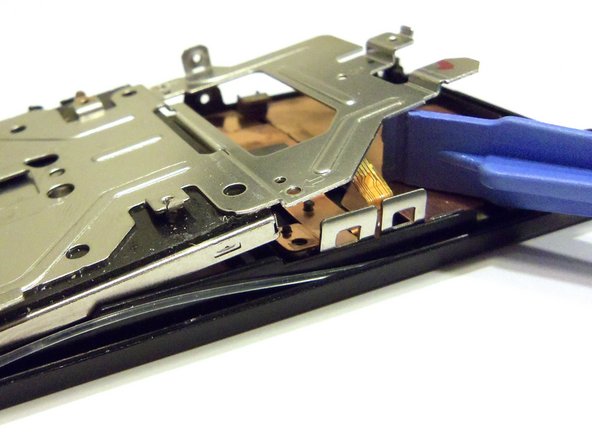
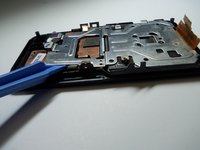
      • Pry the motherboard up using the plastic opening tool.

      • Be careful there is a wire ribbon holding the motherboard.

      댓글 쓰기

    5. Samsung HMX-W300 LCD Screen Replacement, Disconnect wire ribbon.: 10 단계, 이미지 2개 중 1개 Samsung HMX-W300 LCD Screen Replacement, Disconnect wire ribbon.: 10 단계, 이미지 2개 중 2개
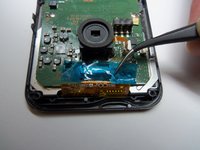
      • Use tweezers to disconnect the wire as shown. This will loosen the motherboard from the rear case.

      댓글 쓰기

    1. Samsung HMX-W300 LCD Screen Replacement, Remove screws.: 11 단계, 이미지 3개 중 1개 Samsung HMX-W300 LCD Screen Replacement, Remove screws.: 11 단계, 이미지 3개 중 2개 Samsung HMX-W300 LCD Screen Replacement, Remove screws.: 11 단계, 이미지 3개 중 3개
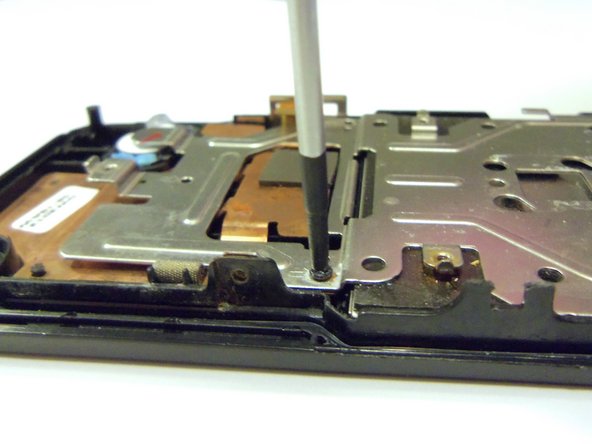
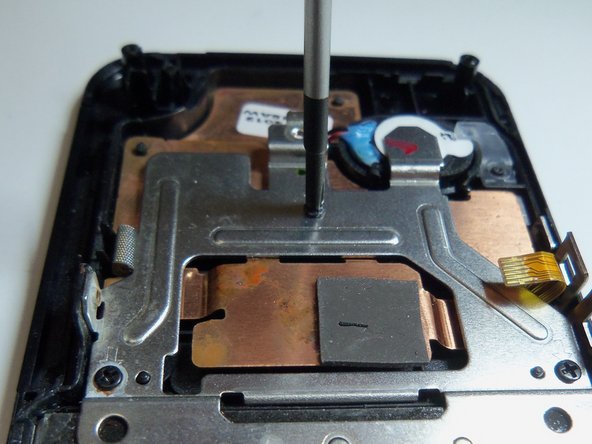
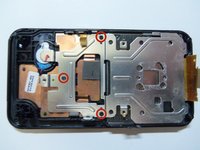
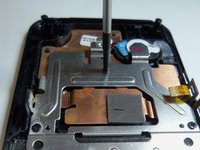
      • Use Phillips size 00 and remove the 3 screws as shown.

      댓글 쓰기

    2. Samsung HMX-W300 LCD Screen Replacement, Pry screen.: 12 단계, 이미지 2개 중 1개 Samsung HMX-W300 LCD Screen Replacement, Pry screen.: 12 단계, 이미지 2개 중 2개
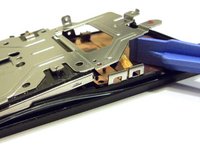
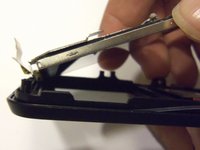
      • Pry the end of the screen with the plastic opening tool.

      댓글 쓰기

    3. Samsung HMX-W300 LCD Screen Replacement: 13 단계, 이미지 3개 중 1개 Samsung HMX-W300 LCD Screen Replacement: 13 단계, 이미지 3개 중 2개 Samsung HMX-W300 LCD Screen Replacement: 13 단계, 이미지 3개 중 3개
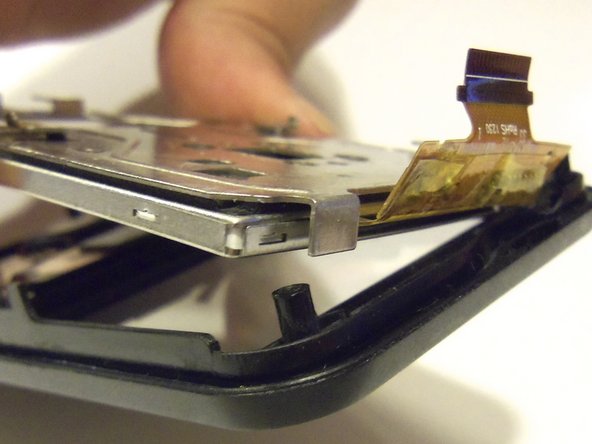
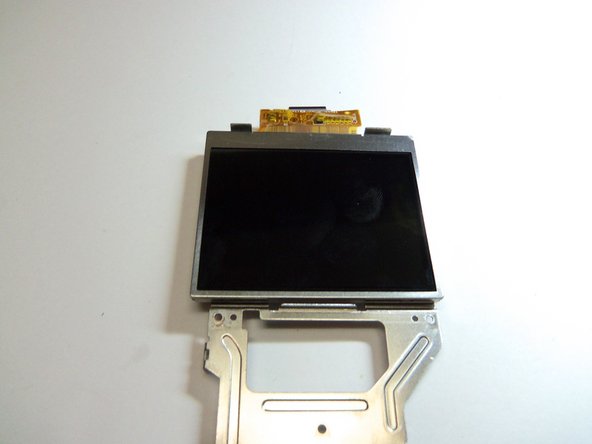
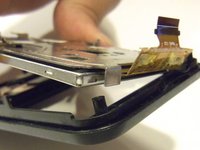
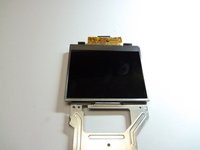
      • Grab the end of the screen, then pull towards the inside of the case. This is a bit tricky. This will release tabs at the top of the screen to the rear case.

      댓글 쓰기

결론

To reassemble your device, follow these instructions in reverse order.

취소: 해당 안내서를 완성하지 않았습니다.

다른 한 분이 해당 안내서를 완성하였습니다.

작성자

5다른 기여자 명과 함께

Robert

회원 가입일: 01/21/15

966 평판

안내서 8개를 작성함

USF Tampa, Team 9-2, Blackwell Winter 2015 USF Tampa, Team 9-2, Blackwell Winter 2015 회원

USFT-BLACKWELL-W15S9G2

4 회원들

안내서 16개를 작성함

0가이드 댓글

댓글 쓰기

조회 통계:

지난 24시간: 2

지난 7일: 7

지난 30일: 25

전체 시간: 796