주요 콘텐츠로 건너뛰기
수리 커뮤니티 가입 - 계정 만들기

Samsung Jack Antenna Replacement

필요한 것

  1. Samsung Jack Antenna Replacement, Battery: 1 단계, 이미지 1개 중 1개
    • Slide the battery cover downwards with pressure focused on the center of the cover.

    • Lift the cover off of the phone.

  2. Samsung Jack Antenna Replacement: 2 단계, 이미지 1개 중 1개
    • Grasp the bottom left and right corners of the battery and lift it from its housing.

  3. Samsung Jack Antenna Replacement, Rear Case: 3 단계, 이미지 1개 중 1개
    • Remove the four black 7.30 mm screws surrounding the battery housing using a Phillips #00 Screwdriver.

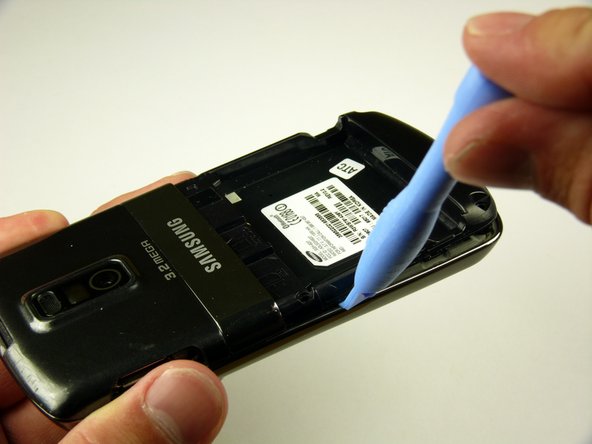
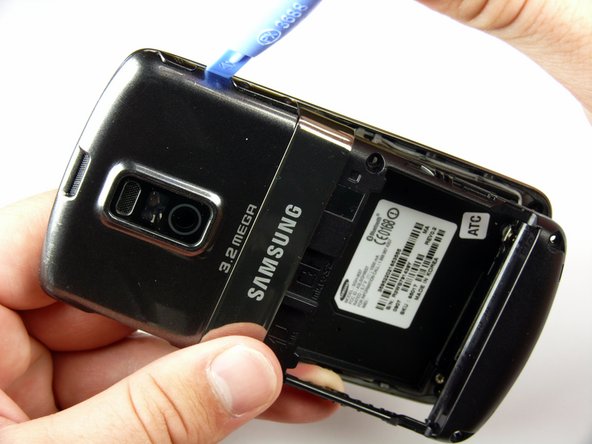
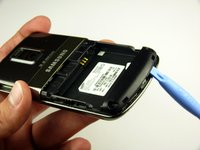
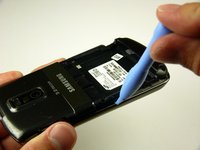
  4. Samsung Jack Antenna Replacement: 4 단계, 이미지 3개 중 1개 Samsung Jack Antenna Replacement: 4 단계, 이미지 3개 중 2개 Samsung Jack Antenna Replacement: 4 단계, 이미지 3개 중 3개
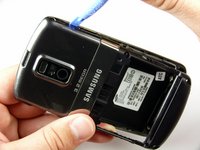
    • The rear case is firmly attached to the phone with clips. Do not be afraid to use a little extra force.

    • Insert the Plastic Opening Tool in between the front and rear cases.

    • Pry with the Plastic Opening Tool around all edges of the phone until you free all the clips.

  5. Samsung Jack Antenna Replacement: 5 단계, 이미지 1개 중 1개
    • Lift the rear case off of the phone.

  6. Samsung Jack Antenna Replacement, Antenna: 6 단계, 이미지 1개 중 1개
    • Remove the two silver 4.30 mm screws on either side of the antenna using a Phillip's #00 Screwdriver.

  7. Samsung Jack Antenna Replacement: 7 단계, 이미지 3개 중 1개 Samsung Jack Antenna Replacement: 7 단계, 이미지 3개 중 2개 Samsung Jack Antenna Replacement: 7 단계, 이미지 3개 중 3개
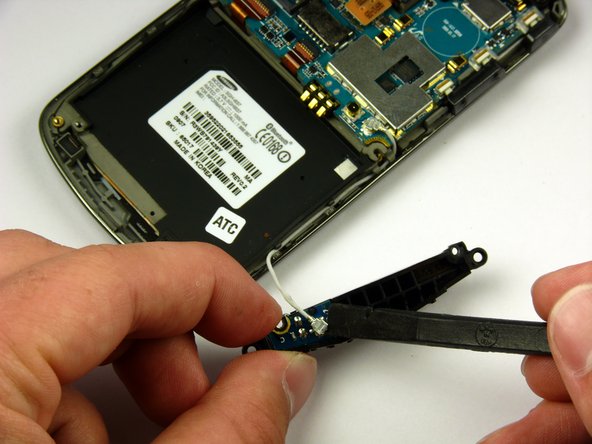
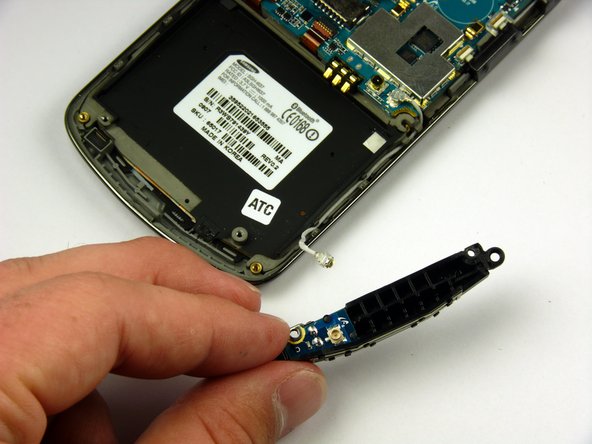
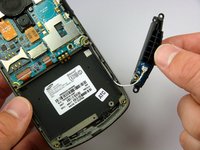
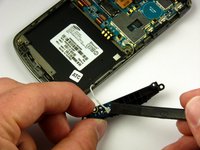
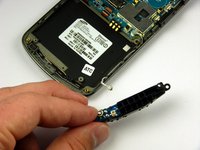
    • There is a wire under the antenna connecting it to the Motherboard. Do not pull off the antenna just yet.

    • Use a spudger to remove the wire connector under the antenna.

결론

To reassemble your device, follow these instructions in reverse order.

작성자

6다른 기여자 명과 함께

Paul Piller

회원 가입일: 04/12/11

56 평판

안내서 5개를 작성함

Cal Poly, Team 24-57, Amido Spring 2011 Cal Poly, Team 24-57, Amido Spring 2011 회원

CPSU-AMIDO-S11S24G57

4 회원들

안내서 7개를 작성함

0가이드 댓글

댓글 쓰기

조회 통계:

지난 24시간: 0

지난 7일: 3

지난 30일: 25

전체 시간: 2,445