소개
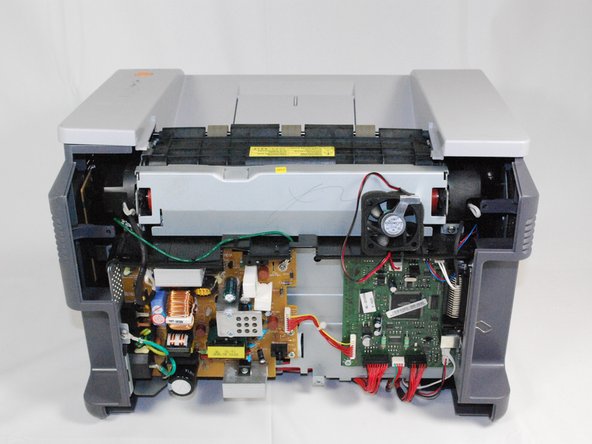
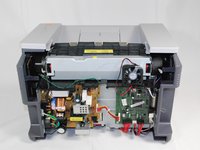
This guide will go over where to locate and replace the rear cooling fan if your fan no longer functions properly. You will need to reference the Removing Samsung ML2510 Back Panel repair guide to complete this one.
필요한 것
-
-
-
Remove the top hinged panel by taking out the pins at the bottom of this panel.
 FixBot에 문의하기
-
-
-
Using a Phillips #2 screwdriver, remove the four screws on the back of the printer.
-
-
-
-
-
-
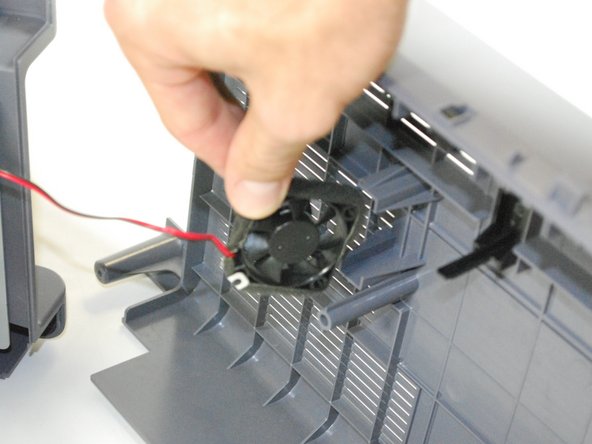
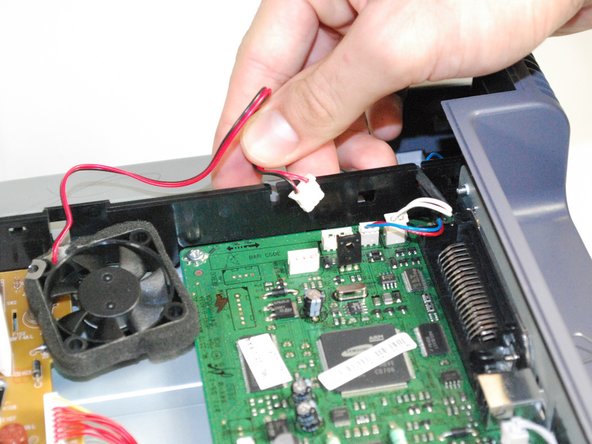
Once the fan is detached, unplug the fan from the circuit board.
-
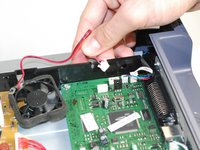
Slide the fan's wiring through the anchored slit.
-
-
-
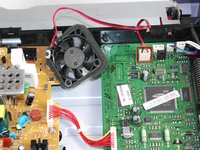
With the new fan, thread the wiring through the old fan's slit.
-
Reconnect the fan by plugging it back into the circuit board.
-
Reattach the back panel following these instructions in reverse order.
-
-





팀

Cal Poly, Team 17-18, Regan Fall 2011 Cal Poly, Team 17-18, Regan Fall 2011 회원
CPSU-REGAN-F11S17G18
4 회원들
안내서 53개를 작성함
1가이드 댓글
My printer is in this state currently. What is the type of fan (brand/specs) that needs to be installed? And perhaps also, where does one obtain such a fan?
