소개
Optic drive replacement may need to be done when the drive is damaged.
필요한 것
-
-
Locate two notches above the battery.
-
Slide both battery locking notches to either side to remove the battery.
-
Pull the battery out.
-
-
-
-
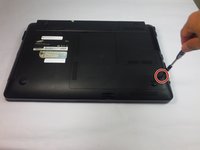
Using the Phillips #0 screwdriver, unscrew the one 5mm screw.
-
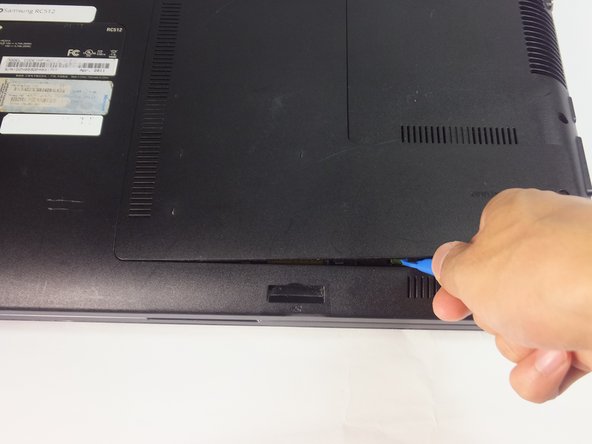
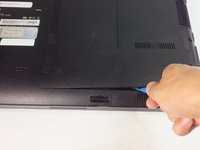
Using the blue plastic opening tools, wedge one in between the back panel and the laptop.
-
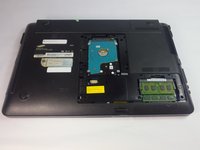
Carefully remove the back panel..
-
-
-
Remove the 4mm Phillips #0 screw using a Phillips #0 screwdriver.
-
-
-
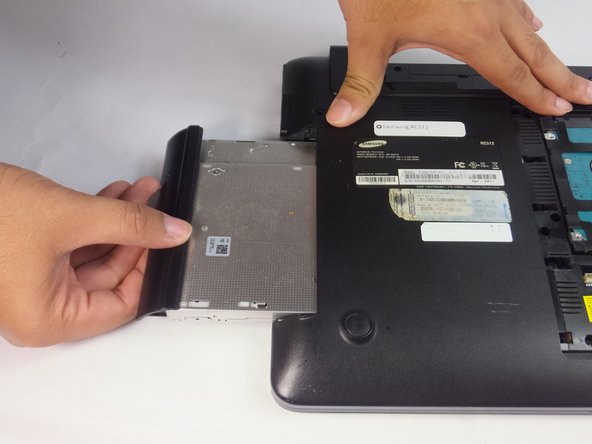
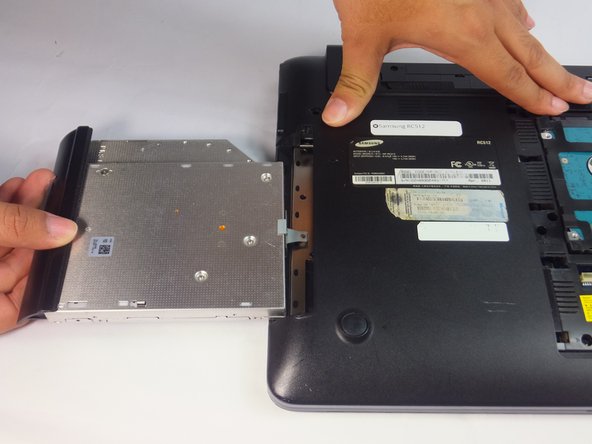
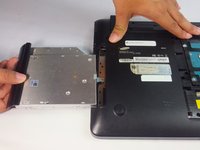
Use the spudger or fingers to gently pull the optical drive out.
-
Slide the optic drive away from the laptop.
-

 FixBot에 문의하기





To reassemble your device, follow these instructions in reverse order.

팀

USF Tampa, Team 18-2, Blackwell Fall 2016 USF Tampa, Team 18-2, Blackwell Fall 2016 회원
USFT-BLACKWELL-F16S18G2
4 회원들
안내서 8개를 작성함
