소개
RAM replacement may need to be done when computer gets slow or RAM is damaged. Also upgrading RAM requires this guide as well. This guide will display steps to replace RAM.
필요한 것
-
-
Locate two notches above the battery.
-
Slide both battery locking notches to either side to remove the battery.
-
Pull the battery out.
-
-
-
-
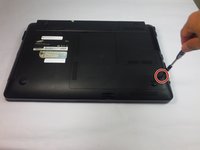
Using the Phillips #0 screwdriver, unscrew the one 5mm screw.
-
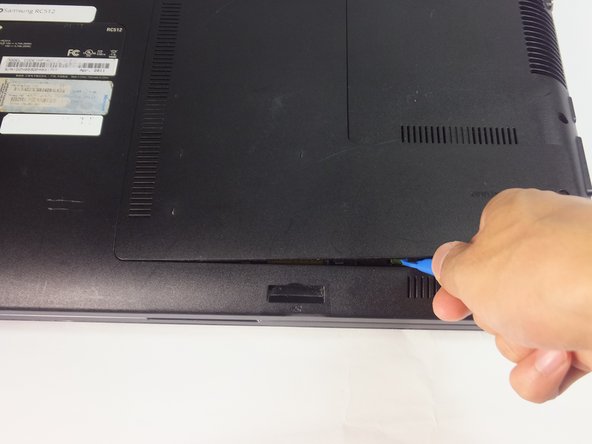
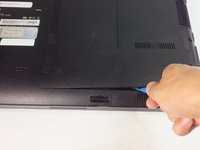
Using the blue plastic opening tools, wedge one in between the back panel and the laptop.
-
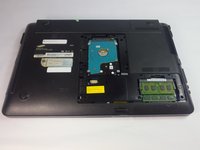
Carefully remove the back panel..
-
-
-
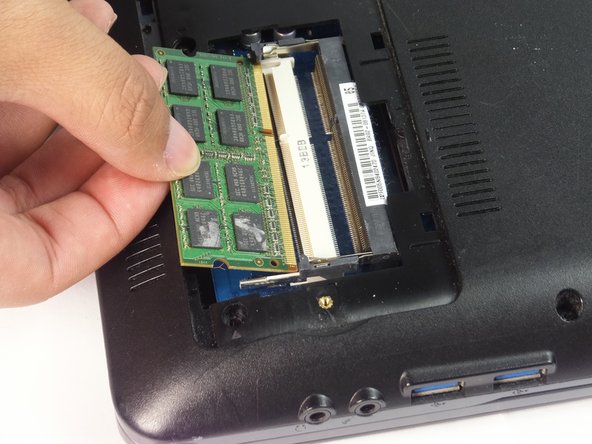
Slide the hinges outwards to release the RAM.
-
RAM will pop up by itself. If not, lift the RAM up to about 45 degrees.
-

 FixBot에 문의하기





To reassemble your device, follow these instructions in reverse order.

팀

USF Tampa, Team 18-2, Blackwell Fall 2016 USF Tampa, Team 18-2, Blackwell Fall 2016 회원
USFT-BLACKWELL-F16S18G2
4 회원들
안내서 8개를 작성함
