주요 콘텐츠로 건너뛰기
수리 커뮤니티 가입 - 계정 만들기

Samsung Radiant360 R3 Wireless Module Replacement

필요한 것

    1. Samsung Radiant360 R3 Wireless Module Replacement, Wireless Setup Button and USB Module: 1 단계, 이미지 3개 중 1개 Samsung Radiant360 R3 Wireless Module Replacement, Wireless Setup Button and USB Module: 1 단계, 이미지 3개 중 2개 Samsung Radiant360 R3 Wireless Module Replacement, Wireless Setup Button and USB Module: 1 단계, 이미지 3개 중 3개
      이 단계에 사용된 도구:
      Tweezers
      $4.99
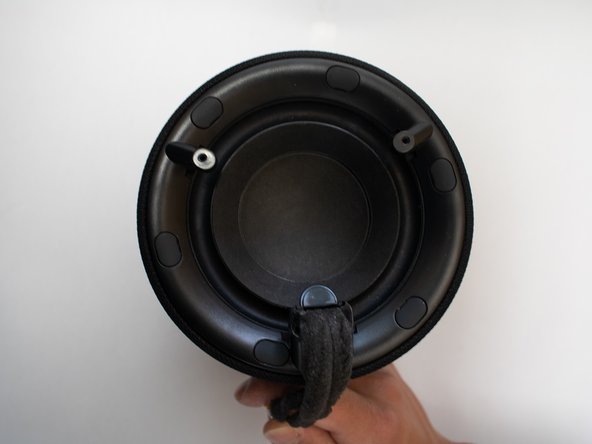
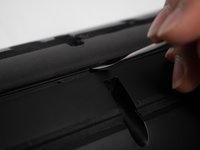
      • Flip the device so that the bottom of the device is facing you. Remove these feet with a pair of tweezers.

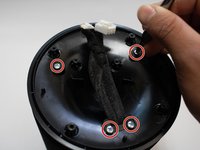
      • Remove the four 10mm long screws with the Phillips #1 screwdriver.

      댓글 쓰기

    2. Samsung Radiant360 R3 Wireless Module Replacement: 2 단계, 이미지 1개 중 1개
      • Remove the bottom shell from the speaker.

      댓글 쓰기

    3. Samsung Radiant360 R3 Wireless Module Replacement: 3 단계, 이미지 2개 중 1개 Samsung Radiant360 R3 Wireless Module Replacement: 3 단계, 이미지 2개 중 2개
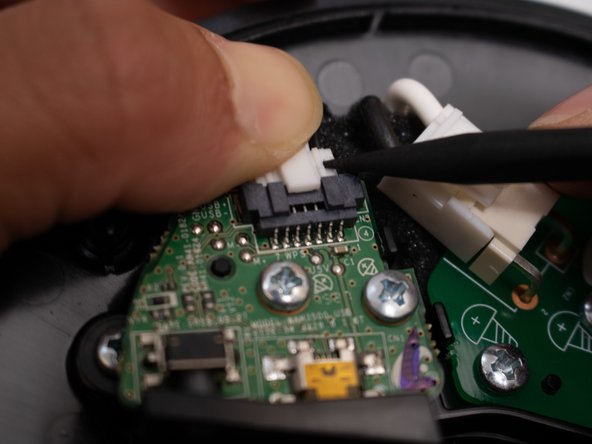
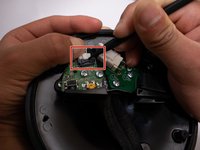
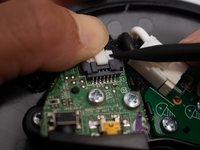
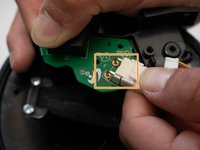
      • Remove the connector from the board by pressing down on the center tab while nudging the connector away with a spudger.

      • Be careful not to pull directly on the wires or apply too much pressure, or you risk breaking the connector.

      댓글 쓰기

    4. Samsung Radiant360 R3 Wireless Module Replacement: 4 단계, 이미지 1개 중 1개
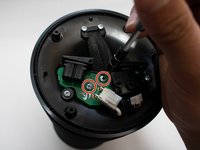
      • Remove the two 10mm long screws from the board utilizing the Phillips #1 screwdriver.

      댓글 쓰기

    5. Samsung Radiant360 R3 Wireless Module Replacement: 5 단계, 이미지 1개 중 1개
      • Use a spudger to press the plastic tab away from the board until the board pops up.

      • Remove the board with the USB module from the device.

      댓글 쓰기

    1. Samsung Radiant360 R3 Wireless Module Replacement, Wireless Module: 6 단계, 이미지 2개 중 1개 Samsung Radiant360 R3 Wireless Module Replacement, Wireless Module: 6 단계, 이미지 2개 중 2개
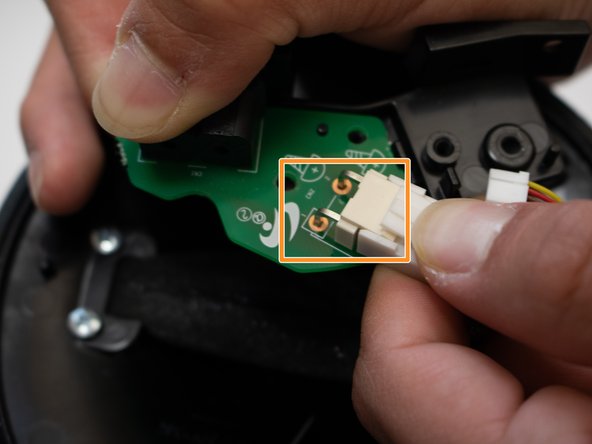
      • Remove the two 12mm long screws with the Phillips #1 screwdriver.

      • Unplug white plug connected to the green circuit board.

      댓글 쓰기

    2. Samsung Radiant360 R3 Wireless Module Replacement: 7 단계, 이미지 2개 중 1개 Samsung Radiant360 R3 Wireless Module Replacement: 7 단계, 이미지 2개 중 2개
      • Remove the four 12mm long screws with the Phillips #1 screwdriver.

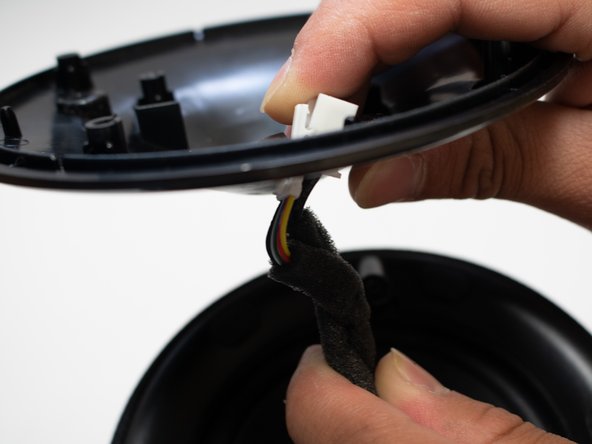
      • Remove the cover, and slide the cord through the hole.

      댓글 쓰기

    3. Samsung Radiant360 R3 Wireless Module Replacement: 8 단계, 이미지 3개 중 1개 Samsung Radiant360 R3 Wireless Module Replacement: 8 단계, 이미지 3개 중 2개 Samsung Radiant360 R3 Wireless Module Replacement: 8 단계, 이미지 3개 중 3개
      이 단계에 사용된 도구:
      Tweezers
      $4.99
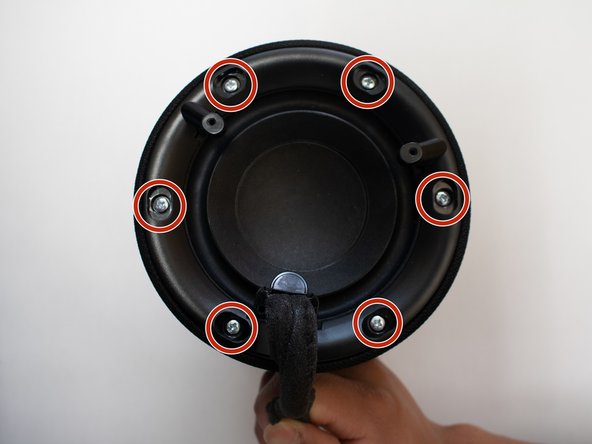
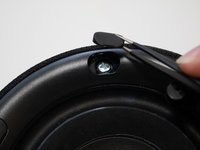
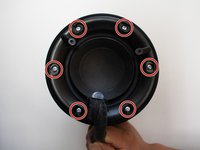
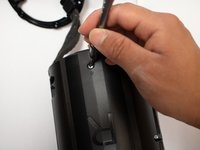
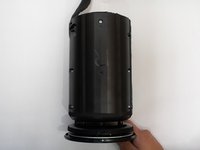
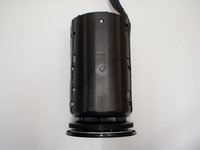
      • Remove rubber covers covering the screws with pair of tweezers.

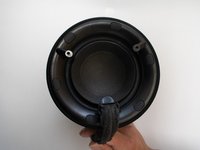
      • Remove the six 12mm screws that are under the rubber covers with the Phillips #1 screwdriver.

      댓글 쓰기

    4. Samsung Radiant360 R3 Wireless Module Replacement: 9 단계, 이미지 1개 중 1개
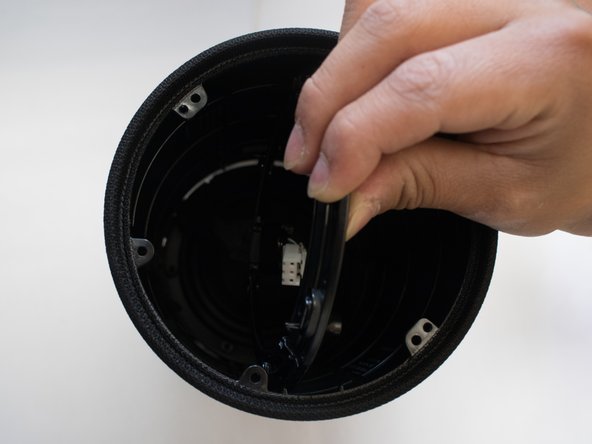
      • Remove the unscrewed cover as much as possible.

      • It is very difficult to get plugs at the end of the cord through the cover without breaking, so just slide to the edge.

      댓글 쓰기

    5. Samsung Radiant360 R3 Wireless Module Replacement: 10 단계, 이미지 3개 중 1개 Samsung Radiant360 R3 Wireless Module Replacement: 10 단계, 이미지 3개 중 2개 Samsung Radiant360 R3 Wireless Module Replacement: 10 단계, 이미지 3개 중 3개
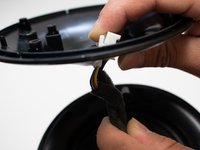
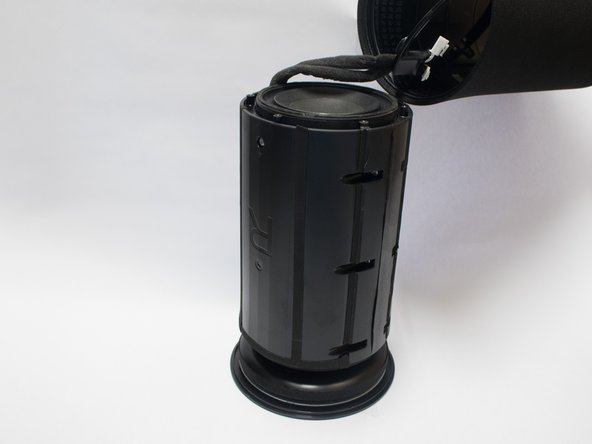
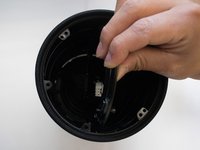
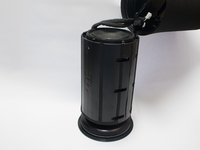
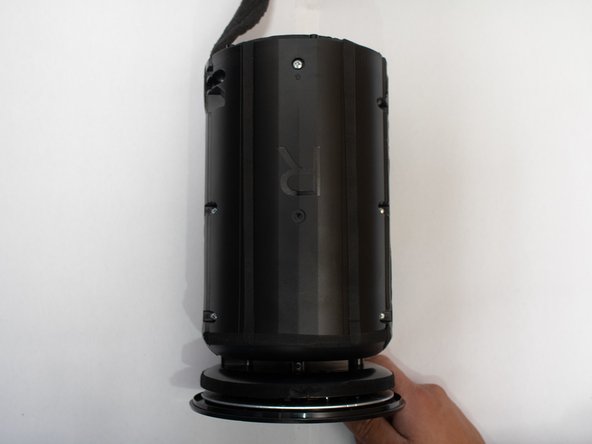
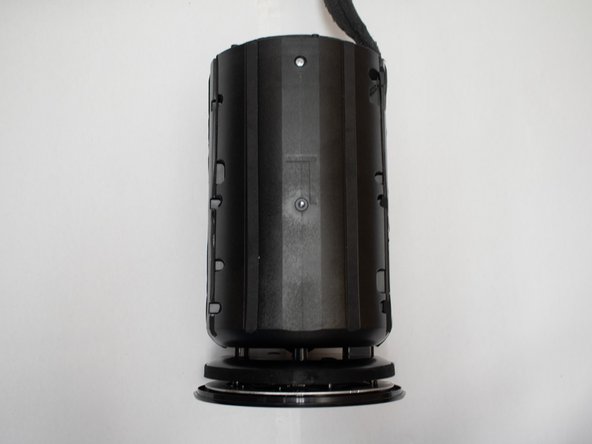
      • Push the body out through the outer shell of device.

      • Carefully push the ring attached to the cable through the shell.

      댓글 쓰기

    6. Samsung Radiant360 R3 Wireless Module Replacement: 11 단계, 이미지 3개 중 1개 Samsung Radiant360 R3 Wireless Module Replacement: 11 단계, 이미지 3개 중 2개 Samsung Radiant360 R3 Wireless Module Replacement: 11 단계, 이미지 3개 중 3개
      • Remove the eight 12mm long screws around the body with the Phillips #1 screwdriver.

      댓글 쓰기

    7. Samsung Radiant360 R3 Wireless Module Replacement: 12 단계, 이미지 2개 중 1개 Samsung Radiant360 R3 Wireless Module Replacement: 12 단계, 이미지 2개 중 2개
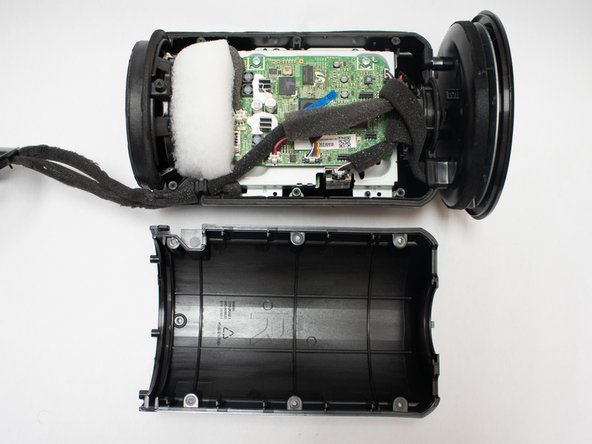
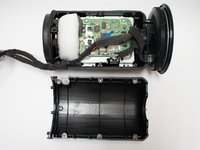
      • Pry the two halves of the body open using a metal spudger.

      댓글 쓰기

    8. Samsung Radiant360 R3 Wireless Module Replacement: 13 단계, 이미지 3개 중 1개 Samsung Radiant360 R3 Wireless Module Replacement: 13 단계, 이미지 3개 중 2개 Samsung Radiant360 R3 Wireless Module Replacement: 13 단계, 이미지 3개 중 3개
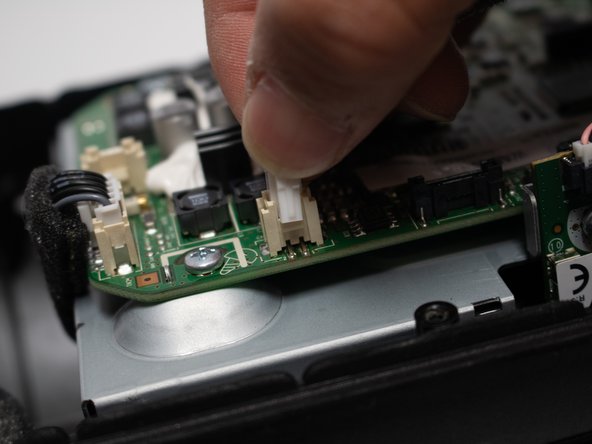
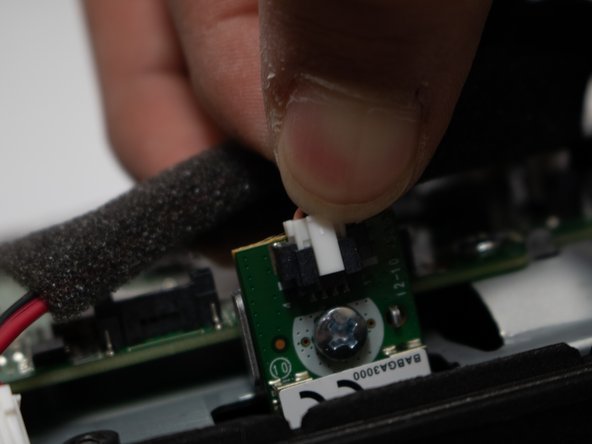
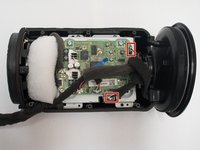
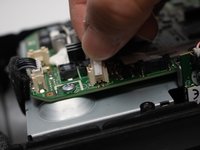
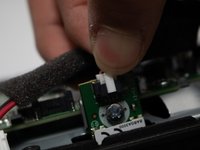
      • Remove the plugs located topmost right and closest to the bottom in picture.

      댓글 쓰기

    9. Samsung Radiant360 R3 Wireless Module Replacement: 14 단계, 이미지 1개 중 1개
      • Remove the four 12mm long screws with the Phillips #1 screwdriver .

      댓글 쓰기

    10. Samsung Radiant360 R3 Wireless Module Replacement: 15 단계, 이미지 1개 중 1개
      • Unscrew the four 8mm screws on the side of the motherboard with the Phillips #1 screwdriver .

      • Remove the Wireless Module from the device.

      댓글 쓰기

결론

To reassemble your device, follow these instructions in reverse order.

취소: 해당 안내서를 완성하지 않았습니다.

작성자

5다른 기여자 명과 함께

Fadi Alzammar

회원 가입일: 04/22/18

782 평판

안내서 5개를 작성함

Cal Poly, Team S25-G18, Maness Spring 2018 Cal Poly, Team S25-G18, Maness Spring 2018 회원

CPSU-MANESS-S18S25G18

4 회원들

안내서 15개를 작성함

0가이드 댓글

댓글 쓰기

조회 통계:

지난 24시간: 1

지난 7일: 6

지난 30일: 28

전체 시간: 604