소개
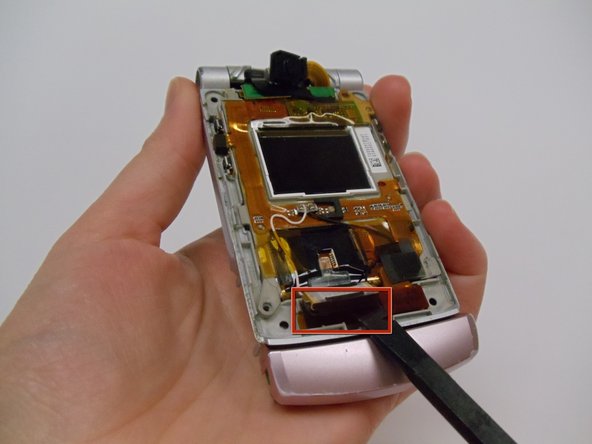
After removing the screen protector, the actual LCD screen of the device can now be removed. This will involve disconnecting various ribbons and cables from the device.
필요한 것
-
-
With the flat end of a spudger, remove the plastic covers located on the corners of the display near the hinge and above the screen, revealing four screws underneath.
 FixBot에 문의하기
-
-
-
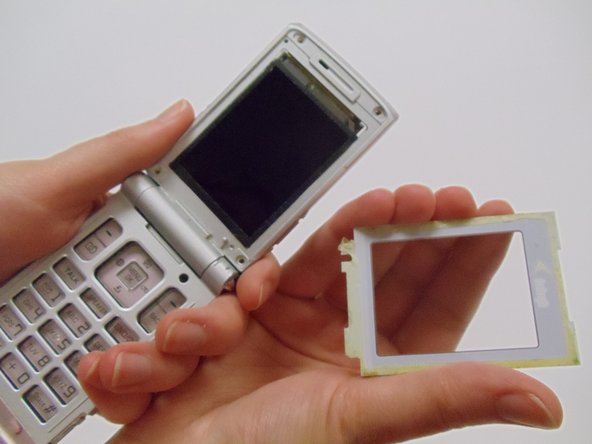
Carefully pry the screen protector off the phone using the flat end of the spudger.
-
Once free from the adhesive, pull the screen protector away from the phone.
-
-
-
-
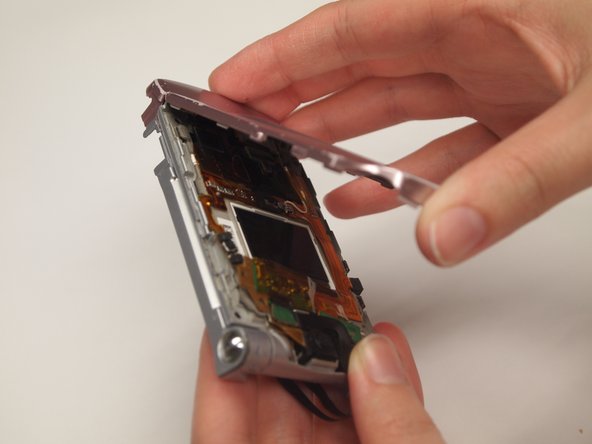
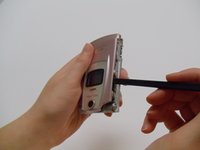
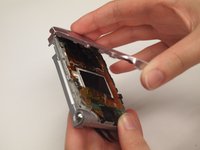
Use the spudger to pry off the front case from the left and right sides of the device.
-
Once it has popped off, pull the casing apart with fingers.
-
-
-
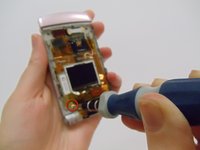
Using a Tri-wing Y0 screwdriver, remove the 4.4mm screw.
-
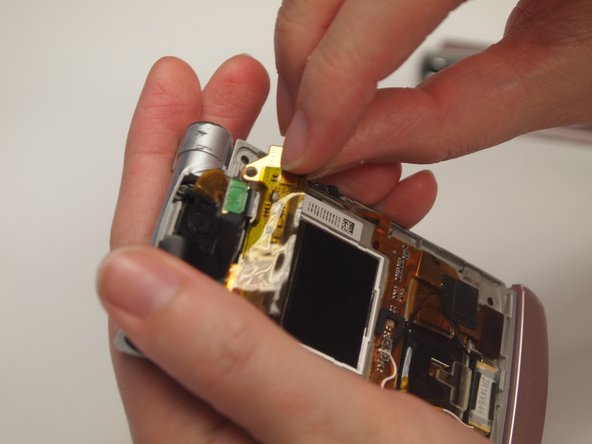
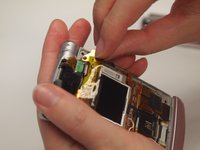
Use fingers to remove the strip from the device.
-
-
-
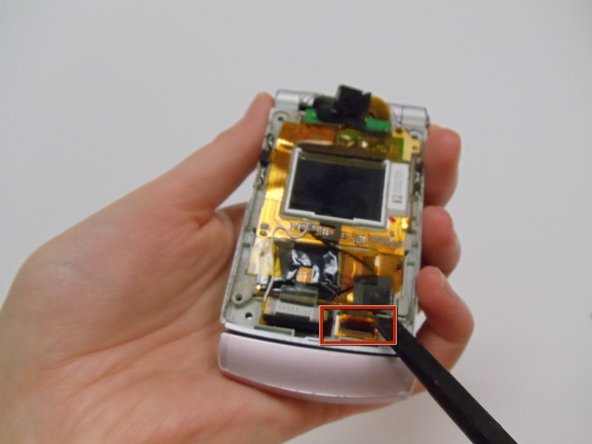
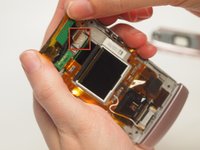
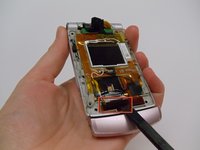
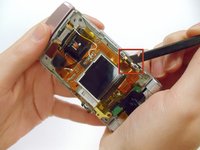
Use a spudger to detach all of the connections to the motherboard in the back of the phone by the screen.
-
-
-
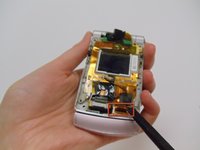
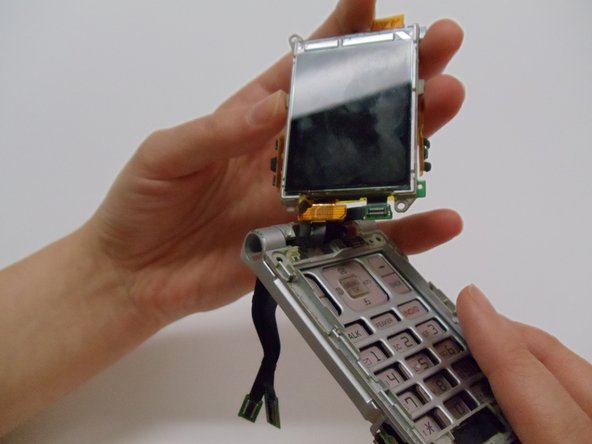
Use the flat edge of the spudger to detach the screen from the phone casing.
-
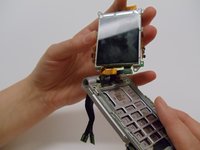
Pull the screen up and away from the case.
-



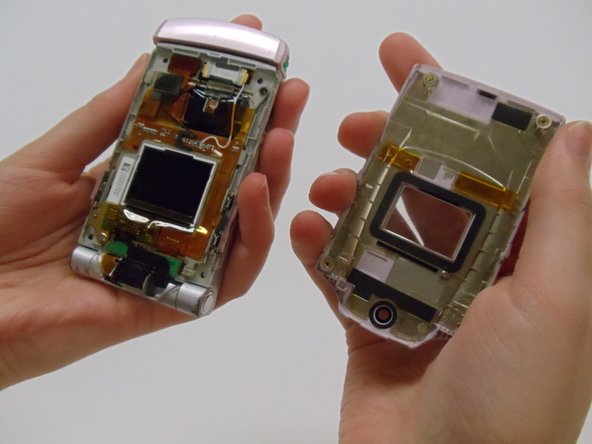
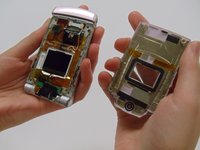



To reassemble your device, follow these instructions in reverse order.

팀

Clemson, Team 12-1, Benson Spring 2013 Clemson, Team 12-1, Benson Spring 2013 회원
CLEM-BENSON-S13S12G1
4 회원들
안내서 20개를 작성함
