주요 콘텐츠로 건너뛰기
수리 커뮤니티 가입 - 계정 만들기

Sanyo SCP-8100 Keypad Replacement

필요한 것

  1. Sanyo SCP-8100 Keypad Replacement, Battery: 1 단계, 이미지 3개 중 1개 Sanyo SCP-8100 Keypad Replacement, Battery: 1 단계, 이미지 3개 중 2개 Sanyo SCP-8100 Keypad Replacement, Battery: 1 단계, 이미지 3개 중 3개
    • Push and hold the button on the back toward the direction of the arrow to unlock the battery.

    • Lift and remove the battery from the back of the phone.

  2. Sanyo SCP-8100 Keypad Replacement, Back Panel: 2 단계, 이미지 2개 중 1개 Sanyo SCP-8100 Keypad Replacement, Back Panel: 2 단계, 이미지 2개 중 2개
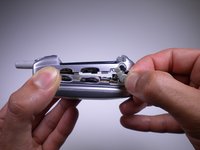
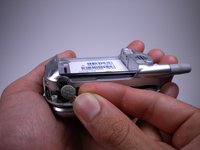
    • Using a push pin, pull out the plug on the back, located under the antenna.

    • You may try to use a spudger or opening tool, however, you may damage the plug because those tools are too thick.

  3. Sanyo SCP-8100 Keypad Replacement: 3 단계, 이미지 1개 중 1개
    • Unscrew the four 6mm long screws with a Tri-Wing Y1 screwdriver.

  4. Sanyo SCP-8100 Keypad Replacement: 4 단계, 이미지 2개 중 1개 Sanyo SCP-8100 Keypad Replacement: 4 단계, 이미지 2개 중 2개
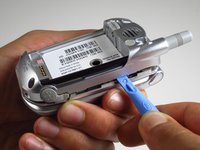
    • Use a plastic opening tool to pry the back panel along the edges.

    • You may need to apply some force when prying.

  5. Sanyo SCP-8100 Keypad Replacement: 5 단계, 이미지 3개 중 1개 Sanyo SCP-8100 Keypad Replacement: 5 단계, 이미지 3개 중 2개 Sanyo SCP-8100 Keypad Replacement: 5 단계, 이미지 3개 중 3개
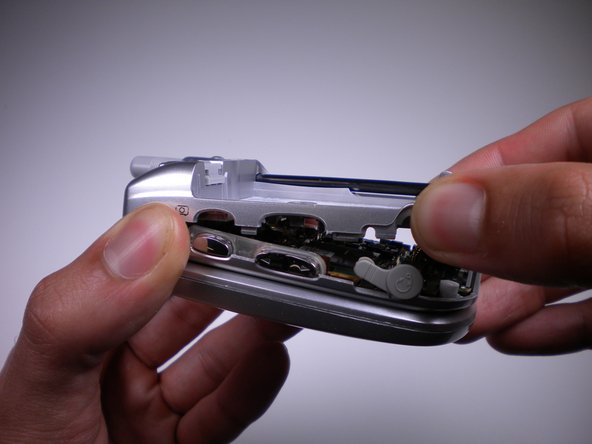
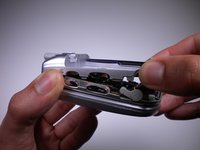
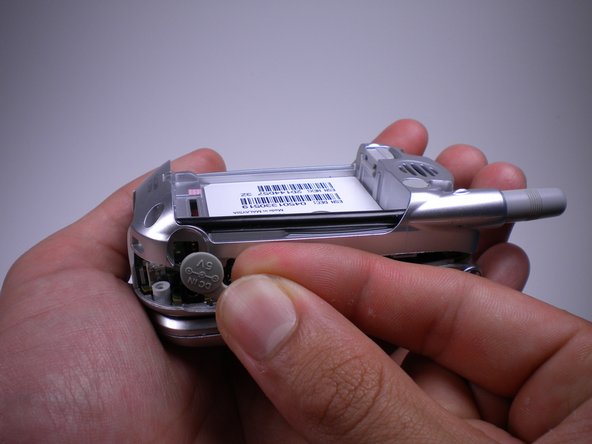
    • While removing the back panel, take out the rubber cover on each side.

  6. Sanyo SCP-8100 Keypad Replacement, Keypad: 6 단계, 이미지 2개 중 1개 Sanyo SCP-8100 Keypad Replacement, Keypad: 6 단계, 이미지 2개 중 2개
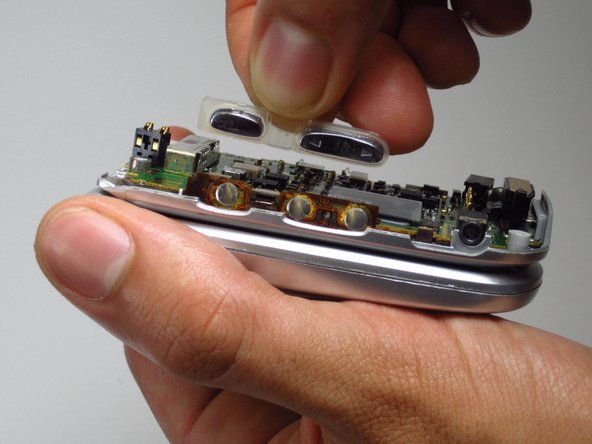
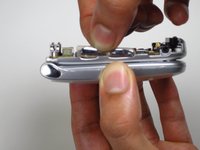
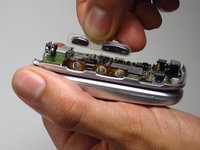
    • Pull the volume and camera buttons off from the side of the phone.

  7. Sanyo SCP-8100 Keypad Replacement: 7 단계, 이미지 2개 중 1개 Sanyo SCP-8100 Keypad Replacement: 7 단계, 이미지 2개 중 2개
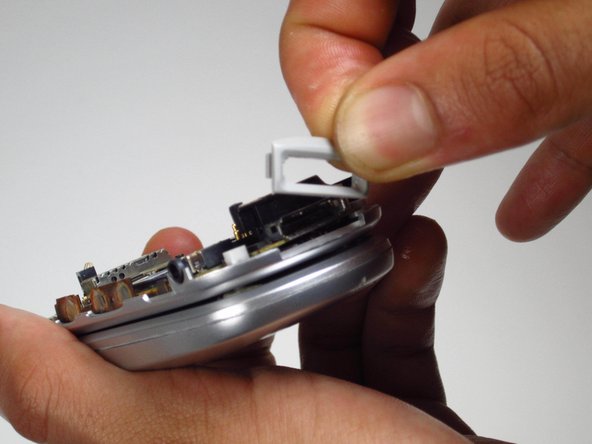
    • Pull the gray frame covering the charging port from the bottom of the phone.

  8. Sanyo SCP-8100 Keypad Replacement: 8 단계, 이미지 2개 중 1개 Sanyo SCP-8100 Keypad Replacement: 8 단계, 이미지 2개 중 2개
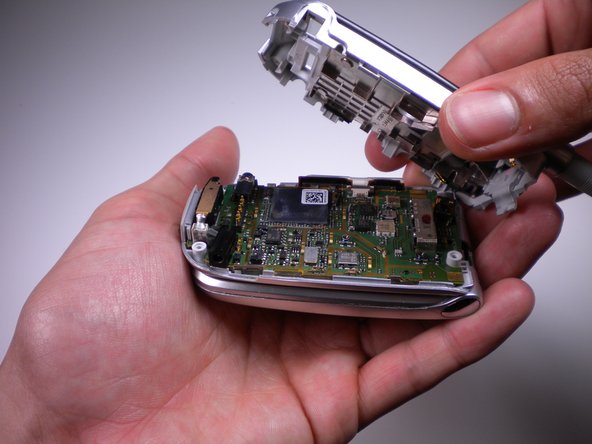
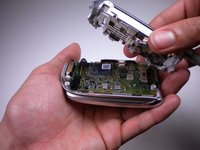
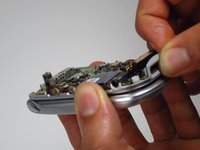
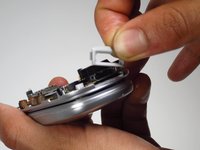
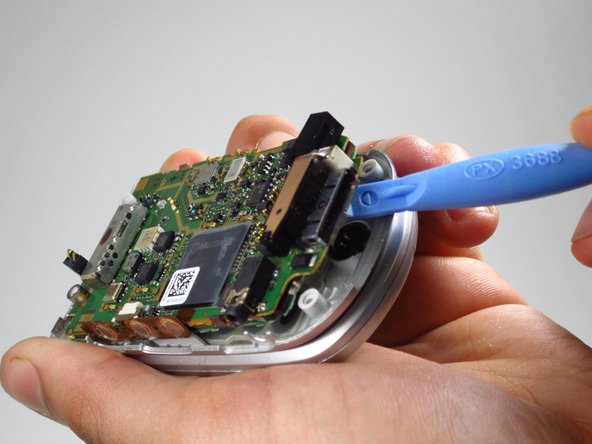
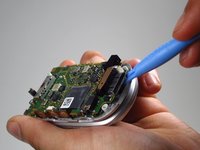
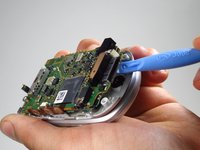
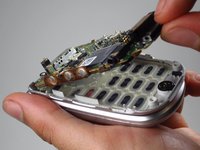
    • Use the opening tool to lift the motherboard up from the phone.

    • Be careful and pry the motherboard off slowly. The motherboard will be attached to the phone at the top by a metal ribbon.

  9. Sanyo SCP-8100 Keypad Replacement: 9 단계, 이미지 3개 중 1개 Sanyo SCP-8100 Keypad Replacement: 9 단계, 이미지 3개 중 2개 Sanyo SCP-8100 Keypad Replacement: 9 단계, 이미지 3개 중 3개
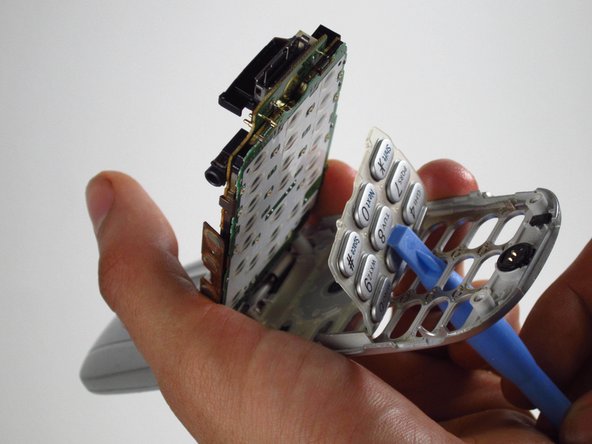
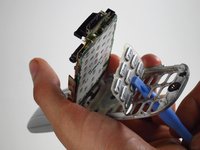
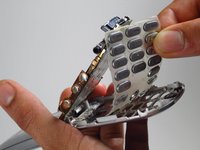
    • Flip open the phone, exposing the keypad.

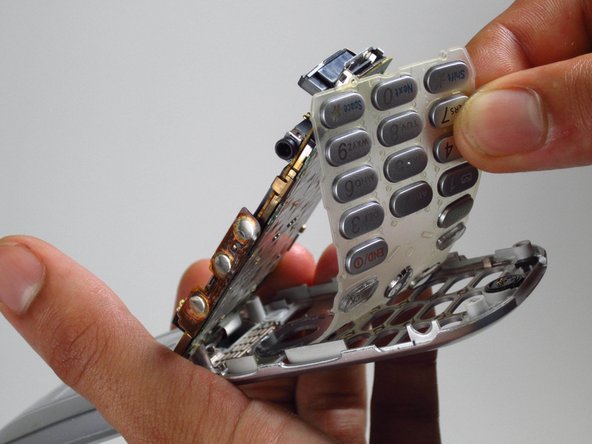
    • Use the opening tool to push the buttons from the bottom to lift the rubber keypad up.

    • Pull the keypad out of the phone.

결론

To reassemble your device, follow these instructions in reverse order.

다른 한 분이 해당 안내서를 완성하였습니다.

작성자

4다른 기여자 명과 함께

Irenz Afable

회원 가입일: 04/15/13

57 평판

안내서 3개를 작성함

Cal Poly, Team 10-41, Amido Spring 2013 Cal Poly, Team 10-41, Amido Spring 2013 회원

CPSU-AMIDO-S13S10G41

4 회원들

안내서 12개를 작성함

0가이드 댓글

댓글 쓰기

조회 통계:

지난 24시간: 0

지난 7일: 2

지난 30일: 12

전체 시간: 552