소개
Is your Shark ION Robot S87 battery draining quickly or not charging? This is because batteries have a life span which decreases with every charge. If that is the case, you may need to replace the battery.
필요한 것
-
-
-
Flip the device so its underside is facing up.
-
Use the Phillips #1 screwdriver to remove the two 14mm screws.
-
Once you have removed the screws, open the battery lid.
 FixBot에 문의하기
-
-
-
-
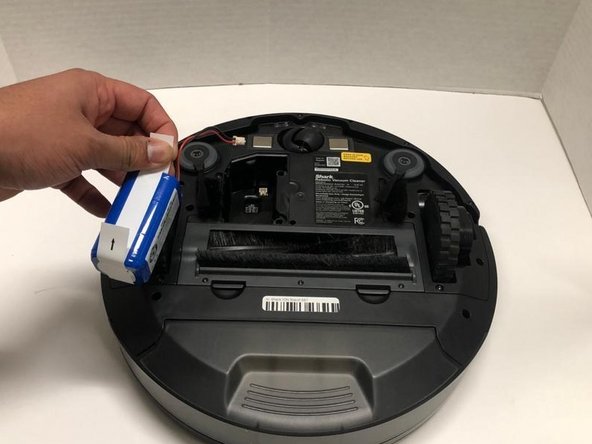
Hold both sides of the battery using the plastic tabs.
-
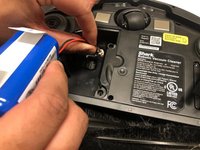
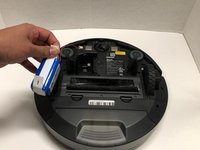
Use the plastic tabs to pull the battery out.
-
-


To reassemble your device, follow these instructions in reverse order.
다른 한 분이 해당 안내서를 완성하였습니다.

팀

York University, Team S1-G7, Woodhouse Winter 2020 York University, Team S1-G7, Woodhouse Winter 2020 회원
YORK-WOODHOUSE-W20S1G7
3 회원들
안내서 18개를 작성함
