소개
Replace your LCD display only as a last option. Since the LCD display uses a flexible flat cable(FFC), improperly inserting the cable may cause damage to your device.
필요한 것
-
-
-
From the back of the device, slide the back panel downwards to unlock the panel.
-
Lift the panel up, exposing the battery.
 FixBot에 문의하기
-
-
-
-
-
-
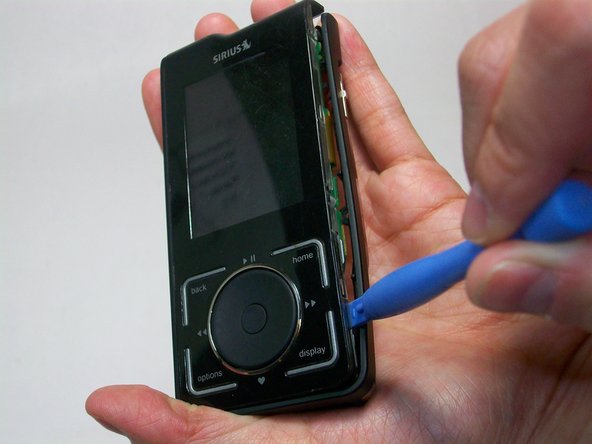
Start by using a plastic opening tool to loosen the front cover from the sides.
-
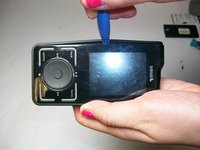
Work your way to the bottom of the cover then the top.
-
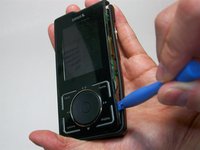
Carefully pry the front cover off.
-
-
-
-
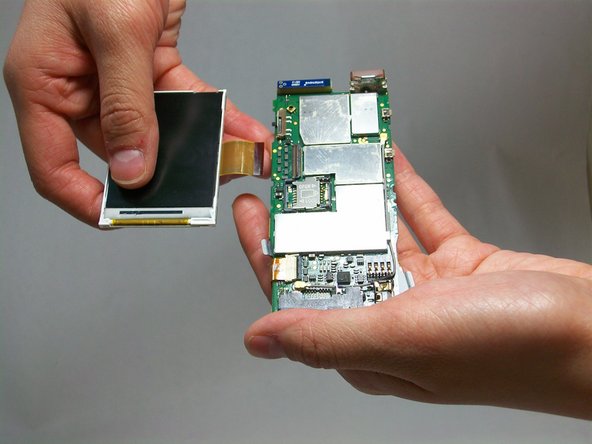
Gently lift the latch on the the ribbon cable connector inward (towards the motherboard).
-
-
-
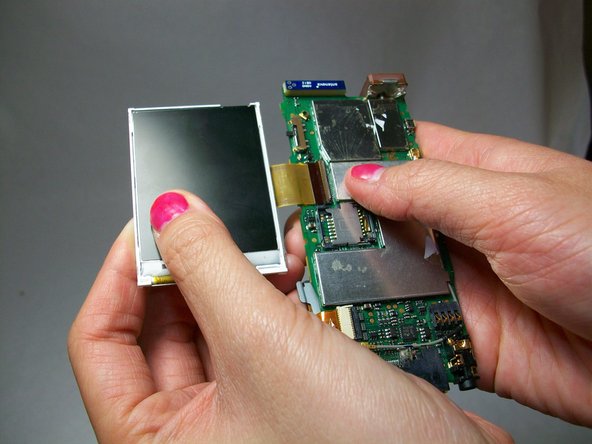
Carefully grip the screen and pull it away from the ribbon connector located on the motherboard.
-
-




To reassemble your device, follow these instructions in reverse order.
다른 한 분이 해당 안내서를 완성하였습니다.

팀

USF Tampa, Team 6-6, Brown Winter 2015 USF Tampa, Team 6-6, Brown Winter 2015 회원
USFT-BROWN-W15S6G6
4 회원들
안내서 15개를 작성함
