소개
This guide will show how to take the device apart and how to identify components that need to be removed to replace the screen.
필요한 것
-
-
Using a plastic opening tool, work your way around the edge of the device, separating the case from the rest of the device
-
-
-
-
Follow the Case Replacement to separate the tablet from its backing
-
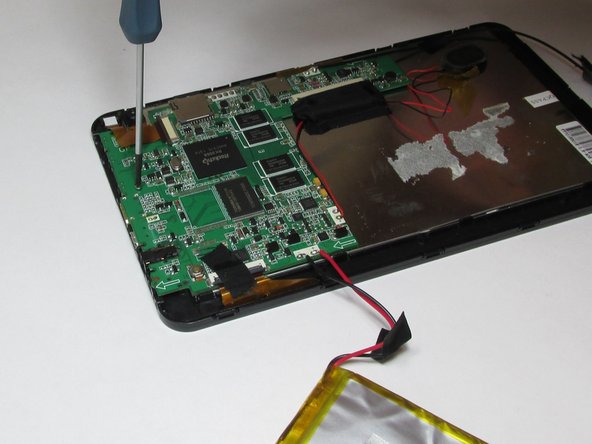
Using a small Phillips screw driver, unscrew all screws connecting circuit board to device
-
Remove all tape connecting battery and circuit board to front case
-
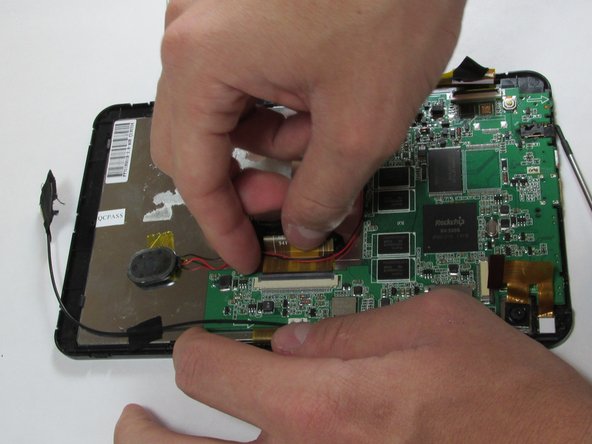
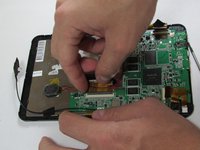
Detach all connector strips from the circuit board
-
-
-
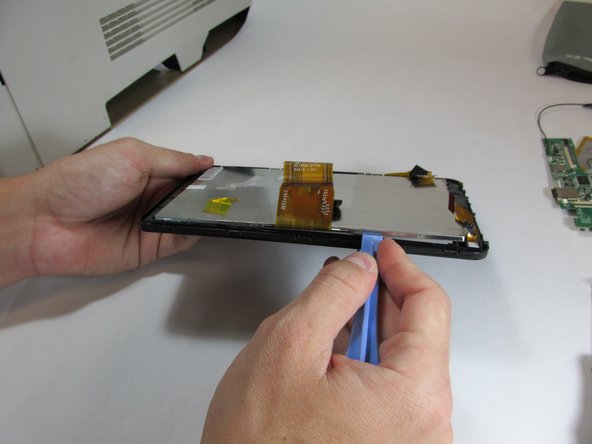
Using the plastic opening tool, begin separating the front screen from the display
-
-
이 단계에 사용된 도구:Tweezers$4.99
-
Once screen has been separated, use tweezers to remove front camera
-

 FixBot에 문의하기





To reassemble your device with a new screen, follow these instructions in reverse order.
다른 2명이 해당 안내서를 완성하였습니다.

팀

USF Tampa, Team 5-1, Brown Winter 2015 USF Tampa, Team 5-1, Brown Winter 2015 회원
USFT-BROWN-W15S5G1
4 회원들
안내서 11개를 작성함
