주요 콘텐츠로 건너뛰기
수리 커뮤니티 가입 - 계정 만들기

Snapfon ezOne Speaker Replacement

필요한 것

  1. Snapfon ezOne Speaker Replacement, Remove the battery cover: 1 단계, 이미지 1개 중 1개
    • Turn off the phone to prevent data loss.

    • Press and slide the battery out to remove it.

    • Picture rights belong to Snapfon®. Picture is used for educational purposes only. No copyright infringement intended.

  2. Snapfon ezOne Speaker Replacement, Remove the battery: 2 단계, 이미지 1개 중 1개
    • Pry the battery out with your thumb or the iFixit opening tool.

    • Make sure to properly dispose of the old battery at a recycling center.

    • Picture rights belong to Snapfon®. Picture is used for educational purposes only. No copyright infringement intended.

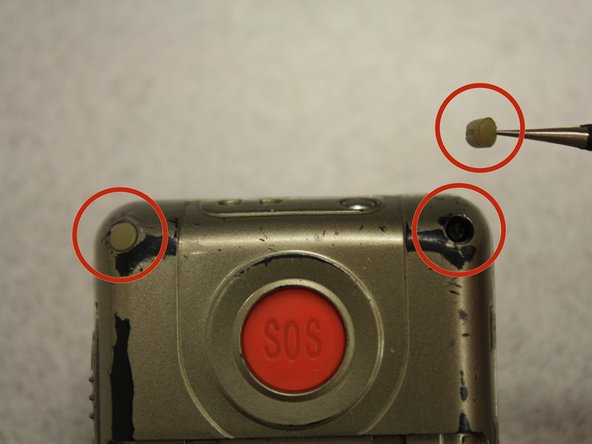
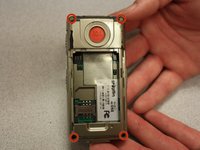
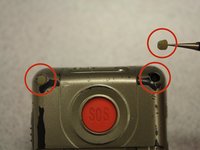
  3. Snapfon ezOne Speaker Replacement, Removing the plastic inserts: 3 단계, 이미지 2개 중 1개 Snapfon ezOne Speaker Replacement, Removing the plastic inserts: 3 단계, 이미지 2개 중 2개
    이 단계에 사용된 도구:
    Tweezers
    $4.99
    • Remove the four rubber inserts from the screw holes using a pair of tweezers.

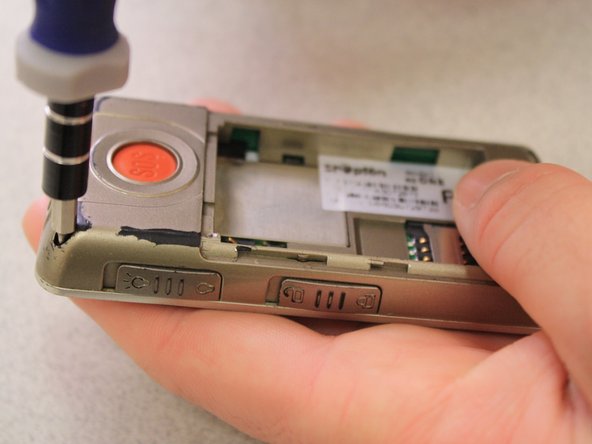
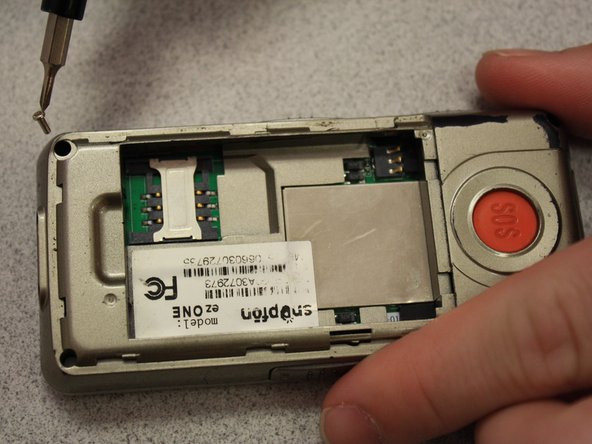
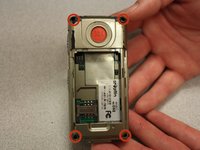
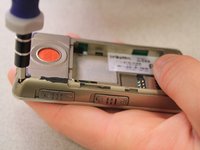
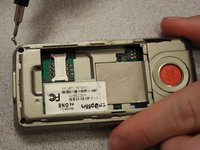
  4. Snapfon ezOne Speaker Replacement, Remove the shield screws: 4 단계, 이미지 3개 중 1개 Snapfon ezOne Speaker Replacement, Remove the shield screws: 4 단계, 이미지 3개 중 2개 Snapfon ezOne Speaker Replacement, Remove the shield screws: 4 단계, 이미지 3개 중 3개
    • Remove the four 3.1mm screws in the corners with a Phillips #00 screwdriver.

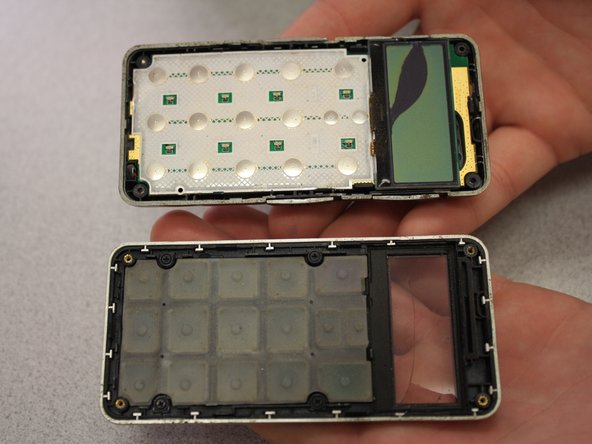
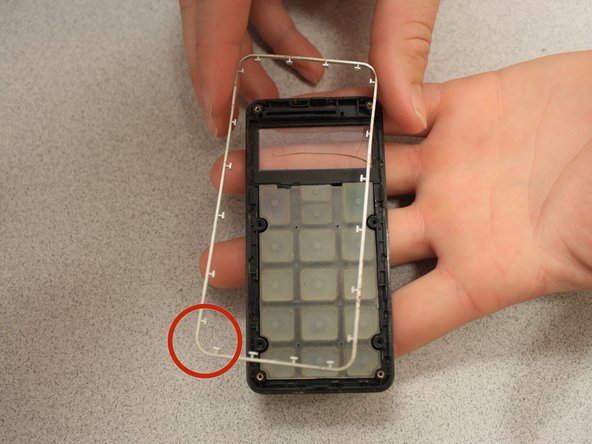
  5. Snapfon ezOne Speaker Replacement, Separate the case: 5 단계, 이미지 3개 중 1개 Snapfon ezOne Speaker Replacement, Separate the case: 5 단계, 이미지 3개 중 2개 Snapfon ezOne Speaker Replacement, Separate the case: 5 단계, 이미지 3개 중 3개
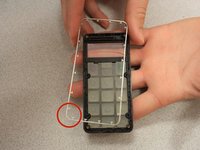
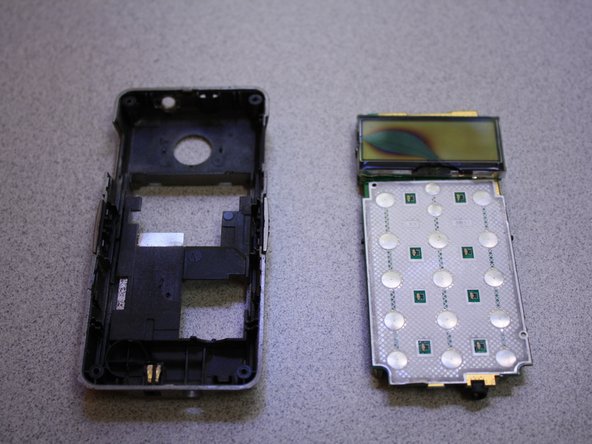
    • Separate the front case from the back case.

    • Remove the metal bumper from the front case’s perimeter.

  6. Snapfon ezOne Speaker Replacement, Remove the volume slider: 6 단계, 이미지 1개 중 1개
    • Pry the volume slider button out with tweezers.

    • The volume slider button may fall out during the separation of the front and back cases. This is OK.

  7. Snapfon ezOne Speaker Replacement, Remove the motherboard: 7 단계, 이미지 3개 중 1개 Snapfon ezOne Speaker Replacement, Remove the motherboard: 7 단계, 이미지 3개 중 2개 Snapfon ezOne Speaker Replacement, Remove the motherboard: 7 단계, 이미지 3개 중 3개
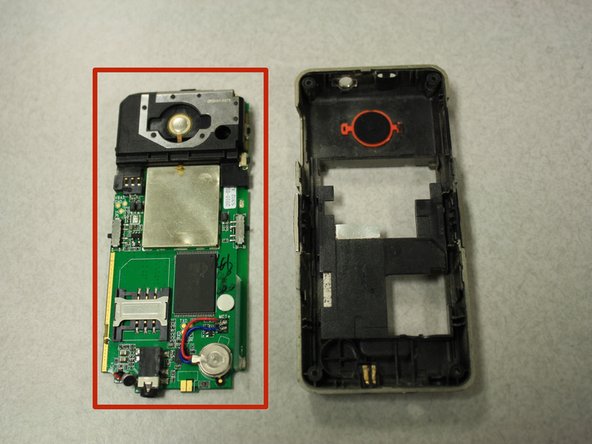
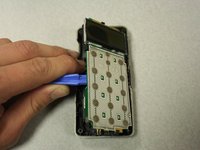
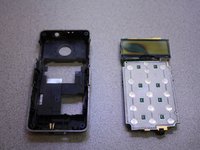
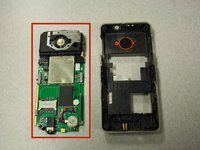
    • Separate the circuit board from the inside of the back case by prying between them with the opening tool.

    • The last picture is a view of the back of the circuit board.

  8. Snapfon ezOne Speaker Replacement, Speaker: 8 단계, 이미지 2개 중 1개 Snapfon ezOne Speaker Replacement, Speaker: 8 단계, 이미지 2개 중 2개
    이 단계에 사용된 도구:
    Tweezers
    $4.99
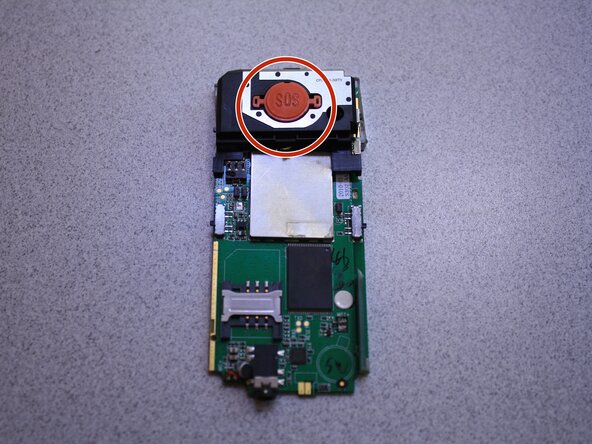
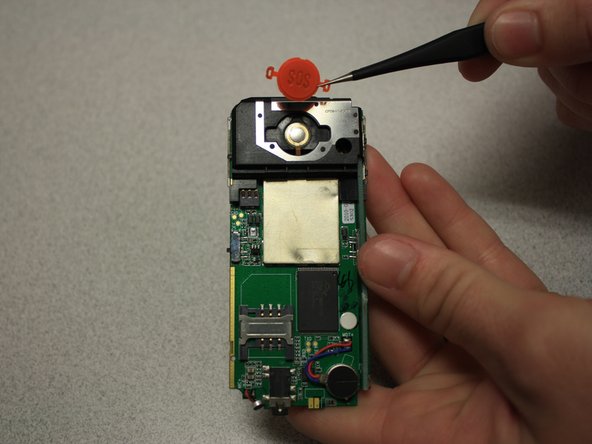
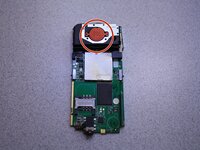
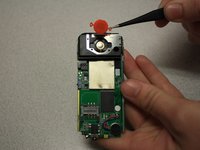
    • Remove SOS button from circuit board with tweezers.

  9. Snapfon ezOne Speaker Replacement: 9 단계, 이미지 3개 중 1개 Snapfon ezOne Speaker Replacement: 9 단계, 이미지 3개 중 2개 Snapfon ezOne Speaker Replacement: 9 단계, 이미지 3개 중 3개
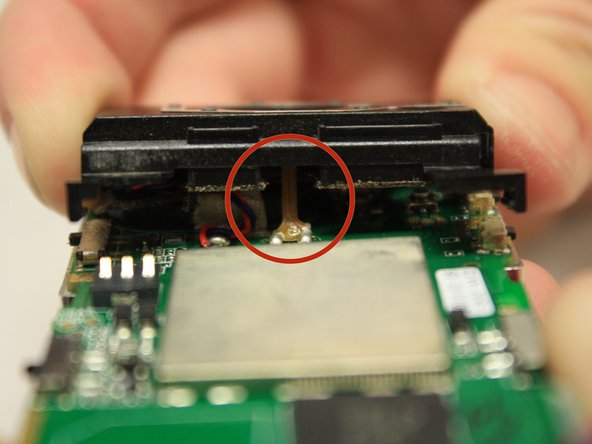
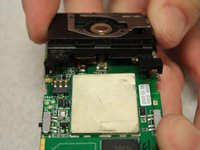
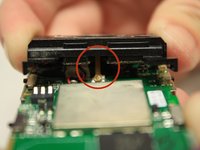
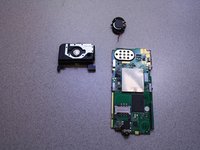
    • Pull black casing from the circuit board with fingers.

    • The black casing will not be able to be fully removed at this point

    • To fully remove the black casing, desolder the SOS button cable from the circuit board with a soldering iron.

    • The solder iron creates high temperatures that may cause bodily harm.

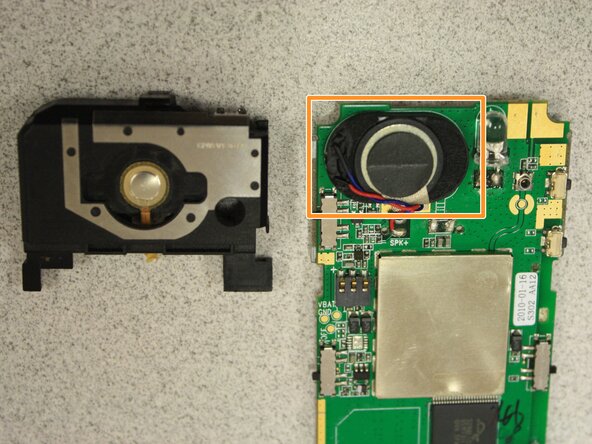
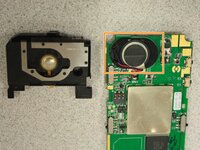
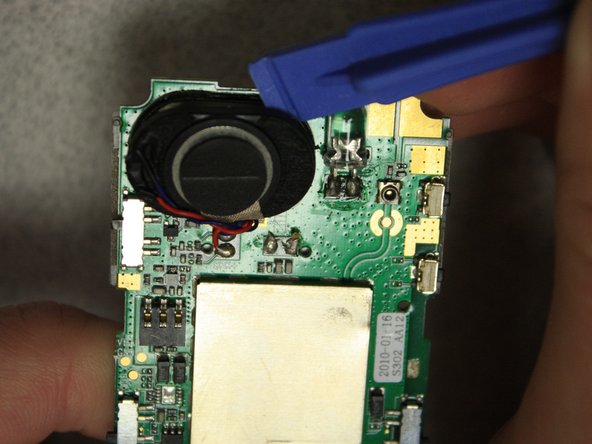
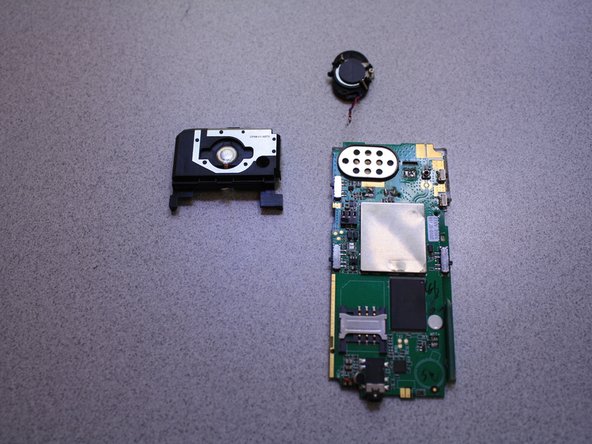
    • Once the black casing is removed, the speaker will now be exposed.

  10. Snapfon ezOne Speaker Replacement: 10 단계, 이미지 3개 중 1개 Snapfon ezOne Speaker Replacement: 10 단계, 이미지 3개 중 2개 Snapfon ezOne Speaker Replacement: 10 단계, 이미지 3개 중 3개
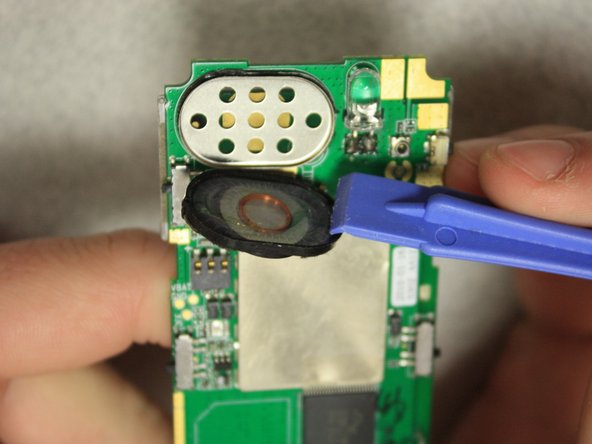
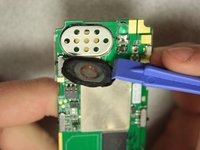
    • With the plastic opening tools, pry off the speaker from the circuit board.

  11. Snapfon ezOne Speaker Replacement: 11 단계, 이미지 2개 중 1개 Snapfon ezOne Speaker Replacement: 11 단계, 이미지 2개 중 2개
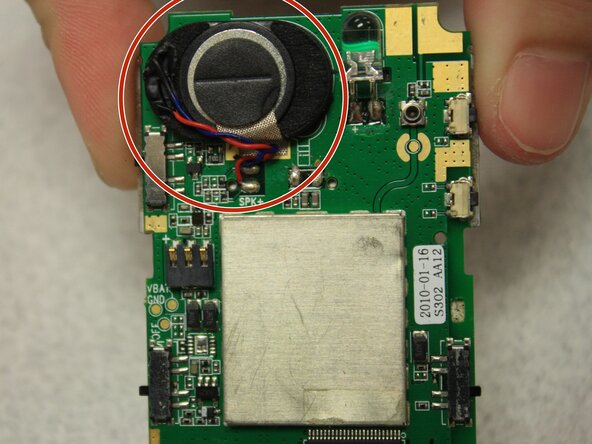
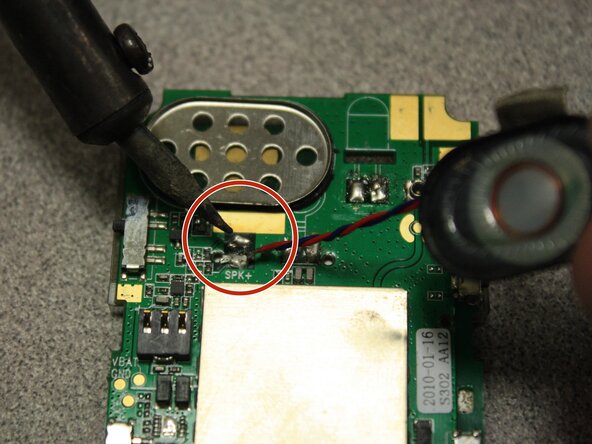
    • Desolder the speaker cables from the base of the circuit board with the soldering iron.

    • The soldering iron creates high temperatures that may cause bodily harm.

    • Melt the new speaker wires to the circuit board with the soldering iron.

결론

To reassemble your device, follow these instructions in reverse order.

작성자

7다른 기여자 명과 함께

John Bender

회원 가입일: 03/26/14

818 평판

안내서 8개를 작성함

Clemson, Team 6-5, Benson Spring 2014 Clemson, Team 6-5, Benson Spring 2014 회원

CLEM-BENSON-S14S6G5

3 회원들

안내서 16개를 작성함

0가이드 댓글

댓글 쓰기

조회 통계:

지난 24시간: 1

지난 7일: 5

지난 30일: 19

전체 시간: 441