주요 콘텐츠로 건너뛰기
수리 커뮤니티 가입 - 계정 만들기

Sony BDP-BX520 Disc Reader Replacement

필요한 것

  1. Sony BDP-BX520 Disc Reader Replacement, Disc Tray Cover: 1 단계, 이미지 1개 중 1개
    • Plug in the Blu-Ray player, then press the power button, making sure the Blu-Ray player is powered on.

    • Press the eject button on either the top of the Blu-Ray player or on the remote to open the disc tray.

    댓글 쓰기

  2. Sony BDP-BX520 Disc Reader Replacement: 2 단계, 이미지 1개 중 1개
    • Grab the sides of the disc tray cover and carefully pull each side upwards, starting with the left side. This will unhook the cover from the tray.

    댓글 쓰기

  3. Sony BDP-BX520 Disc Reader Replacement: 3 단계, 이미지 1개 중 1개
    • Close the disc tray, then power off and unplug the Blu-Ray player.

    댓글 쓰기

  4. Sony BDP-BX520 Disc Reader Replacement, Top Case: 4 단계, 이미지 1개 중 1개
    • Locate the three 8 mm screws on the back of the Blu-Ray player.

    • Using the Phillips #2 screwdriver, unscrew each of the screws and set them aside.

    댓글 쓰기

  5. Sony BDP-BX520 Disc Reader Replacement: 5 단계, 이미지 2개 중 1개 Sony BDP-BX520 Disc Reader Replacement: 5 단계, 이미지 2개 중 2개
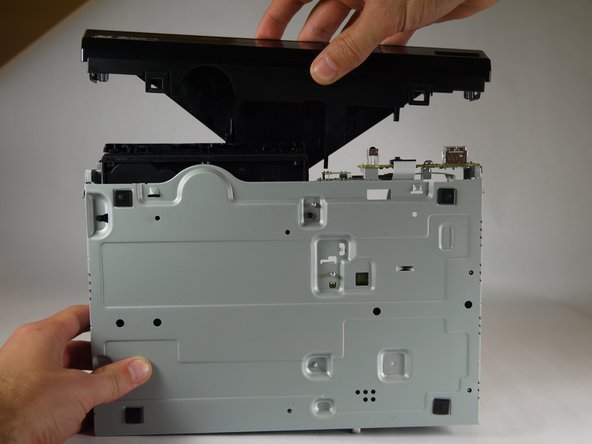
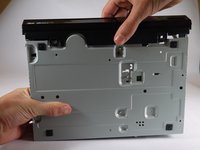
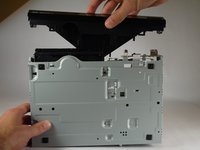
    • Gently pull the top case back to remove it from the Blu-Ray player.

    댓글 쓰기

  6. Sony BDP-BX520 Disc Reader Replacement, Front Panel: 6 단계, 이미지 1개 중 1개
    • Insert the nylon or metal spudger under the clip on the side near the front of the device. Lift the clip so it is free from the device.

    • Lifting these clips may require you to hold one clip open while you move on to the next clip.

    댓글 쓰기

  7. Sony BDP-BX520 Disc Reader Replacement: 7 단계, 이미지 1개 중 1개
    • Flip device over so the bottom faces you.

    • Insert the nylon or metal spudger and lift the two clips on the bottom of the device.

    댓글 쓰기

  8. Sony BDP-BX520 Disc Reader Replacement: 8 단계, 이미지 1개 중 1개
    • Lift the clip on the opposite side of the device with the nylon or metal spudger.

    댓글 쓰기

  9. Sony BDP-BX520 Disc Reader Replacement: 9 단계, 이미지 2개 중 1개 Sony BDP-BX520 Disc Reader Replacement: 9 단계, 이미지 2개 중 2개
    • Grasp the front case firmly and lift from the rest of the device.

    • Lifting may require some force.

    댓글 쓰기

  10. Sony BDP-BX520 Disc Reader Replacement, Disc Reader: 10 단계, 이미지 1개 중 1개
    • Do not touch the circuit boards or the internal parts of the device while it is powered on. This could short out the circuits and possibly cause you harm.

    • Plug in the device and power it on by pushing the right button on the front of the device. The light should turn on.

    댓글 쓰기

  11. Sony BDP-BX520 Disc Reader Replacement: 11 단계, 이미지 1개 중 1개
    • Eject the disc tray by pushing the left button on the front of the device.

    • Unplug the device once the disc tray is open.

    댓글 쓰기

  12. Sony BDP-BX520 Disc Reader Replacement: 12 단계, 이미지 1개 중 1개
    • Insert the nylon or metal spudger under the clip and lift it up. There are 4 clips that need to be lifted, two on each side

    댓글 쓰기

  13. Sony BDP-BX520 Disc Reader Replacement: 13 단계, 이미지 2개 중 1개 Sony BDP-BX520 Disc Reader Replacement: 13 단계, 이미지 2개 중 2개
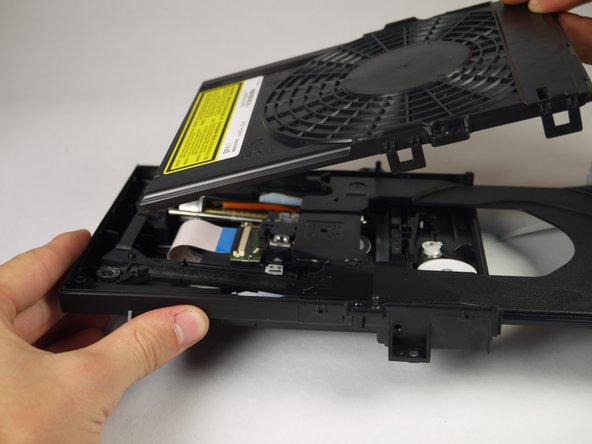
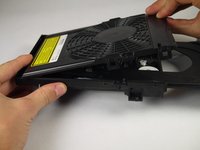
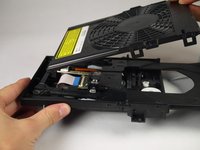
    • Once the clips are free, lift the top cover of the disc tray up.

    • This should take minimal force.

    댓글 쓰기

  14. Sony BDP-BX520 Disc Reader Replacement: 14 단계, 이미지 1개 중 1개
    • Unscrew the two silver 8mm Phillips 1 screws from the disc reader.

    댓글 쓰기

  15. Sony BDP-BX520 Disc Reader Replacement: 15 단계, 이미지 3개 중 1개 Sony BDP-BX520 Disc Reader Replacement: 15 단계, 이미지 3개 중 2개 Sony BDP-BX520 Disc Reader Replacement: 15 단계, 이미지 3개 중 3개
    이 단계에 사용된 도구:
    Tweezers
    $4.99
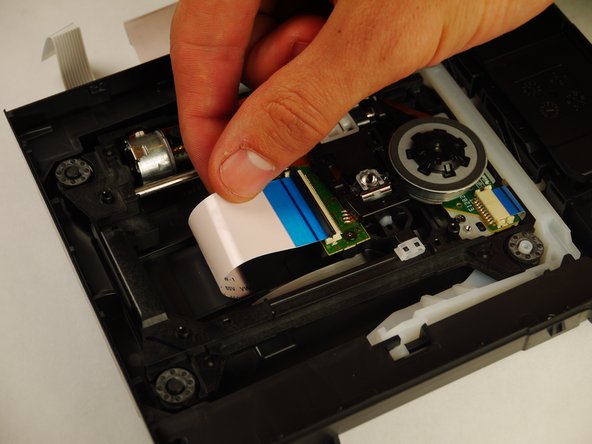
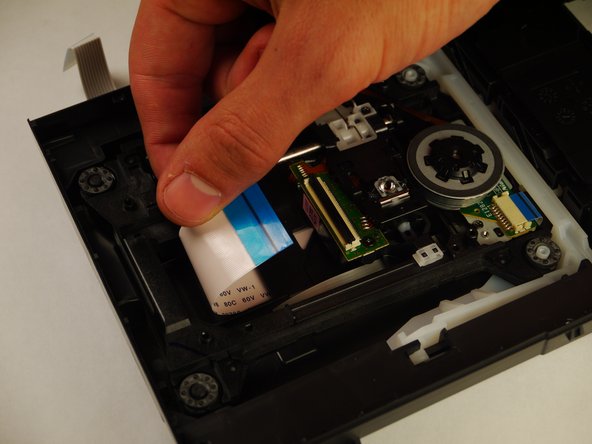
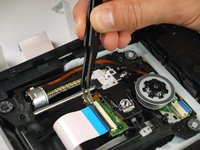
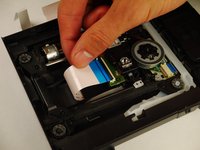
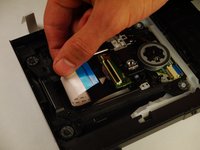
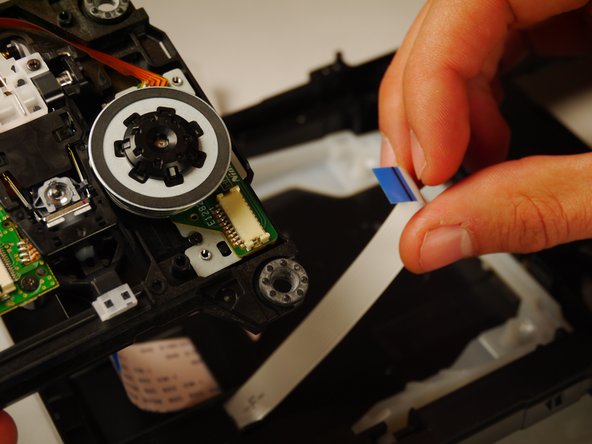
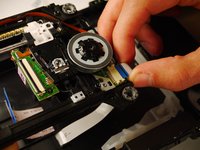
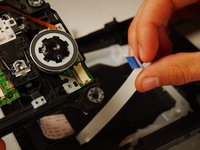
    • Use the tweezers to lift both sides of the black clip holding the white 14 pin ribbon in place.

    • Once free the white 24 pin ribbon should slip right out.

    댓글 쓰기

  16. Sony BDP-BX520 Disc Reader Replacement: 16 단계, 이미지 2개 중 1개 Sony BDP-BX520 Disc Reader Replacement: 16 단계, 이미지 2개 중 2개
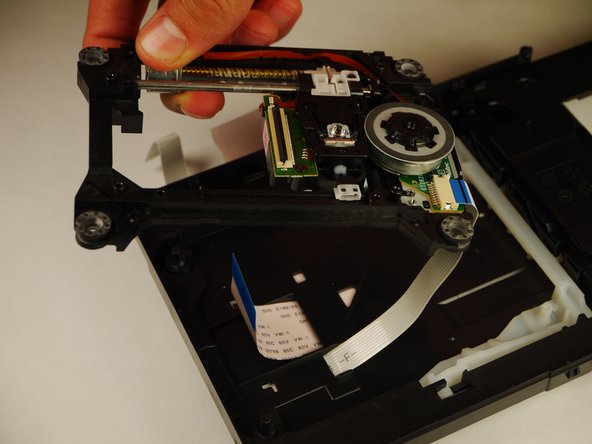
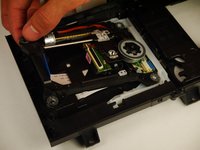
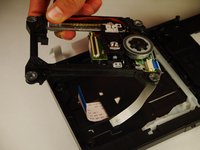
    • Carefully lift up the disc reader. It is still attached by a cable underneath!

    댓글 쓰기

  17. Sony BDP-BX520 Disc Reader Replacement: 17 단계, 이미지 2개 중 1개 Sony BDP-BX520 Disc Reader Replacement: 17 단계, 이미지 2개 중 2개
    • Gently pull out the white 13 pin cable from the disc reader.

    댓글 쓰기

결론

To reassemble your device, follow these instructions in reverse order.

취소: 해당 안내서를 완성하지 않았습니다.

다른 한 분이 해당 안내서를 완성하였습니다.

작성자

3다른 기여자 명과 함께

Kyle Smit

회원 가입일: 01/31/15

243 평판

안내서 2개를 작성함

Cal Poly, Team 8-41, Amido Winter 2015 Cal Poly, Team 8-41, Amido Winter 2015 회원

CPSU-AMIDO-W15S8G41

4 회원들

안내서 8개를 작성함

0가이드 댓글

댓글 쓰기

조회 통계:

지난 24시간: 0

지난 7일: 6

지난 30일: 28

전체 시간: 1,609