주요 콘텐츠로 건너뛰기
Sony DSC-RX100MA Image Sensor Replacement

필요한 것

  1. Sony DSC-RX100MA Image Sensor Replacement, Back Cover: 1 단계, 이미지 3개 중 1개 Sony DSC-RX100MA Image Sensor Replacement, Back Cover: 1 단계, 이미지 3개 중 2개 Sony DSC-RX100MA Image Sensor Replacement, Back Cover: 1 단계, 이미지 3개 중 3개
    • Remove battery by sliding the tab to open the cover

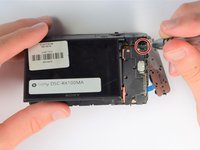
  2. Sony DSC-RX100MA Image Sensor Replacement: 2 단계, 이미지 3개 중 1개 Sony DSC-RX100MA Image Sensor Replacement: 2 단계, 이미지 3개 중 2개 Sony DSC-RX100MA Image Sensor Replacement: 2 단계, 이미지 3개 중 3개
    • Using the screwdriver, remove all screws (black 2.5mm) from outermost layer of the assembly.

    • All screws in the camera can be removed with the PH 0 driver head.

  3. Sony DSC-RX100MA Image Sensor Replacement: 3 단계, 이미지 3개 중 1개 Sony DSC-RX100MA Image Sensor Replacement: 3 단계, 이미지 3개 중 2개 Sony DSC-RX100MA Image Sensor Replacement: 3 단계, 이미지 3개 중 3개
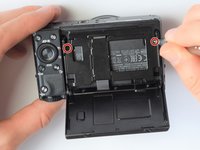
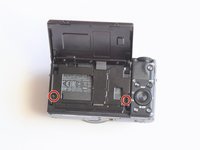
    • Also using the screwdriver, remove screws (black 1mm) underneath articulated LCD screen.

    • Remove the marked 2.5 mm screws with the screwdriver

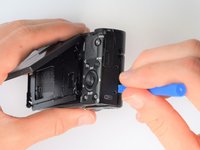
  4. Sony DSC-RX100MA Image Sensor Replacement: 4 단계, 이미지 2개 중 1개 Sony DSC-RX100MA Image Sensor Replacement: 4 단계, 이미지 2개 중 2개
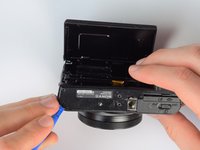
    • Using the plastic opening tools, carefully pry off the bottom plate.

    • Do not pull too hard as you may break the plastic casing.

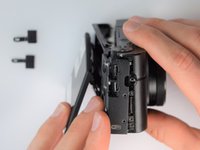
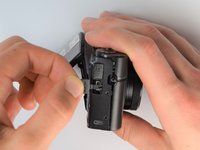
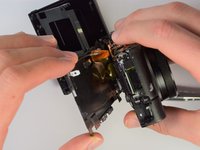
  5. Sony DSC-RX100MA Image Sensor Replacement: 5 단계, 이미지 3개 중 1개 Sony DSC-RX100MA Image Sensor Replacement: 5 단계, 이미지 3개 중 2개 Sony DSC-RX100MA Image Sensor Replacement: 5 단계, 이미지 3개 중 3개
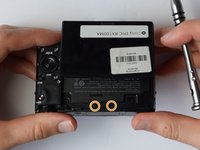
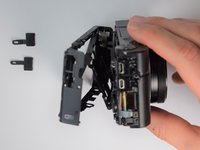
    • Using the same plastic opening tools, separate the screen and back assembly from the front portion of the camera

    • Once the back assembly is slightly detached, pull the media covers for the HDMI and Multimedia ports

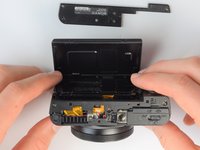
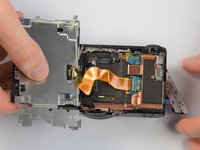
  6. Sony DSC-RX100MA Image Sensor Replacement: 6 단계, 이미지 2개 중 1개 Sony DSC-RX100MA Image Sensor Replacement: 6 단계, 이미지 2개 중 2개
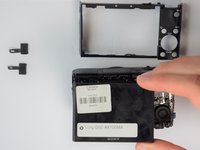
    • Remove the back cover

  7. Sony DSC-RX100MA Image Sensor Replacement, Screen: 7 단계, 이미지 3개 중 1개 Sony DSC-RX100MA Image Sensor Replacement, Screen: 7 단계, 이미지 3개 중 2개 Sony DSC-RX100MA Image Sensor Replacement, Screen: 7 단계, 이미지 3개 중 3개
    • Move side panel to get access to screws

    • Remove two screws (black 2.5mm) with PH #0 screwdriver

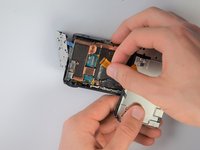
  8. Sony DSC-RX100MA Image Sensor Replacement: 8 단계, 이미지 2개 중 1개 Sony DSC-RX100MA Image Sensor Replacement: 8 단계, 이미지 2개 중 2개
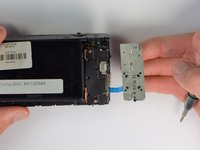
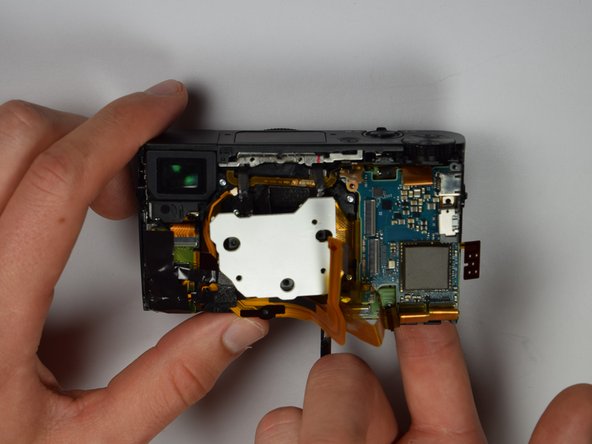
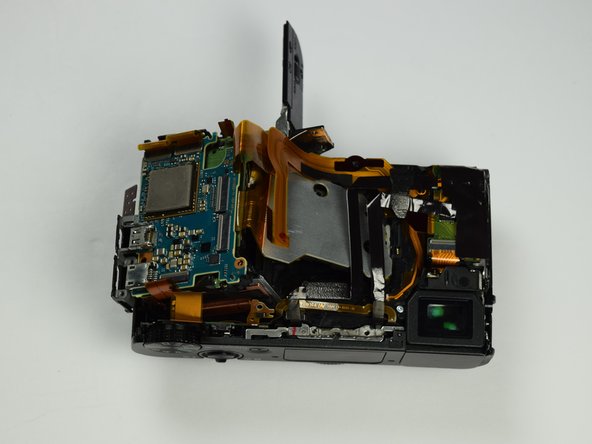
    • Remove back panel assembly while still keeping ribbon cable attached

    • Be very gentle and care not to tear the gold ribbon cable. This will be a common theme throughout these replacement guides.

  9. Sony DSC-RX100MA Image Sensor Replacement: 9 단계, 이미지 2개 중 1개 Sony DSC-RX100MA Image Sensor Replacement: 9 단계, 이미지 2개 중 2개
    • Carefully unplug ribbon connector to fully detach LCD screen assembly from camera

  10. Sony DSC-RX100MA Image Sensor Replacement, Image Sensor: 10 단계, 이미지 2개 중 1개 Sony DSC-RX100MA Image Sensor Replacement, Image Sensor: 10 단계, 이미지 2개 중 2개
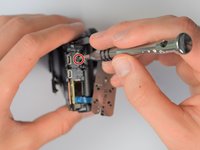
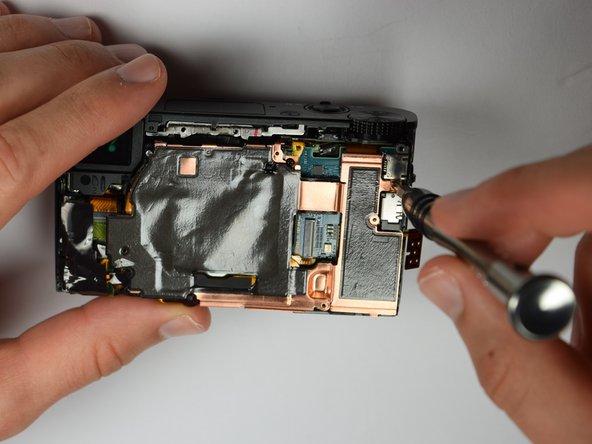
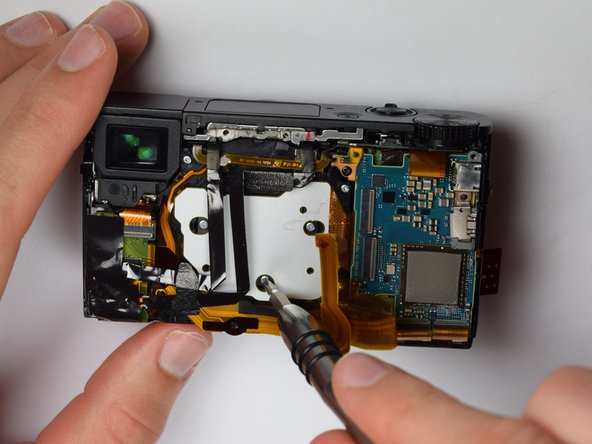
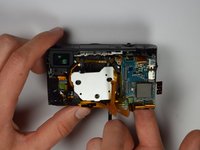
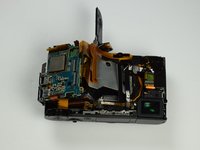
    • Using the Philips Screwdriver, remove the screw (black 3mm) located on the copper casing.

  11. Sony DSC-RX100MA Image Sensor Replacement: 11 단계, 이미지 3개 중 1개 Sony DSC-RX100MA Image Sensor Replacement: 11 단계, 이미지 3개 중 2개 Sony DSC-RX100MA Image Sensor Replacement: 11 단계, 이미지 3개 중 3개
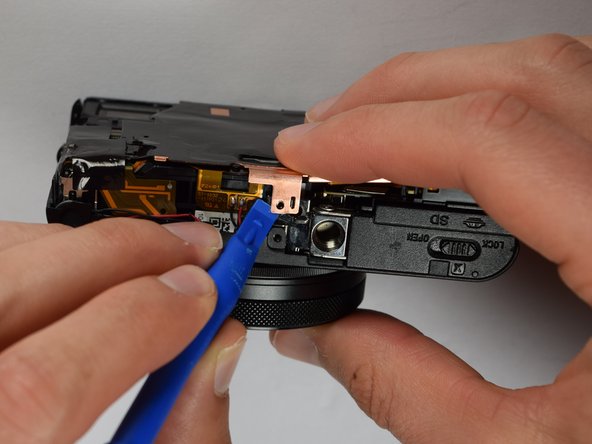
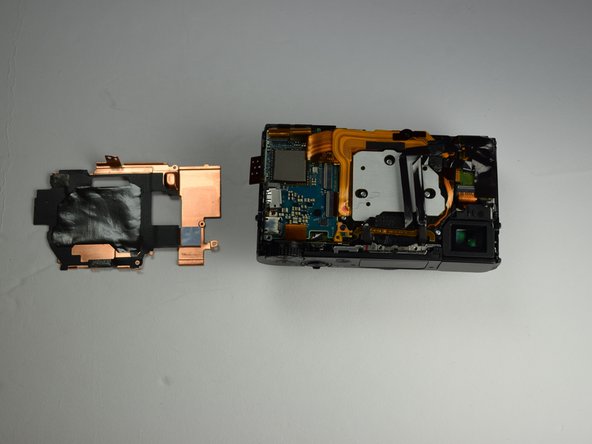
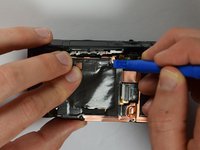
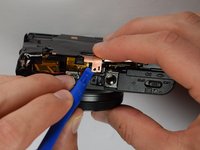
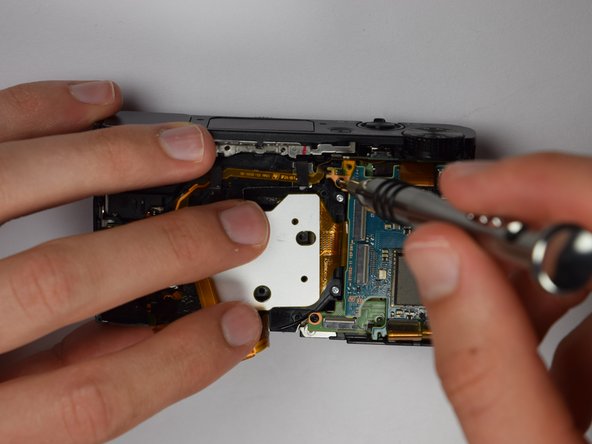
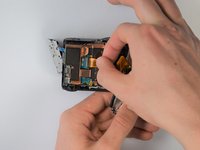
    • Using the plastic opening tools, carefully pry off the copper casing at the two pictured points.

    • Remove casing.

  12. Sony DSC-RX100MA Image Sensor Replacement: 12 단계, 이미지 3개 중 1개 Sony DSC-RX100MA Image Sensor Replacement: 12 단계, 이미지 3개 중 2개 Sony DSC-RX100MA Image Sensor Replacement: 12 단계, 이미지 3개 중 3개
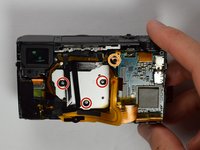
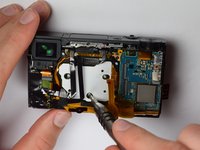
    • Using the Philips screwdriver, remove the three (silver 3mm) screws

    • Remove the screw (silver 2mm) from the upper right hand corner

  13. Sony DSC-RX100MA Image Sensor Replacement: 13 단계, 이미지 3개 중 1개 Sony DSC-RX100MA Image Sensor Replacement: 13 단계, 이미지 3개 중 2개 Sony DSC-RX100MA Image Sensor Replacement: 13 단계, 이미지 3개 중 3개
    • Place your finger into the battery port and push up on the SD card holder to push it out of its socket.

    • Give it a little wiggle and you should feel the SD card holder come out.

  14. Sony DSC-RX100MA Image Sensor Replacement: 14 단계, 이미지 1개 중 1개
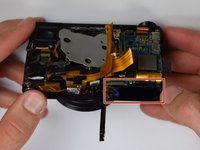
    • Now you can remove the marked gold ribbon cable from the SD card holder.

    • Utilize extreme caution while removing because the ribbon cables are extremely fragile and important to the camera.

결론

To reassemble your device, follow these instructions in reverse order.

다른 한 분이 해당 안내서를 완성하였습니다.

작성자

5다른 기여자 명과 함께

Isaiah De Leon

회원 가입일: 01/29/17

439 평판

안내서 3개를 작성함

Cal Poly, Team 21-1, Maness Winter 2017 Cal Poly, Team 21-1, Maness Winter 2017 회원

CPSU-MANESS-W17S21G1

5 회원들

안내서 10개를 작성함

0가이드 댓글

댓글 쓰기

조회 통계:

지난 24시간: 1

지난 7일: 6

지난 30일: 36

전체 시간: 3,688