필요한 것
-
-
Place the plastic opening tool in the bottom corner of the phone in the crevice between the flap to remove the cover.
 FixBot에 문의하기
-
-
-
Place the phone face down on a flat smooth surface so that the camera, logos, and speaker face up.
-
Using the provided notch on the bottom of the back cover, insert a plastic opening tool and lift upwards to remove the back cover of the phone.
-
-
-
Set the cover to the side upon removal.
-
Insert the plastic opening tool into the crevice between the camera and the battery of the phone. Using a gentle prying motion, lift the end of the battery and remove.
-
After removal, recycle the defective battery appropriately.
-
-
-
-
Flip the phone over and remove the Sony Ericsson sticker that is over the phone's ear speaker.
-
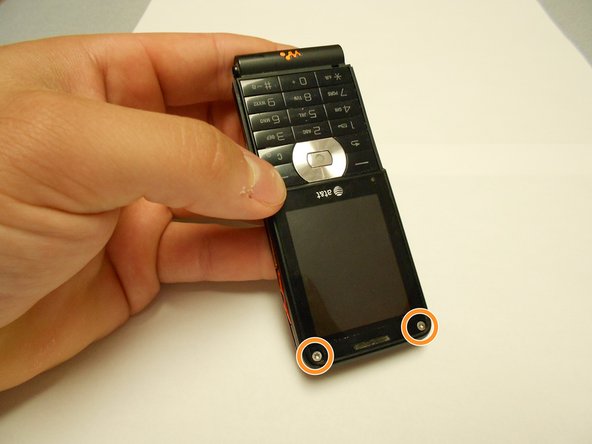
Using a T5 screwdriver, loosen and remove the two screws under the Sony Ericsson sticker by turning them counterclockwise.
-
-
-
Using a mini Phillips screwdriver, remove two screws by turning them counterclockwise.
-
-
-
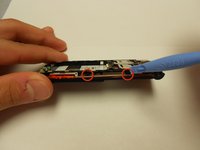
Insert an opening tool in the bottom crack between the front and back plates and use a gentle upward pull to separate the back case from the front case.
-
-
-
Using a T5 screwdriver, remove the two screws by turning them counterclockwise.
-
-
-
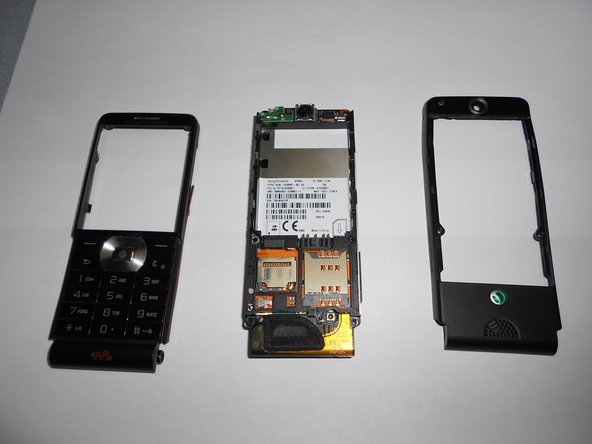
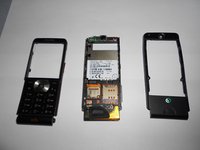
Using an opening tool and a gentle outward motion, separate the front plate from the inner phone workings.
-
-
-
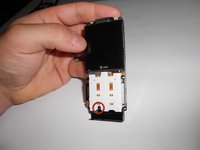
Using a Phillips head screwdriver, remove the screw from the front number pad by turning it counterclockwise.
-
Remove the speaker from the phone.
-
-
-
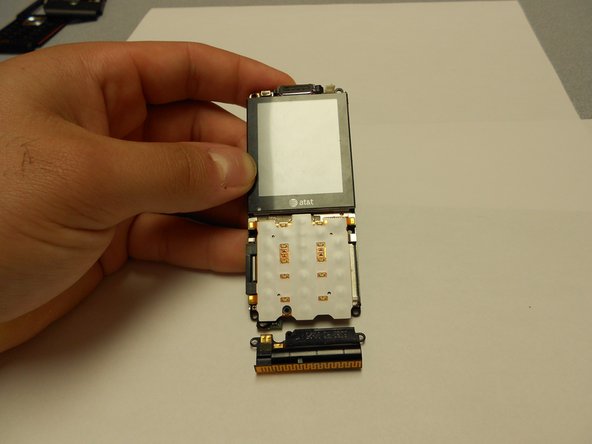
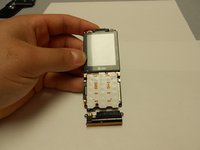
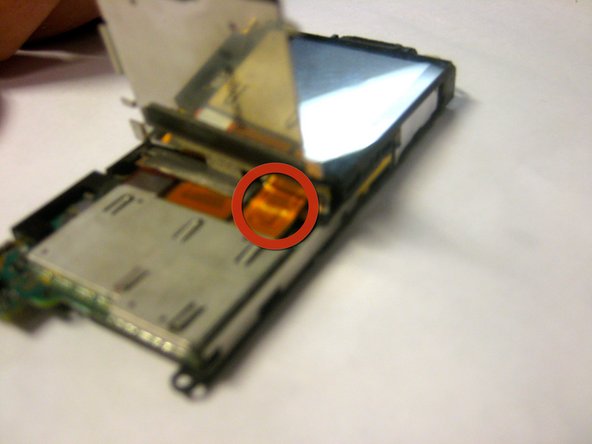
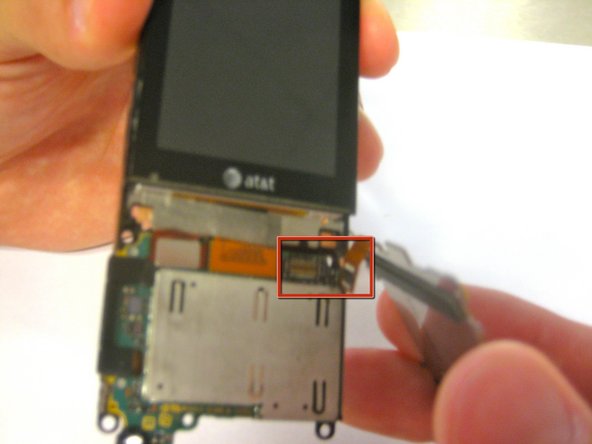
Disconnect the ribbon cable from its connection until the keypad "pops" off.
-
Remove the keypad from the phone.
-






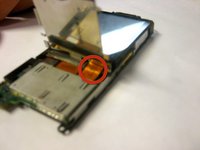
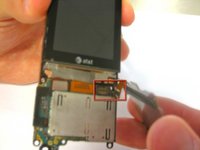
To reassemble your device, follow these instructions in reverse order.
다른 한 분이 해당 안내서를 완성하였습니다.

팀

Clemson, Team 1-4, Benson Spring 2012 Clemson, Team 1-4, Benson Spring 2012 회원
CLEM-BENSON-S12S1G4
4 회원들
안내서 28개를 작성함
