소개
Use this guide to replace the screen of a Sony ICF-C1T. When your screen is too bright or it has a lot of scratches on it, you can easily replace the screen or add a sheet of tint to the backside of it.
필요한 것
-
-
-
Use a Phillips 00 head screwdriver to remove the four 14 mm screws from the bottom of the clock.
 FixBot에 문의하기
-
-
-
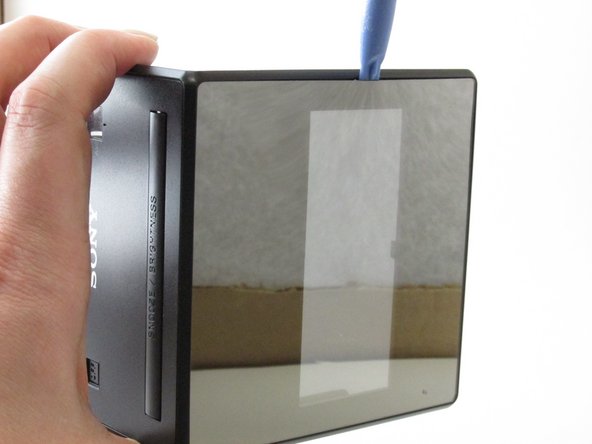
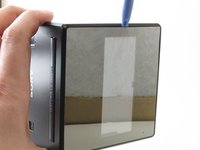
Insert the plastic opening tool to pry apart the top and sides of the device gently.
-
-
-
-
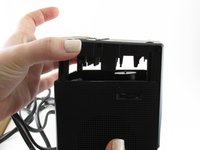
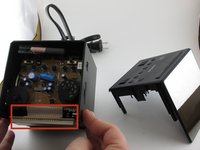
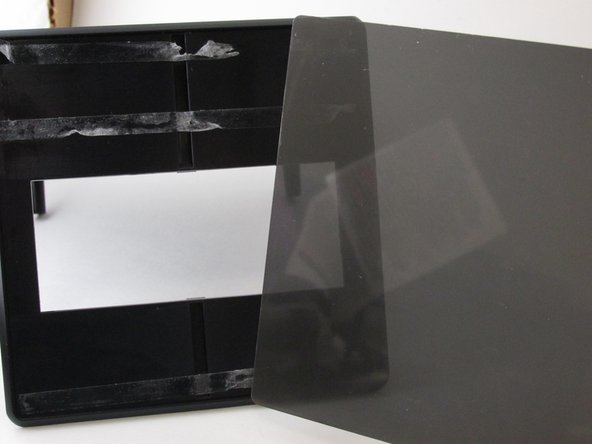
Pull the top of the device away from the rest of the clock to expose the inside.
-
-
-
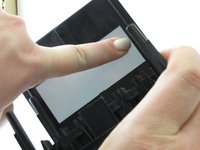
Add pressure to the inside of the screen so that a small area is loosened enough to be able to use an opening tool.
-
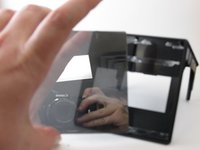
Use the plastic opening tool to separate the screen from the device.
-
-
-
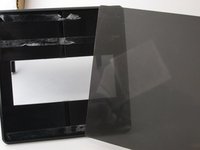
Apply a tinted spray to dim the brightness once the tinted sheet is out of the way.
-
-




To reassemble your device, follow these instructions in reverse order.
다른 한 분이 해당 안내서를 완성하였습니다.

팀

University of Kentucky Louisville, Team 1-5, Rountree Winter 2015 University of Kentucky Louisville, Team 1-5, Rountree Winter 2015 회원
LOUISVILLE-ROUNTREE-W15S1G5
3 회원들
안내서 20개를 작성함
