주요 콘텐츠로 건너뛰기
수리 커뮤니티 가입 - 계정 만들기

Sony VAIO PCG-933A Hard Drive Replacement

필요한 것

  1. Sony VAIO PCG-933A Hard Drive Replacement, Battery: 1 단계, 이미지 2개 중 1개 Sony VAIO PCG-933A Hard Drive Replacement, Battery: 1 단계, 이미지 2개 중 2개
    • Turn the laptop upside down so that the top is sitting on a flat surface.

    • If you are looking at the bottom of the laptop the battery is located on the front right side of the laptop; the opposite side from the floppy disk drive.

  2. Sony VAIO PCG-933A Hard Drive Replacement: 2 단계, 이미지 3개 중 1개 Sony VAIO PCG-933A Hard Drive Replacement: 2 단계, 이미지 3개 중 2개 Sony VAIO PCG-933A Hard Drive Replacement: 2 단계, 이미지 3개 중 3개
    • As shown by the arrow, slide the plastic cover up and then pull out and downwards.

    • You should now be able to pull the battery out.

  3. Sony VAIO PCG-933A Hard Drive Replacement, Keyboard: 3 단계, 이미지 1개 중 1개
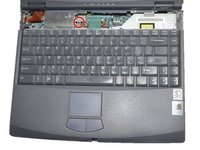
    • Remove the four 16 mm screws bordering the edge of the laptop using a Phillips #0 screwdriver.

  4. Sony VAIO PCG-933A Hard Drive Replacement: 4 단계, 이미지 2개 중 1개 Sony VAIO PCG-933A Hard Drive Replacement: 4 단계, 이미지 2개 중 2개
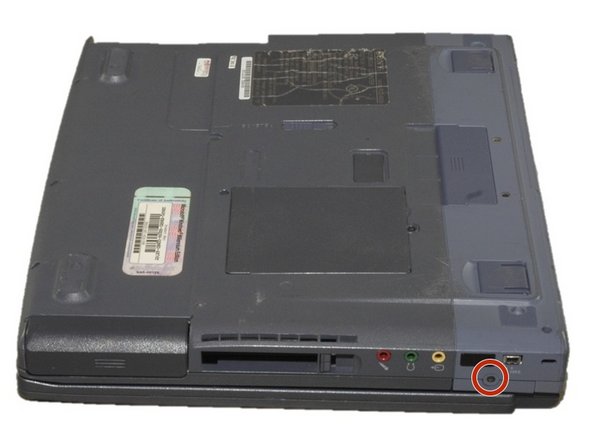
    • Remove the 4mm screw on the right rear side of the laptop next to the audio ports using a Phillips #0 screwdriver.

    • This will release the speaker grille.

  5. Sony VAIO PCG-933A Hard Drive Replacement: 5 단계, 이미지 1개 중 1개
    • Flip the computer so the key board is facing up.

  6. Sony VAIO PCG-933A Hard Drive Replacement: 6 단계, 이미지 3개 중 1개 Sony VAIO PCG-933A Hard Drive Replacement: 6 단계, 이미지 3개 중 2개 Sony VAIO PCG-933A Hard Drive Replacement: 6 단계, 이미지 3개 중 3개
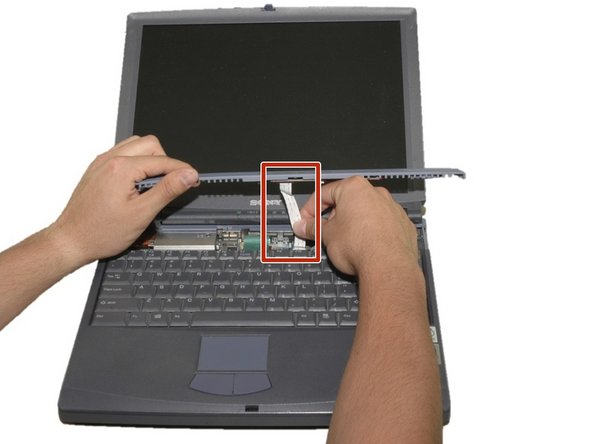
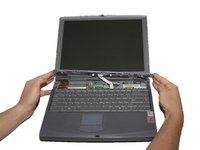
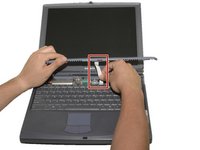
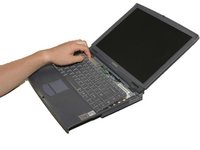
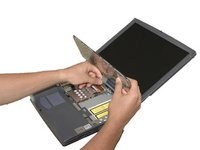
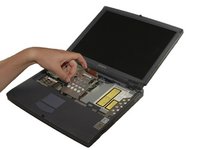
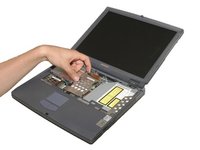
    • Slide the blue speaker grille (located above the keyboard) to the right and gently pull upward. The grille will still be connected by a white electrical strip.

    • Carefully pull out the white electrical strip. By doing this you will remove the speaker grille.

  7. Sony VAIO PCG-933A Hard Drive Replacement: 7 단계, 이미지 3개 중 1개 Sony VAIO PCG-933A Hard Drive Replacement: 7 단계, 이미지 3개 중 2개 Sony VAIO PCG-933A Hard Drive Replacement: 7 단계, 이미지 3개 중 3개
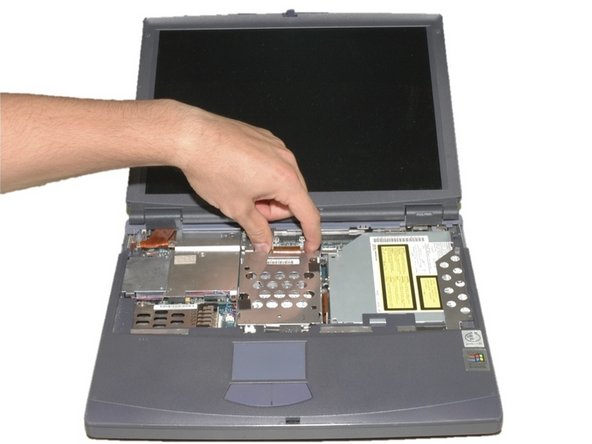
    • Remove the 4mm screw in the center using a Phillips screwdriver.

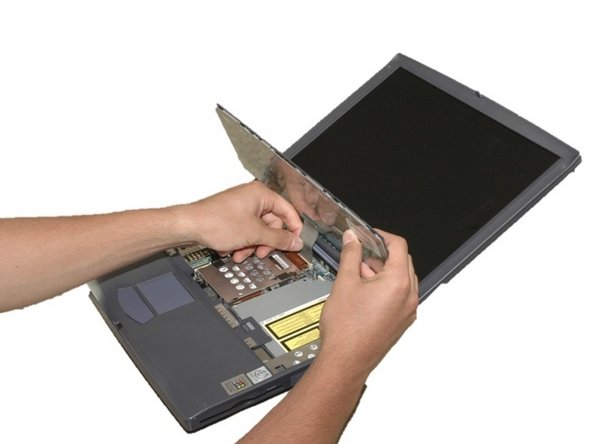
    • Carefully and slowly pull the green strip straight up (away from the laptop) to disconnect it. Make sure not to pull too hard to avoid breaking.

    • The keyboard can now be removed.

  8. Sony VAIO PCG-933A Hard Drive Replacement, Hard Drive: 8 단계, 이미지 2개 중 1개 Sony VAIO PCG-933A Hard Drive Replacement, Hard Drive: 8 단계, 이미지 2개 중 2개
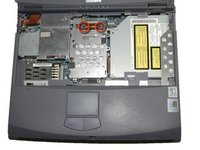
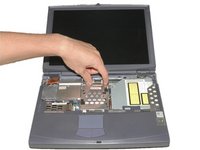
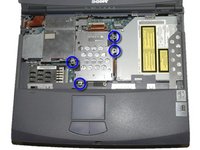
    • Remove the two 4mm Phillips screws in the center of the computer located on each side of the copper electrical strip.

  9. Sony VAIO PCG-933A Hard Drive Replacement: 9 단계, 이미지 3개 중 1개 Sony VAIO PCG-933A Hard Drive Replacement: 9 단계, 이미지 3개 중 2개 Sony VAIO PCG-933A Hard Drive Replacement: 9 단계, 이미지 3개 중 3개
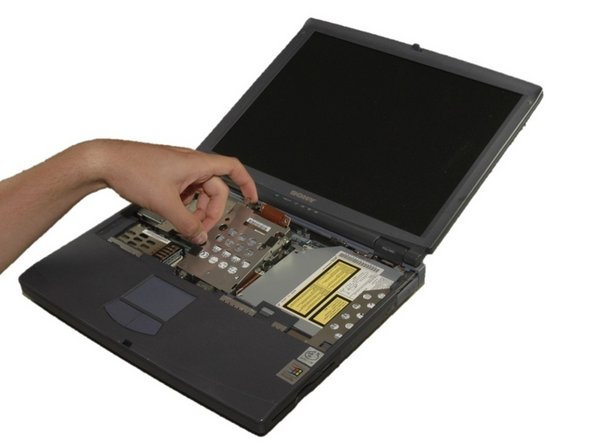
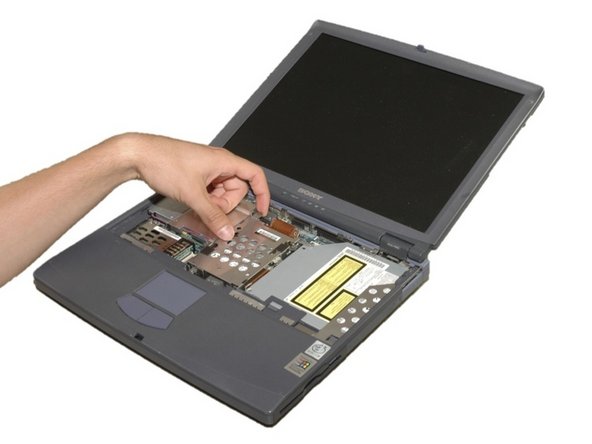
    • Remove the four 4mm Phillips screws around the hard drive cage.

    • WARNING: DVD drive is now loose as well.

    • Carefully lift the hard drive cage out.

    • Carefully disconnect the copper strip to pull out the hard drive.

  10. Sony VAIO PCG-933A Hard Drive Replacement: 10 단계, 이미지 3개 중 1개 Sony VAIO PCG-933A Hard Drive Replacement: 10 단계, 이미지 3개 중 2개 Sony VAIO PCG-933A Hard Drive Replacement: 10 단계, 이미지 3개 중 3개
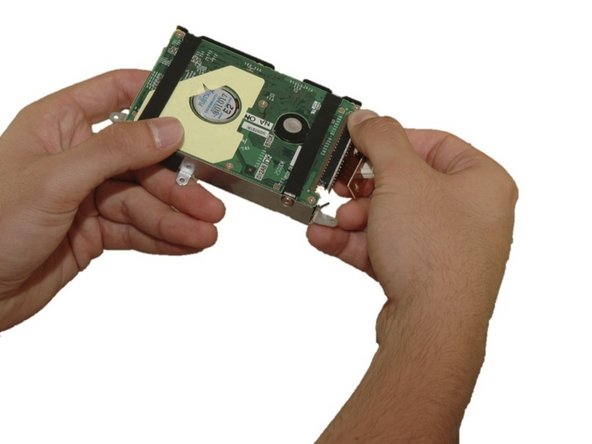
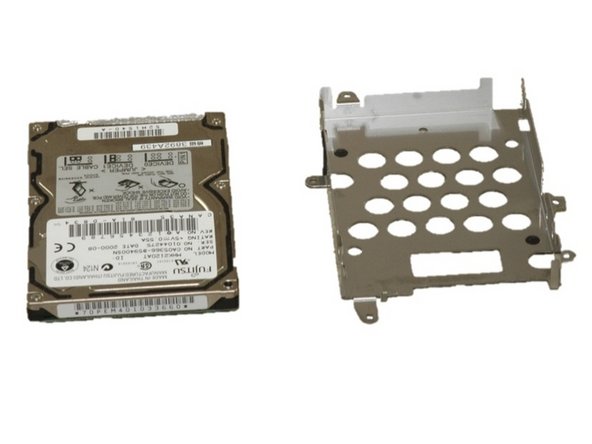
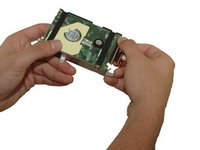
    • Remove the four 4mm Phillips screws that hold the hard drive in the hard drive cage.

    • Gently remove the hard drive from the cage.

    • Gently remove the copper electrical strip from the harddrive.

결론

To reassemble your device, follow these instructions in reverse order.

다른 4명이 해당 안내서를 완성하였습니다.

작성자

7다른 기여자 명과 함께

Sara Lillard

회원 가입일: 04/11/11

165 평판

안내서 8개를 작성함

Cal Poly, Team 12-36, Maness Spring 2011 Cal Poly, Team 12-36, Maness Spring 2011 회원

CPSU-MANESS-S11S12G36

4 회원들

안내서 16개를 작성함

3가이드 댓글

Totally dident expect to find a guide for taking this one apart. Appreciate it!

pat - 답글 공유

Complete Life Saver Thank you Very much for taking the time to Make an Easily Fallowed guide for this laptop. very very much Appreciated

colbailey1 - 답글 공유

would recommend getting a #00 bit for this repair just as well, some of those old screws can be a pain, if the laptop was previously opened or has wrong screws in place

Mr Arch Linux - 답글 공유

댓글 쓰기

조회 통계:

지난 24시간: 3

지난 7일: 20

지난 30일: 93

전체 시간: 8,317