소개
This guide will inform readers on how to safely uninstall the battery of the Sony VAIO VPC-EB33FM laptop.
필요한 것
-
-
Power down the laptop by pressing the power button.
-
Turn the laptop onto its backside.
 FixBot에 문의하기
-
-
-
-
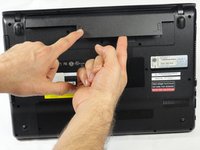
To release the battery, hold both the release button and the unlock button at the same time.
-
-
-
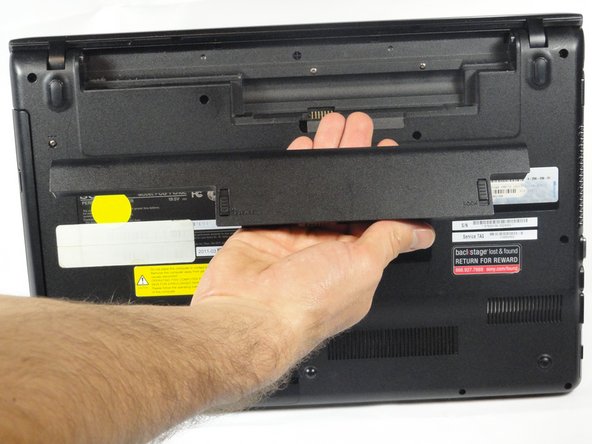
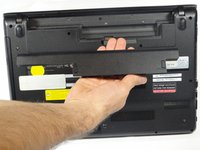
Remove the battery out from the notch while continuing to hold the release button.
-


결론
To reassemble your device, follow these instructions in reverse order.

팀

Cal Poly, Team 18-39, Regan Winter 2013 Cal Poly, Team 18-39, Regan Winter 2013 회원
CPSU-REGAN-W13S18G39
5 회원들
안내서 15개를 작성함
