소개
This guide will show you how to replace the hard drive in a Sony VAIO VPC-EB33FM laptop.
There are several signs of a failing hard drive including sluggish response, freezing, overheating, and even audible clicking or whirring noises from your computer. Hard drives store data, operating systems, and your applications, so you will want to replace that hard drive before it is completely worn out. An earlier replacement will ensure more, if not all, your data is saved.
However, before you uninstall your failing hard drive, you will want to make sure you have backed up any data you would like to save. This includes (but is not limited to), documents, files, music, and photos. Also, have your new hard drive readily available to make this transition as smooth as possible. When you have covered these initial steps, you are ready to begin!
필요한 것
-
-
Power down the laptop by pressing the power button.
-
Turn the laptop onto its backside.
 FixBot에 문의하기
-
-
-
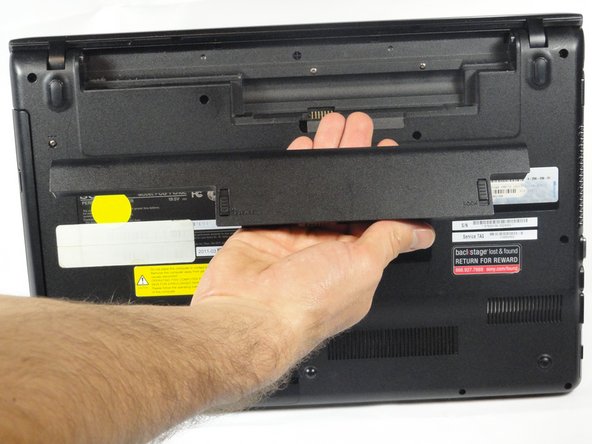
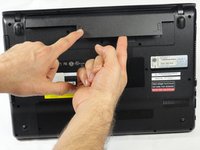
To release the battery, hold both the release button and the unlock button at the same time.
-
-
-
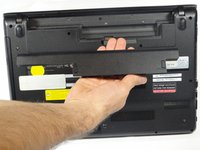
Remove the battery out from the notch while continuing to hold the release button.
-
-
-
-
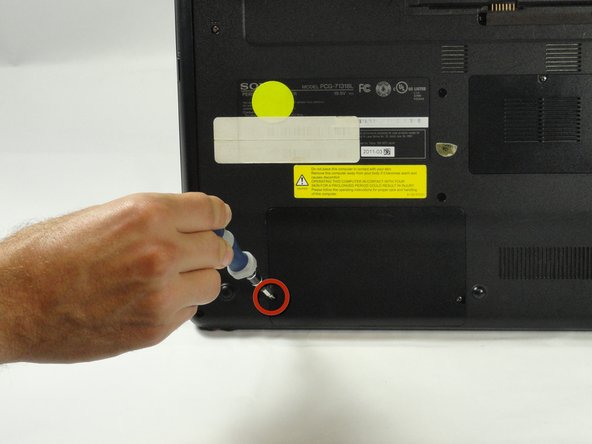
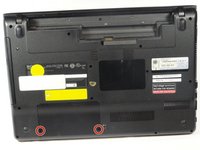
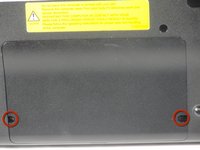
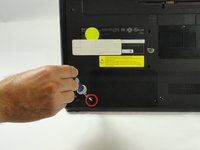
Use a Phillips #00 screwdriver to remove the two 7.8 mm cover screws on the bottom corners of the panel.
-
-
-
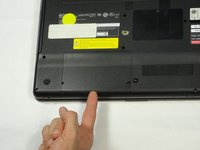
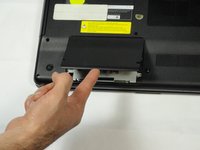
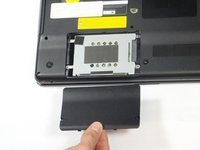
Use a finger/fingernail to grip the notch at the bottom of the panel to lift it off.
-
-
-
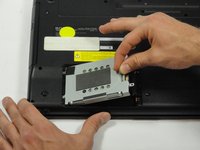
Grab the tab between your thumb and index finger.
-
Hold the hard drive securely in a horizontal position using your other hand.
-
Push the hard drive to the left using the plastic tab to disconnect it from the laptop.
-
-
-
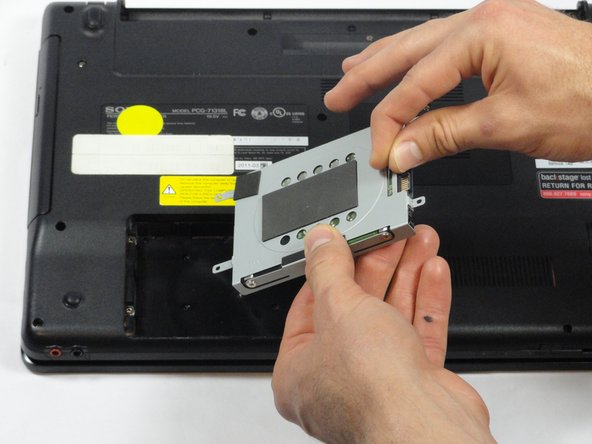
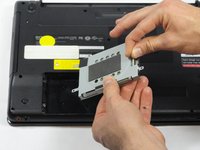
While still holding the plastic tab, lift the right side of the hard drive out at a 45º angle.
-
Pull the hard drive out.
-
-
-
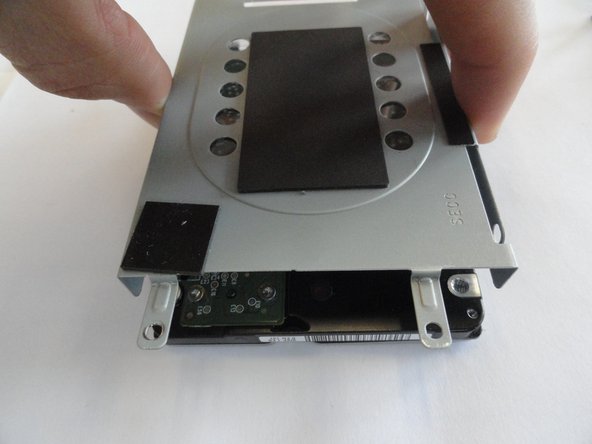
If you need to remove the bracket from the hard drive, follow the next few steps:
-
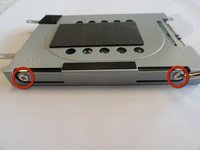
Remove the two 3.7 mm screws from either side of the bracket with a Phillips #00 screwdriver.
-
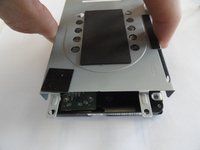
Lift the bracket off the hard drive.
-









To reassemble your device, follow these instructions in reverse order.
다른 9명이 해당 안내서를 완성하였습니다.

팀

Cal Poly, Team 18-39, Regan Winter 2013 Cal Poly, Team 18-39, Regan Winter 2013 회원
CPSU-REGAN-W13S18G39
5 회원들
안내서 15개를 작성함
