소개
If your computer is only displaying a black screen, or if it is struggling to run multiple programs, you may need to replace your RAM. This guide will walk you through how to remove your RAM cards -- the same process for either card -- requiring only a PH0 screwdriver.
필요한 것
-
-
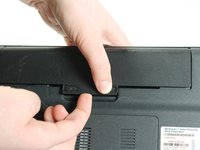
Slide the “Lock” switch to the right.
-
Slide and hold the “Release” switch to the left.
-
-
-
-
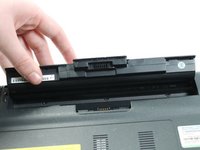
While holding the “Release” switch, lift the lip of the battery.
-
Lift the battery up and out of the laptop.
-
-
-
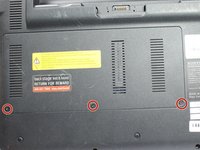
Use a #0PH screwdriver to unscrew the three 4.80mm screws.
-
Remove the panel.
-
-
-
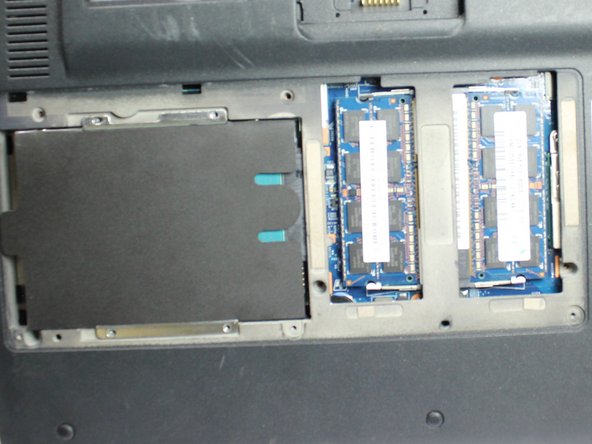
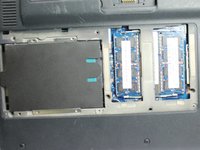
Pull the metal tabs in opposite directions, away from the RAM card.
-
The RAM card will swing upwards.
-

 FixBot에 문의하기





To reassemble your device, follow these instructions in reverse order.
다른 한 분이 해당 안내서를 완성하였습니다.

팀

Appalachian State University, Team S1-G1, Menagarishvili Spring 2019 Appalachian State University, Team S1-G1, Menagarishvili Spring 2019 회원
APSU-MENAGARISHVILI-S19S1G1
3 회원들
안내서 10개를 작성함
