소개
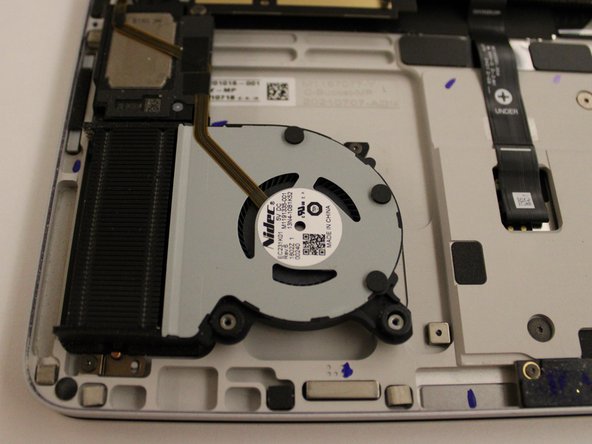
This guide will demonstrate how to replace your devices Fans. This guide is quick and simple. It will only take you 15-20 min and only uses a few tools. You might need to replace your devices fans if you can't hear them and your device is getting hot.
If the fans are spinning under load, use an ESD-safe brush to clean out the blades and remove any built-up debris.
필요한 것
-
이 단계에 사용된 도구:Tweezers$4.99
-
Remove the rubber cosmetic strip along the outside edge of the back plate with tweezers.
 FixBot에 문의하기
-
-
-
Use a hair dryer to lightly heat the rubber feet to soften the adhesive securing them to the case.
-
Remove the two rubber feet on the lower case with an opening tool.
-
-
-
-
Disconnect the battery cable by lifting the pull tab until it "clicks."
-
-
-
Flip up the ZIF locking flap on each socket.
-
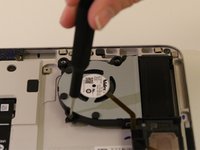
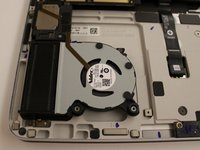
Disconnect the ribbon cables attached to each fan.
-




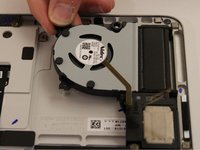

To reassemble your device, follow these instructions in reverse order.
다른 2명이 해당 안내서를 완성하였습니다.

팀

Western Carolina University, Team 1-3, Virtue Spring 2023 Western Carolina University, Team 1-3, Virtue Spring 2023 회원
WCU-VIRTUE-S23S1G3
4 회원들
안내서 14개를 작성함
6가이드 댓글
Any idea where to buy the parts?
cameronjpu - 답글 공유
Any luck in getting the fan replacement part?
Same question, where I can buy those cover plastic stuff.
Mingyuan Ma - 답글 공유
I am also looking for the fan parts
Hi, i am looking also for fan parts. If anybody knows, that would be awesome!
