주요 콘텐츠로 건너뛰기
수리 커뮤니티 가입 - 계정 만들기

TI-84 Plus Disassembly

필요한 것

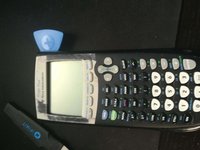
  1. TI-84 Plus Disassembly, flip: 1 단계, 이미지 2개 중 1개 TI-84 Plus Disassembly, flip: 1 단계, 이미지 2개 중 2개
    • Be sure the calculator is powered off before proceeding.

    • Take off the sliding cover, and flip your calculator to the back side.

    댓글 쓰기

  2. TI-84 Plus Disassembly, battery plate.: 2 단계, 이미지 2개 중 1개 TI-84 Plus Disassembly, battery plate.: 2 단계, 이미지 2개 중 2개
    • Press down on the latch, then remove the battery cover.

    댓글 쓰기

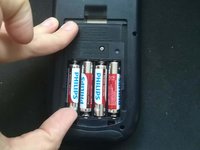
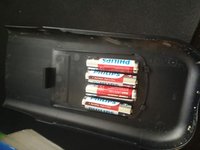
  3. TI-84 Plus Disassembly, take out the batteries: 3 단계, 이미지 2개 중 1개 TI-84 Plus Disassembly, take out the batteries: 3 단계, 이미지 2개 중 2개
    • Remove the batteries.

    • You can use the battery cover as a plate to keep the batteries.

    댓글 쓰기

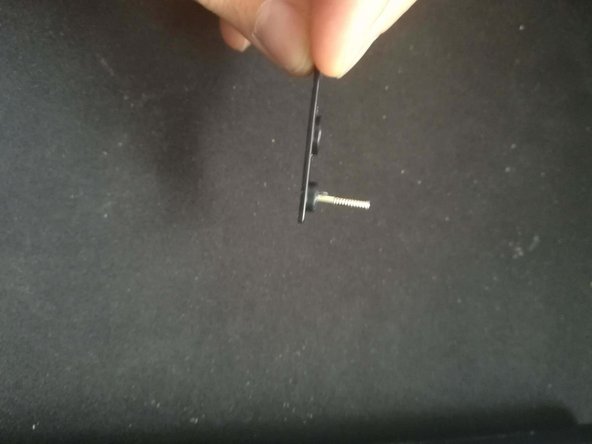
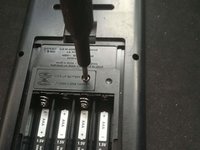
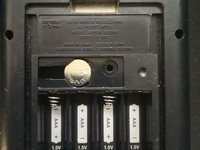
  4. TI-84 Plus Disassembly, back up battery: 4 단계, 이미지 3개 중 1개 TI-84 Plus Disassembly, back up battery: 4 단계, 이미지 3개 중 2개 TI-84 Plus Disassembly, back up battery: 4 단계, 이미지 3개 중 3개
    • Removing this battery will clear your RAM, so be sure that you have made any backups of important data.

    • Use a Phillips #0 to remove the plate from the back up battery.

    댓글 쓰기

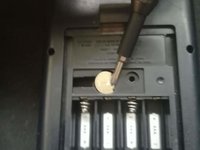
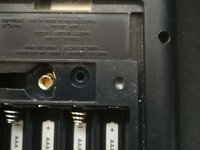
  5. TI-84 Plus Disassembly, backup battery: 5 단계, 이미지 2개 중 1개 TI-84 Plus Disassembly, backup battery: 5 단계, 이미지 2개 중 2개
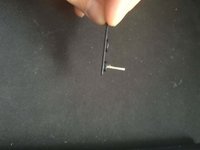
    • Remove the backup battery with either a screwdriver or the spudger.

    댓글 쓰기

  6. TI-84 Plus Disassembly, Remove the back cover: 6 단계, 이미지 1개 중 1개
    • Use a T6 Torx screwdriver to remove the six screws securing the back cover.

    댓글 쓰기

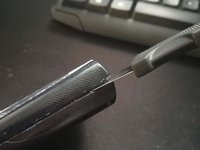
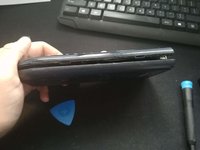
  7. TI-84 Plus Disassembly, cracking the case: 7 단계, 이미지 3개 중 1개 TI-84 Plus Disassembly, cracking the case: 7 단계, 이미지 3개 중 2개 TI-84 Plus Disassembly, cracking the case: 7 단계, 이미지 3개 중 3개
    • Use a prying tool to get a pick into the side and then move it down until it's open.

    댓글 쓰기

결론

To reassemble your device, follow these instructions in reverse order.

취소: 해당 안내서를 완성하지 않았습니다.

다른 12명이 해당 안내서를 완성하였습니다.

작성자

6다른 기여자 명과 함께

martijn muntenaar

회원 가입일: 12/20/18

777 평판

안내서 1개를 작성함

1가이드 댓글

Nice! My calculator wasn't turning on, took it apart and rebent the contacts for the batteries, works great now!

Noah Molla - 답글 공유

댓글 쓰기

조회 통계:

지난 24시간: 3

지난 7일: 37

지난 30일: 164

전체 시간: 13,674