소개
Thrustmaster sells spare parts through its online store.
You can also contact Thrustmaster technical support to obtain a replacement part if it is not available in your area.
필요한 것
-
-
Unscrew the 4 screws on the front panel.
-
Unscrew the 3 screws under the cover.
-
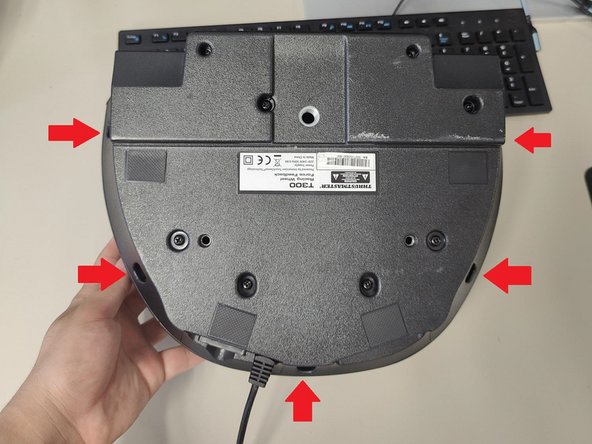
Unscrew the 5 screws under the base.
-
Take off the top cover from your base by lifting it from the back.
 FixBot에 문의하기
-
-
-
-
Disconnect the fan connector from the main PCB.
-
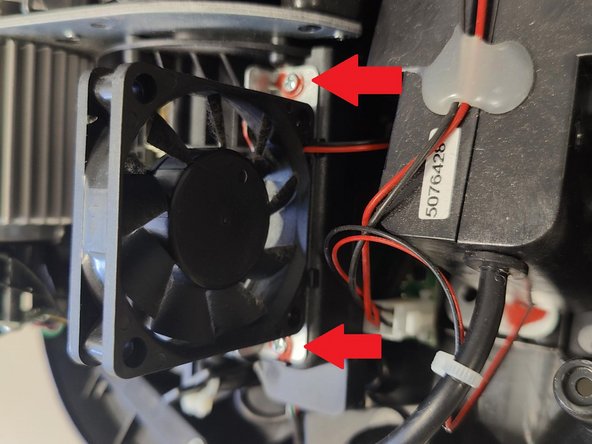
Remove the fan by unscrew 2 screws of the fan.
-






결론
To reassemble your unit, follow the instructions in reverse order.
다른 3명이 해당 안내서를 완성하였습니다.


