소개
The Toastmaster blender is operated by pressing down on the blend button, in which the blender will blend its contents until the button is released. Because plastic buttons are prone to deforming and slipping out of position, a blender's buttons may become loose due to repeated use causing the button to reposition in a way that will make the appliance malfunction. Small blenders are safe and repairing the button is not a difficult procedure. In general, repairing the button requires taking the blender apart, finding the correct position of the button, and putting it back in place.
Fixing broken or jammed devices is a commonly needed repair that can extend the life of the appliance. This can prevent unnecessary disposal of appliances that are still fixable and usable. This can not only save users in terms of costs, but it is also sustainable to prevent throwing appliances and devices out when they can still be fixed and used.
필요한 것
-
-
-
Unplug the plug if connected to any outlets.
-
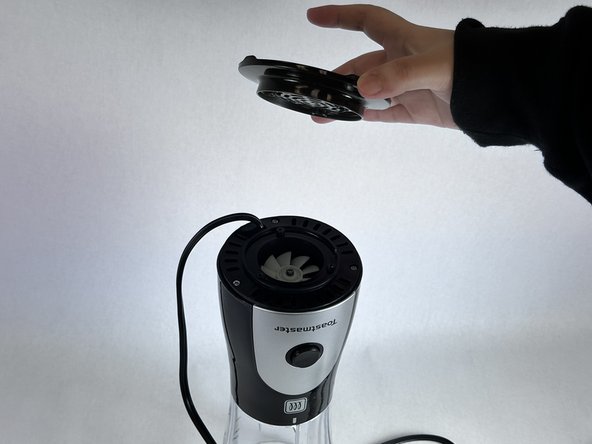
Take off the cap from the blender and turn the appliance upside down.
 FixBot에 문의하기
-
-
-
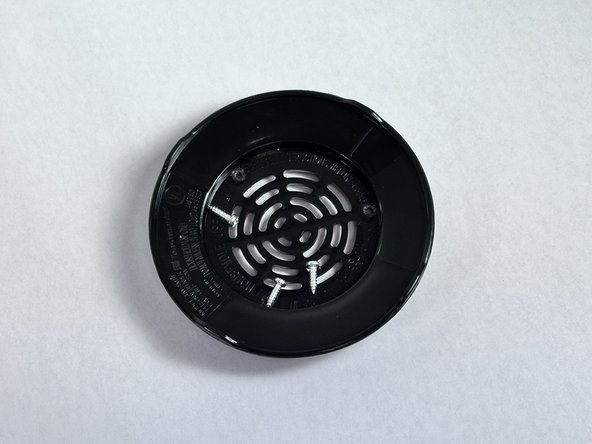
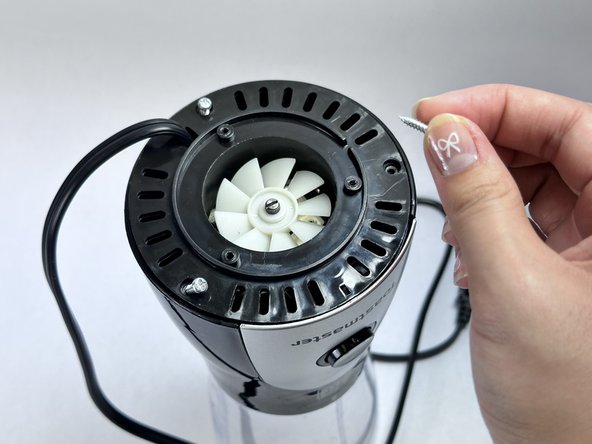
Use the Allen wrench to remove the three silver screws on the next level of the blender.
-
-
-
-
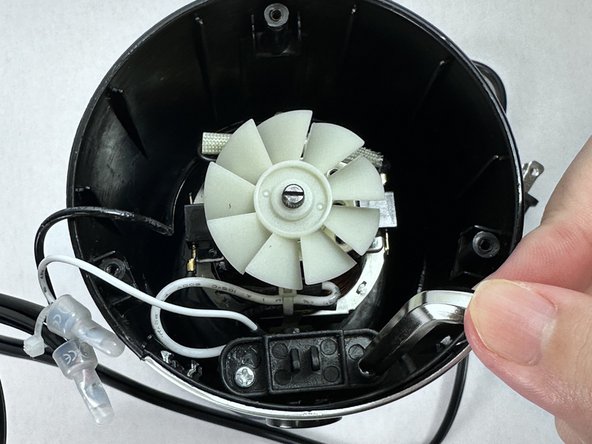
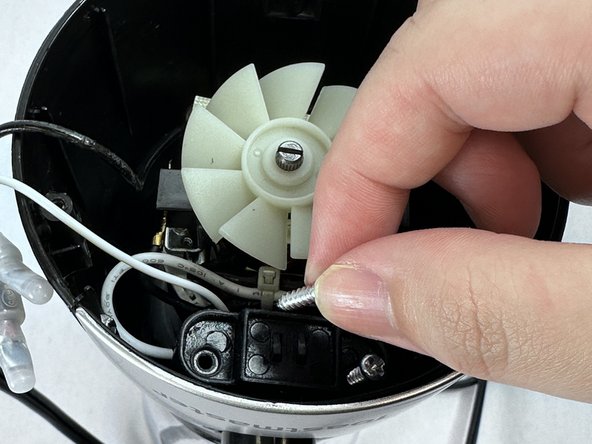
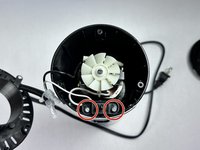
Looking into the internal part of the blender, identify the two silver screws near the button and unscrew them with the screwdriver.
-
Carefully remove two silver screws.
-
-
-
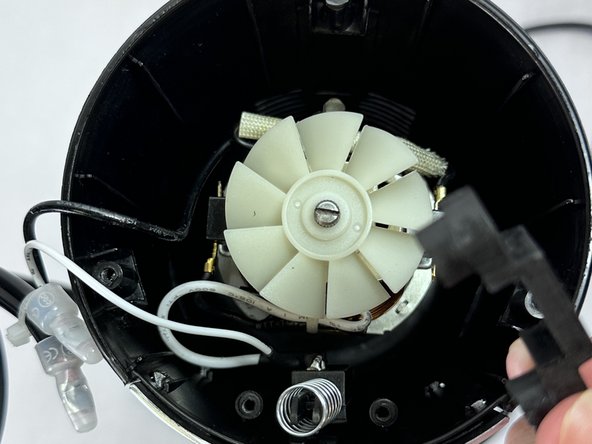
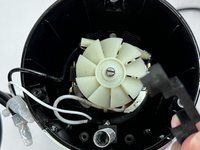
Take out the black piece that was attached with the screws and safely place it aside.
-
-
-
Take out the button from the blender.
-
Make sure that side is facing up and place it back into the original position.
-
-
-
Reassemble all the parts back, and screw all the screws back to its original place.
-
-












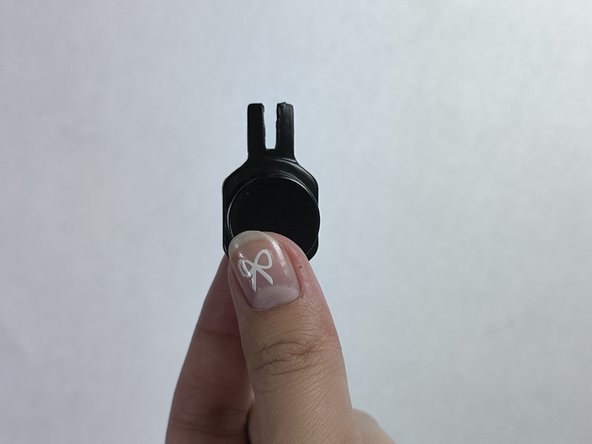
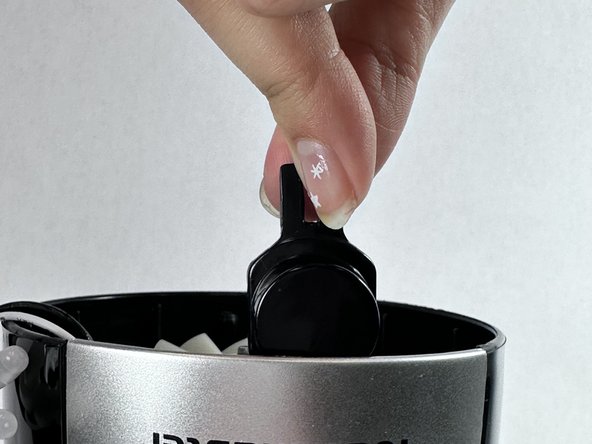


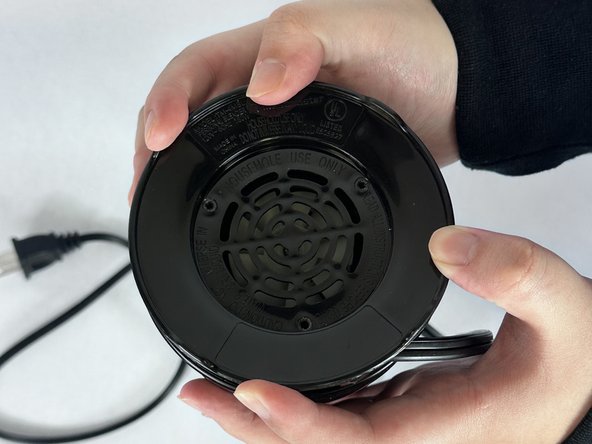
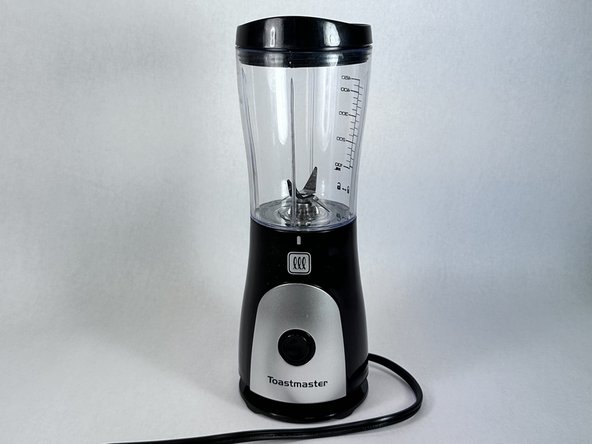


To reassemble your device, follow these instructions in reverse order.
다른 한 분이 해당 안내서를 완성하였습니다.

팀

UC Davis, Team 4-8, Andersen Winter 2024 UC Davis, Team 4-8, Andersen Winter 2024 회원
UCD-ANDERSEN-W24S4G8
2 회원들
안내서 2개를 작성함
