필요한 것
-
-
-
Make sure the lock switch for the back cover is unlocked.
-
The cover is unlocked when the switch is slid in the direction of the 'unlock' icon.
 FixBot에 문의하기
-
-
-
Remove back cover by prying away from the Thrive.
-
The easiest place to pry from is one of the two speakers.
-
-
-
To remove the battery, make sure the lock switch is in the unlocked position.
-
The battery is unlocked when the switch is slid to the unlocked position.
-
-
-
Slide the battery switch release to the right.
-
While holding the switch in place, lift up the battery.
-
-
-
-
-
-
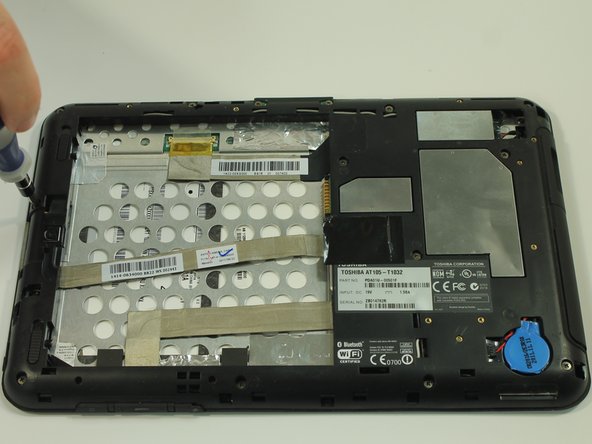
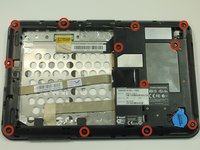
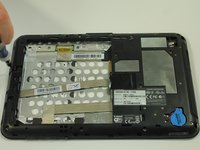
Start by using a screwdriver to remove the 12 screws holding on the back cover. The screws are 5mm in length and require a PH0 screwdriver.
-
All of these screws are identical so don't worry about getting them mixed up.
-
-
-
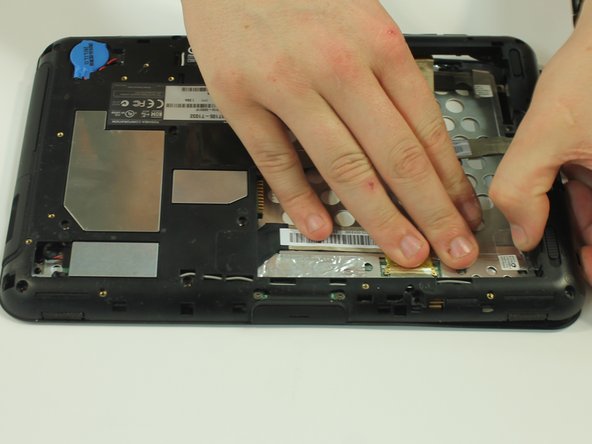
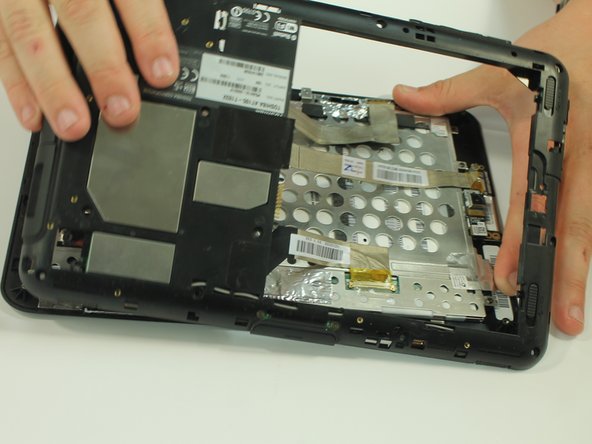
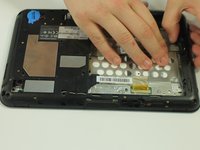
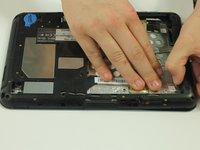
Start to gently pry the back of the device off, while leaving it loosely in place.
-
Be careful not to tear or damage the cables when removing the back.
-
-
-
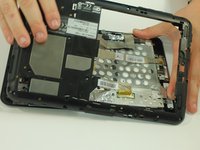
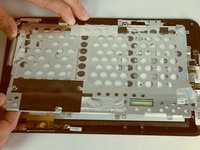
Once the back of the case is off, disconnect the wires by gently pulling on the plastic tabs as shown.
-
-
-
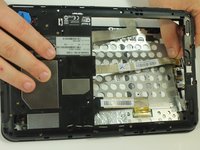
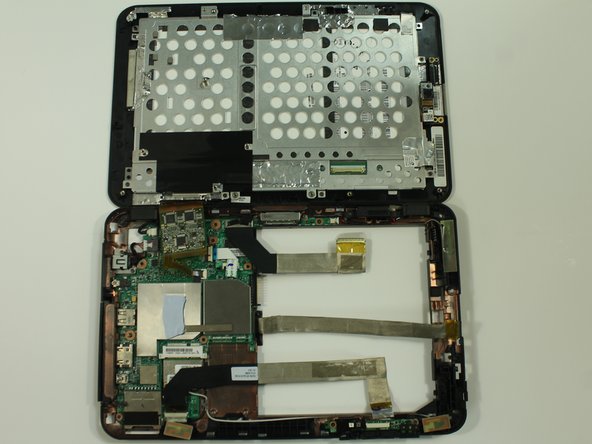
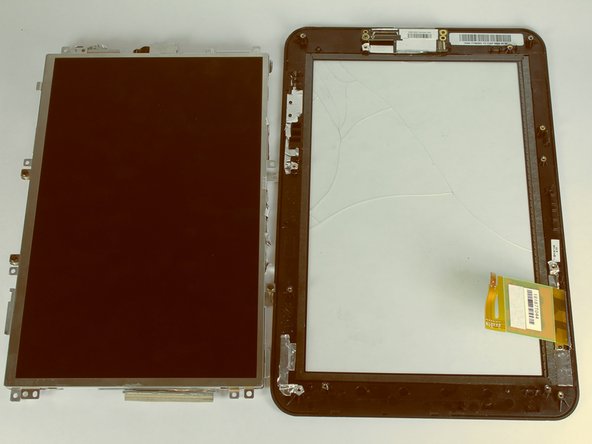
Carefully open the device like a book and lay the two halves beside each other.
-
-
-
-
-
Separate the two halves of your Thrive
-
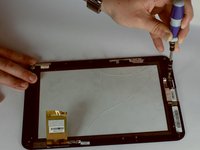
Using a Phillips screwdriver, remove the six screws holding the LCD in place. These screws are 3mm in length and require a PH0 screwdriver.
-
-
-
With a spudger, disconnect the cable connecting the camera to the motherboard.
-
-
-
Remove the one screw holding the camera in place. The screw is 3mm in length and requires a PH0 screwdriver.
-
Lift up the camera from the screen.
-
-


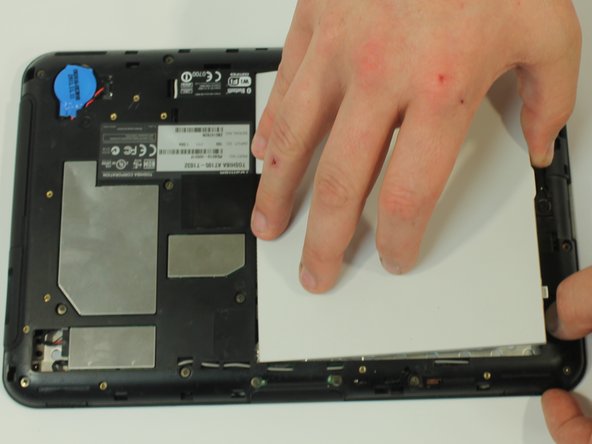

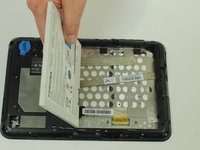



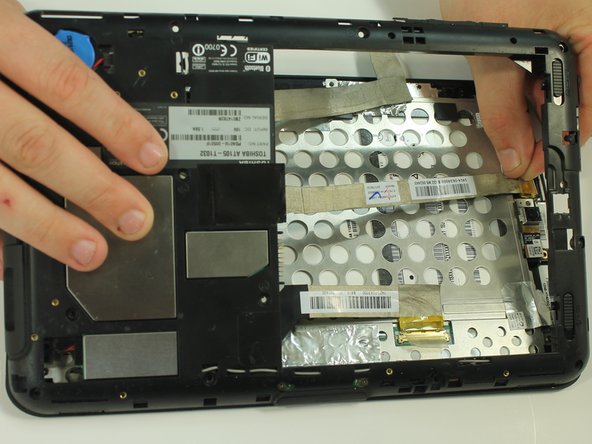
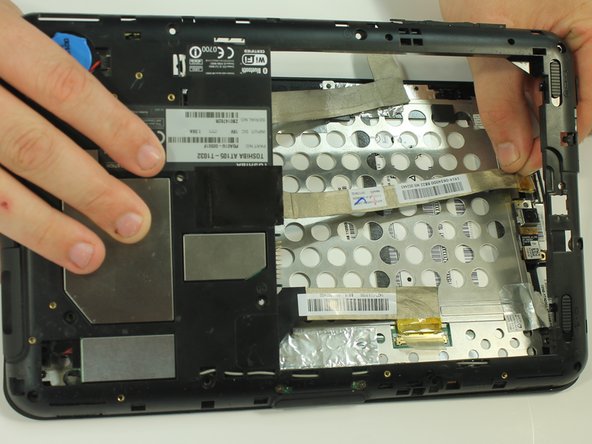


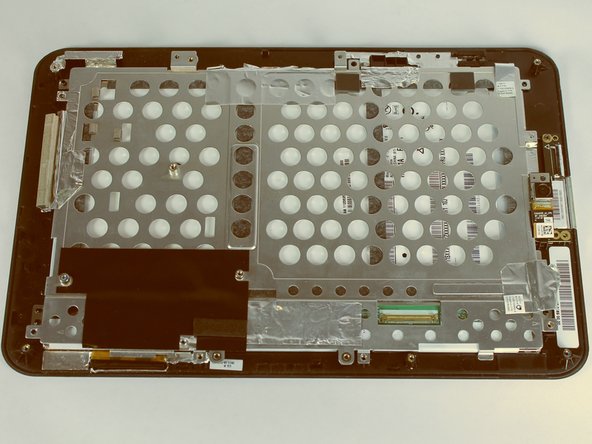
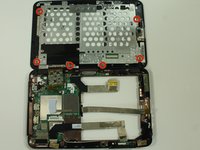
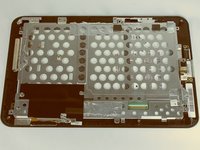

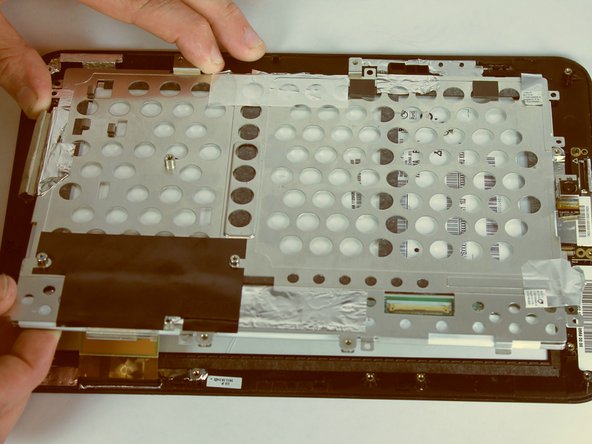


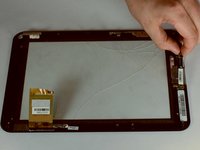
To reassemble your device, follow these instructions in reverse order.
다른 4명이 해당 안내서를 완성하였습니다.

팀

USF Tampa, Team 10-1, Brown Fall 2014 USF Tampa, Team 10-1, Brown Fall 2014 회원
USFT-BROWN-F14S10G1
3 회원들
안내서 12개를 작성함
